Keeping Elbow and Knee Angles
AccuPOSE will position the fingers at a commonly natural angle to form hand gestures. However, when gestures are intentionally set for a specific purpose, you may need to disable the AI's automatic adjustments to maintain the desired pose.
- Create a character and apply a hand gesture.
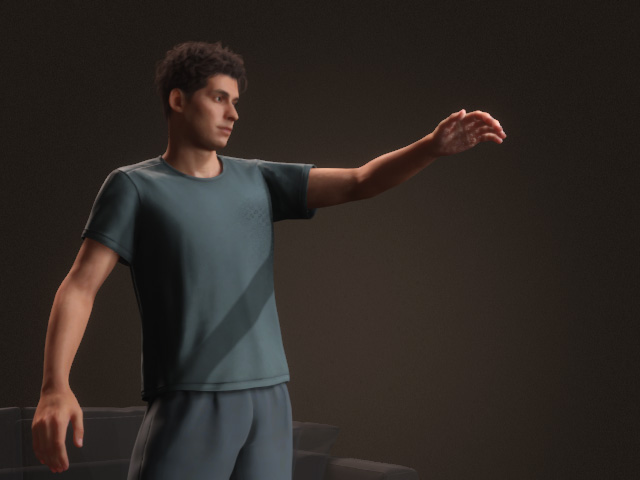
- Select the character and open the AccuPOSE panel.
- Activate the Keep Finger Adjustments feature.
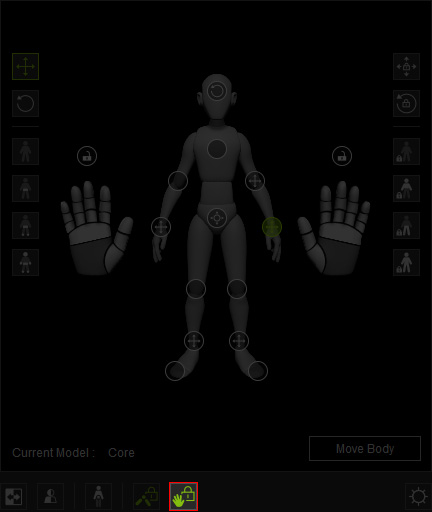
- Adjust the fingers to create a gesture.
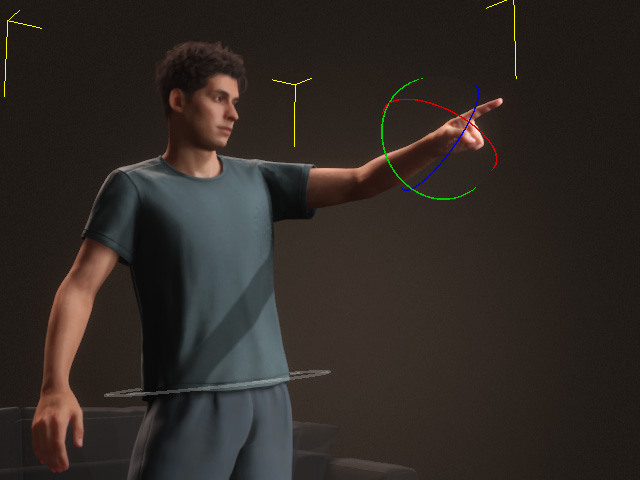
The hand control points will automatically lock in the Control Panel.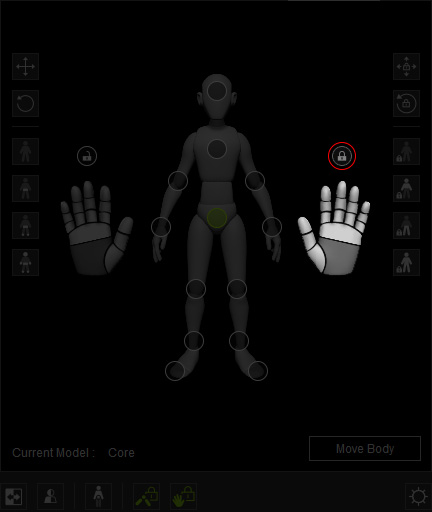
- Drag around as an attempt to repose the hand. Notice that the
gesture remains unchanged since the fingers are locked.
- Go to another time frame.
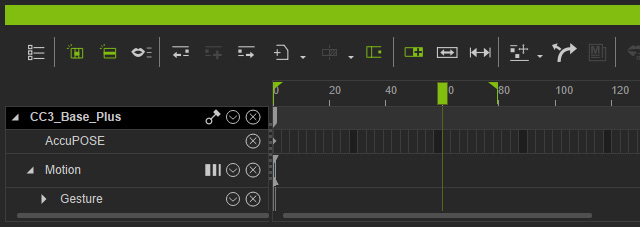
- Deactivate the Keep Finger Adjustments feature, also, unlock the fingers.
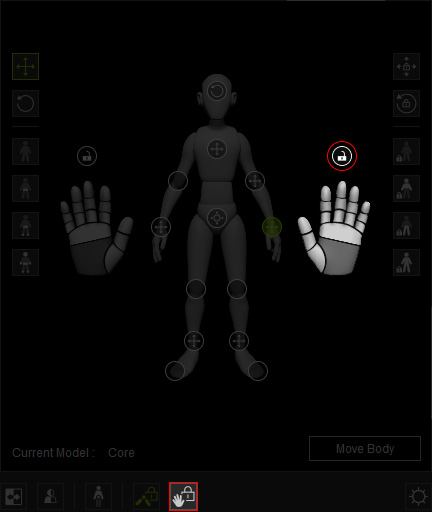
- Drag the hand again. The fingers will be computed.
- A motion clip will be generated by the edit motion layer keys.
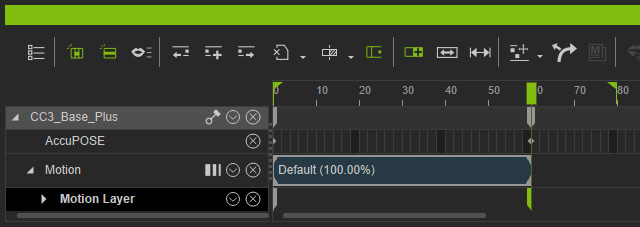
Playback to view the result.
