Editing the Motion List
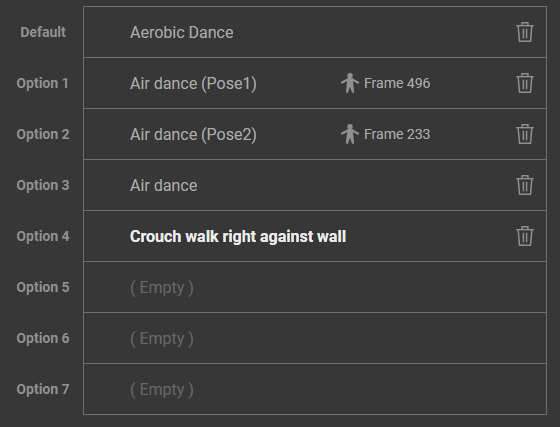
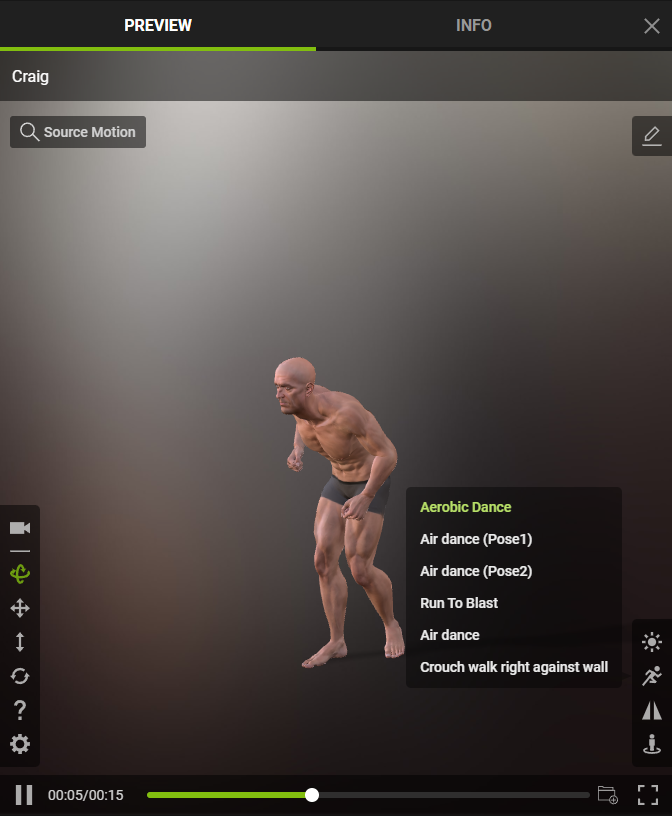
During the editing of your Motion List, you have the flexibility to rename motions and poses and eliminate any unnecessary ones. This also affects the way they are displayed when your actors are shared across various social media platforms.
|
|
|
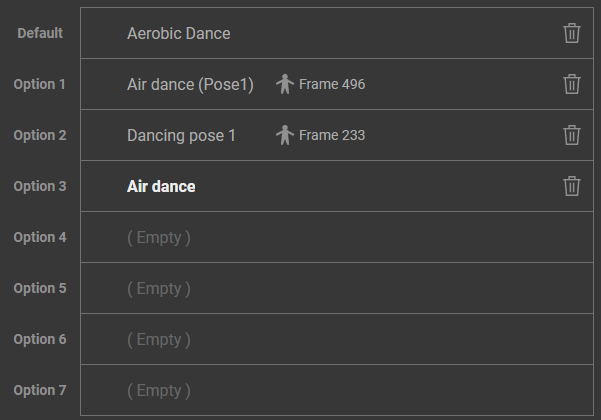
Editing the motion list. |
The resulting display in the public viewport. |
Renaming Motions and Poses
To rename the motions and poses within the list, follow the steps below:
- Hover your cursor over the motion or pose you want to rename, and click the edit icon when it appears.
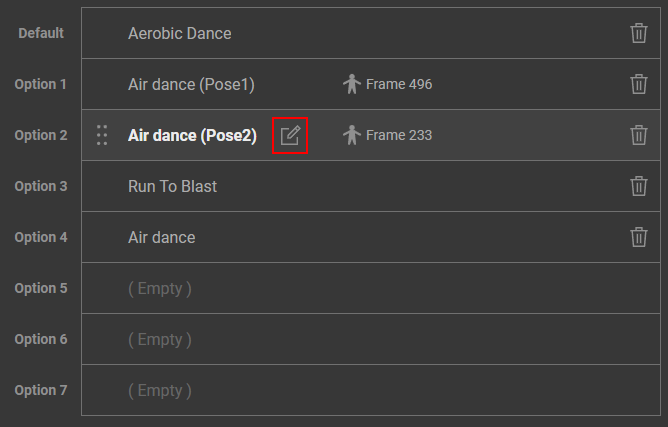
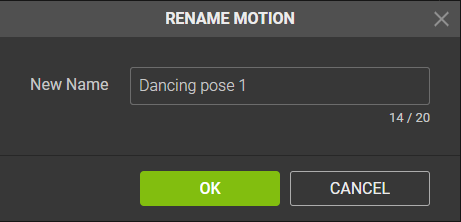
- The Rename Motion dialog box will appear, edit the name you want for this motion/pose.
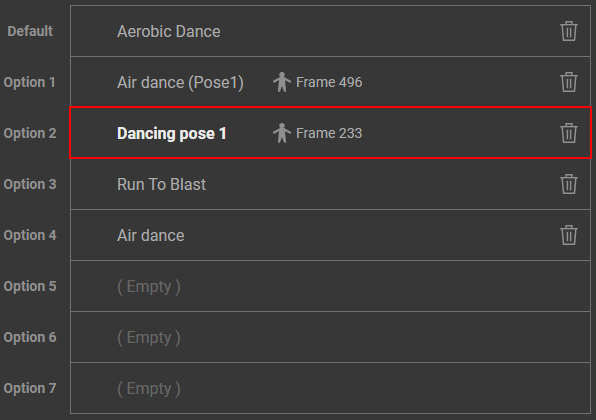
- In the Motion List, the motion/pose you selected has been renamed.
Removing Motions and Poses
To eliminate redundant motions and poses, follow the steps below:
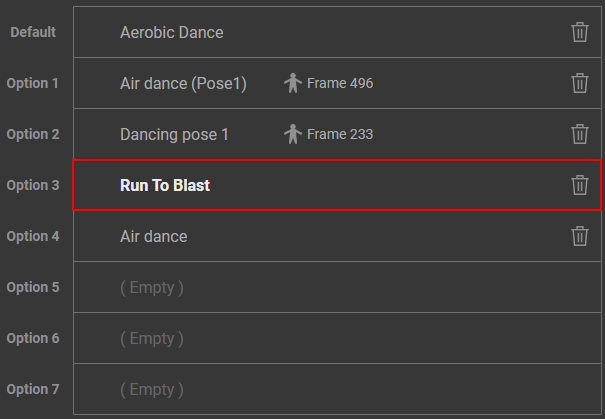
- Select the motion you want to delete, and click the trash can icon.
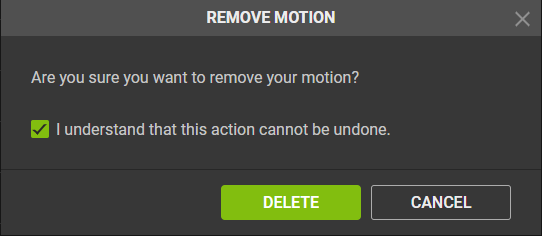
- The Remove Motion dialog box will appear.
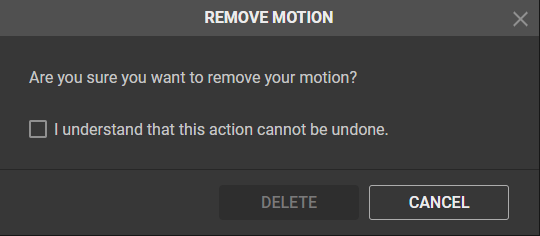
- Check the box (I understand that this action cannot be undone), and click the Delete button.
- The motion is removed from your Motion List.
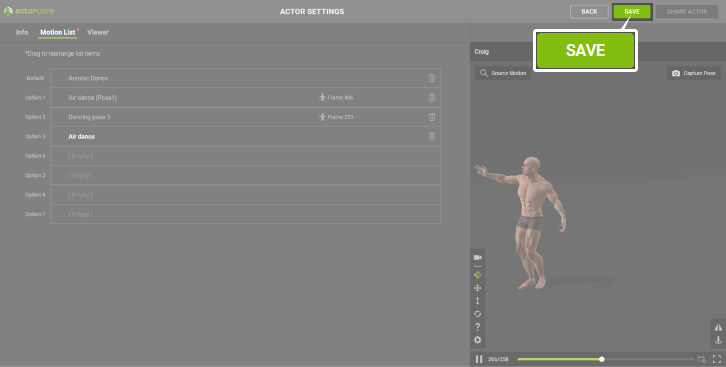
To store the modified motions and poses for your actor, simply click the SAVE button located near the top right corner.