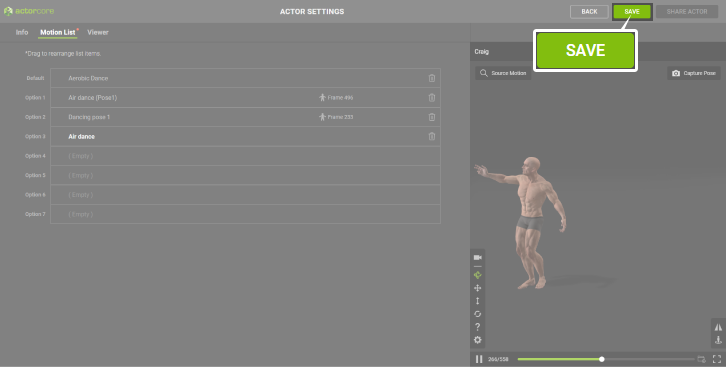
Rearranging the Motion List
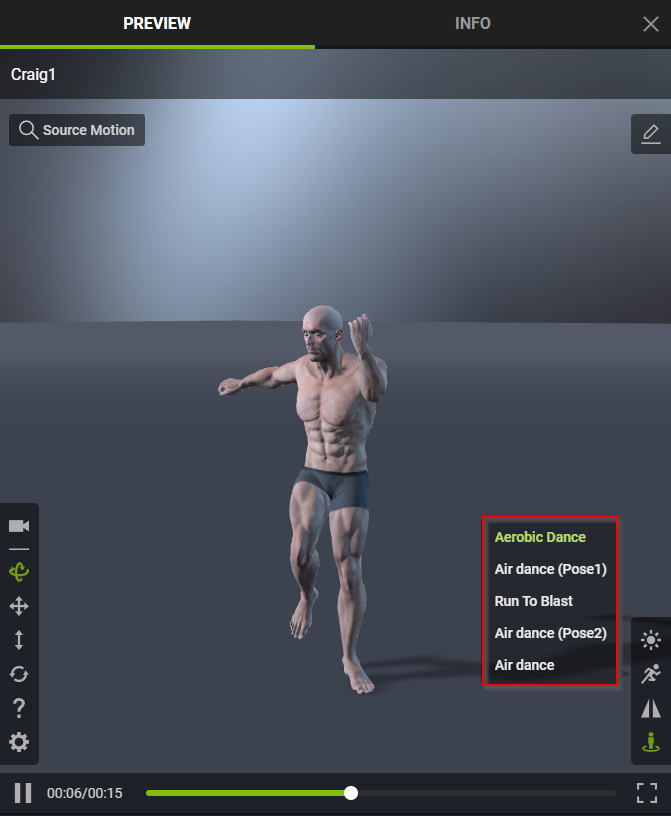
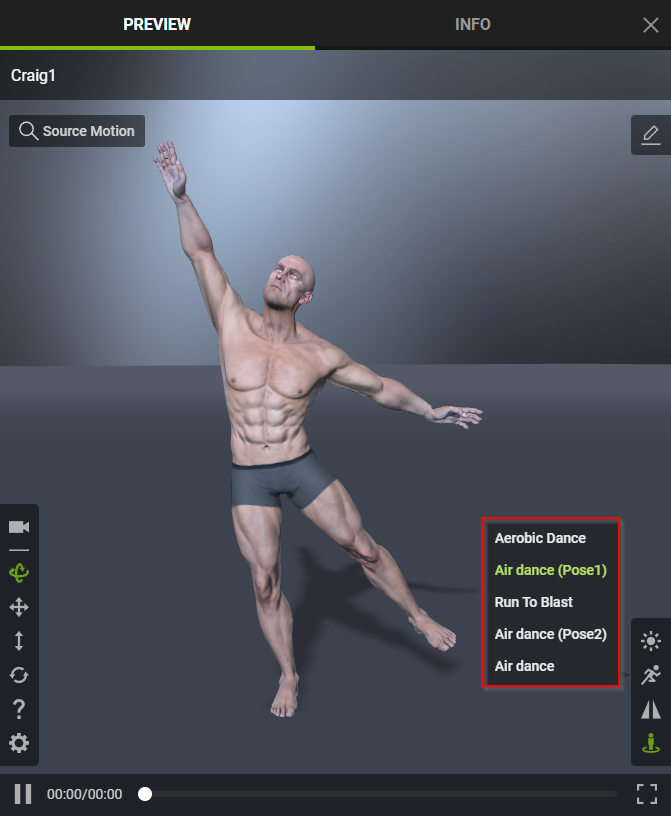
Within the Motion List, you can rearrange and tailor the sequence of the motions and poses added to your actor. The arrangement you curate within the Motion List will be accurately depicted in the viewport for actors featured in Personal Actors and Shared Actors.
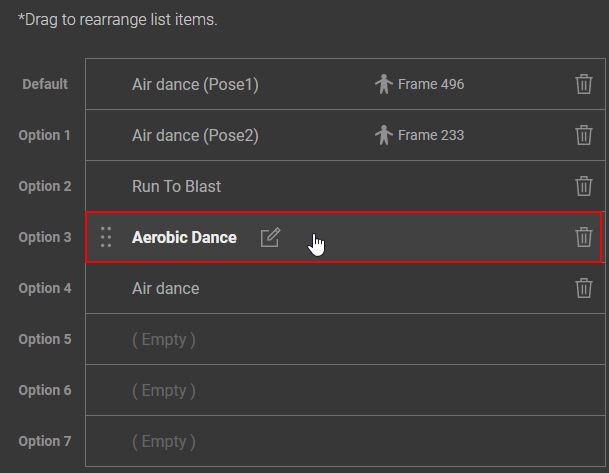
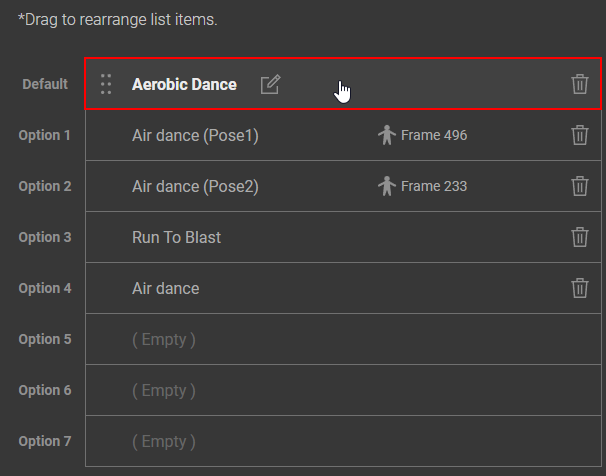
To organize the sequence of your chosen motions or poses, just hover your cursor over the desired motion or pose, then click and drag it to the preferred position.
|
|
|
Before |
After |
The order of the poses in the list will be presented the same way when others view your actor.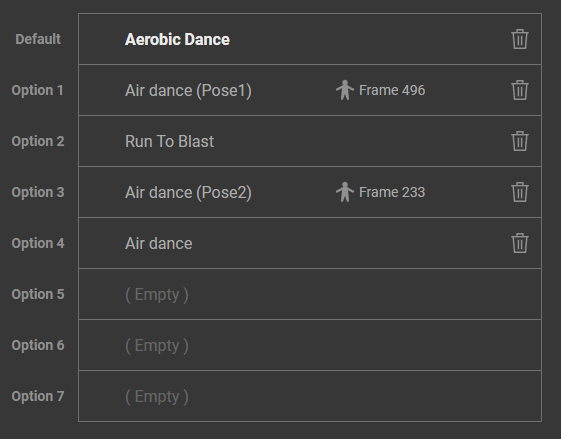
|
|
|
Personal Actors Viewport |
Shared Actors Viewport |
Remember to click the SAVE button near the top right corner to save your updated Motion List.