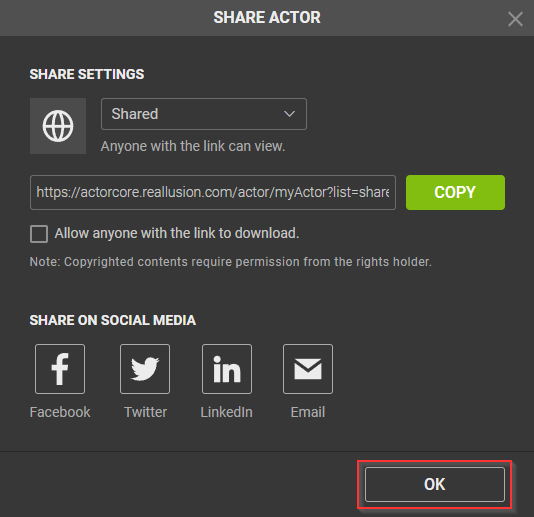
Sharing Actors
You can quickly share the rigged actors to social media. Utilize this system to collaborate with teammates or distribute your work across various social networking platforms and bring your 3D actors to life by applying a variety of motions from the Motion Libraries. This article will give you the skills necessary to effectively share your creations with others.
- Click the Share Actor button under the viewport to start sharing your model.
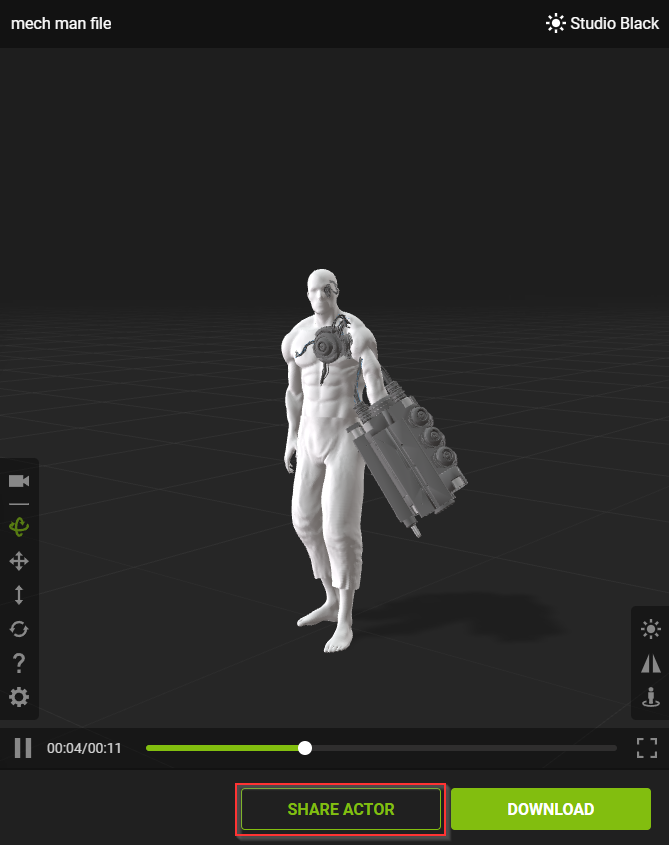
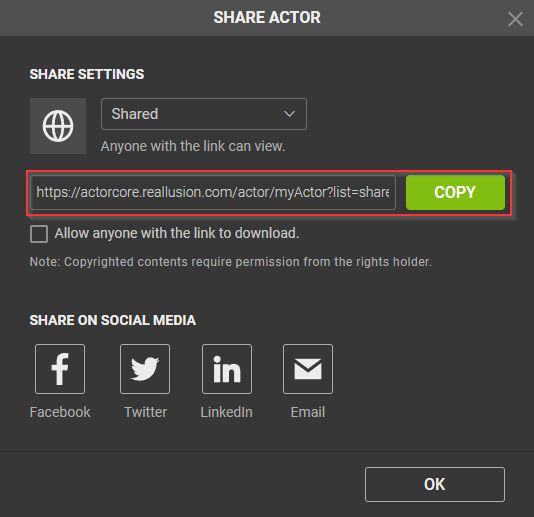
- Expand the SHARE ACTOR > SHARE SETTINGS drop-down menu.
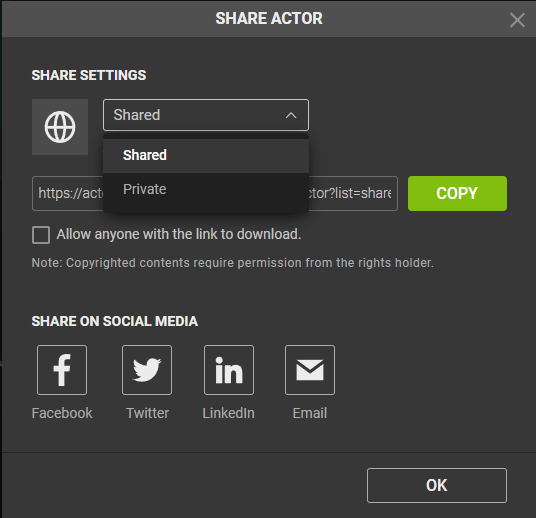
- Shared: Your model will be made public and anyone on the internet with the link can view your model.
- Private: Your model will be made private and only you will be able to view the model.
- By activating the checkbox right beneath the URL link, you allow anyone with the link to download your public model.
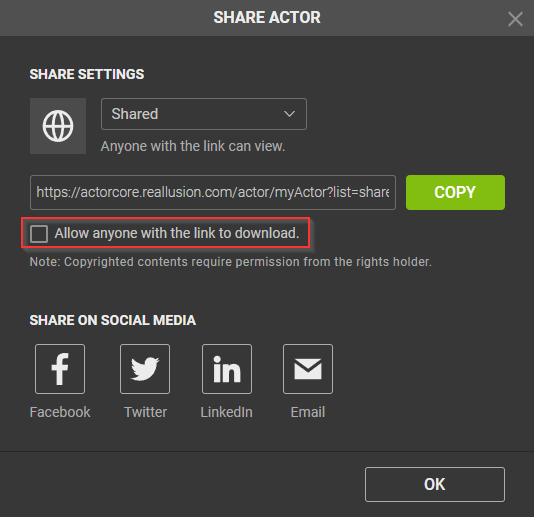
-
Copy the URL link, and you are ready to share your model.
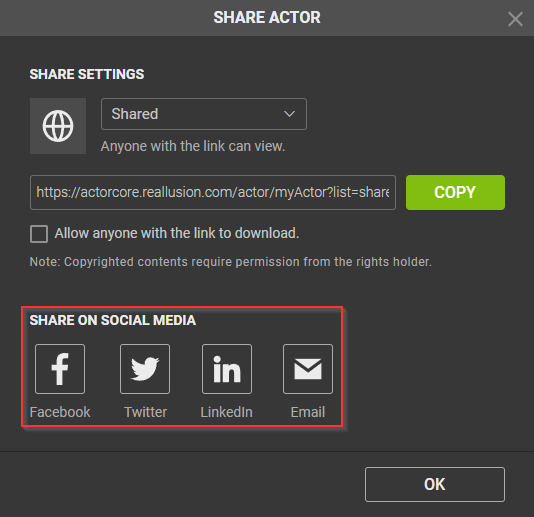
- Click on any social media icon under the SHARE ON SOCIAL MEDIA section to start sharing.
- Click on the OK button to finalize your share settings.