Adding to Favorites
The like feature can be incredibly helpful in organizing your assets as it allows you to quickly find your favorite actors or motions whenever they are needed. We will explore the favoriting system by using a motion as an example.
 Note:
Note:
The method for liking your assets are the same for both actors and motions.
|
|
|
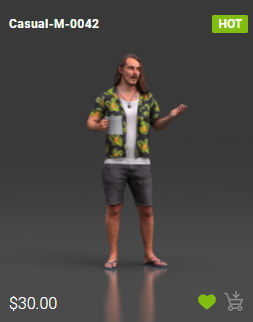
Actor |
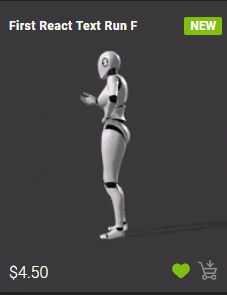
Motion |
- To like a motion, click on its thumbnail and click the heart icon on the bottom-right corner of the thumbnail. The empty heart icon will turn green.
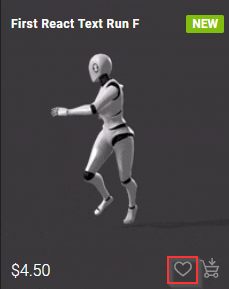
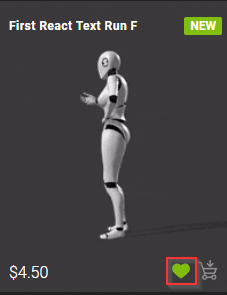
Before
After
- At the top-right corner of the ActorCore website, there will be an avatar icon. Click on the icon and a drop-down menu will appear.
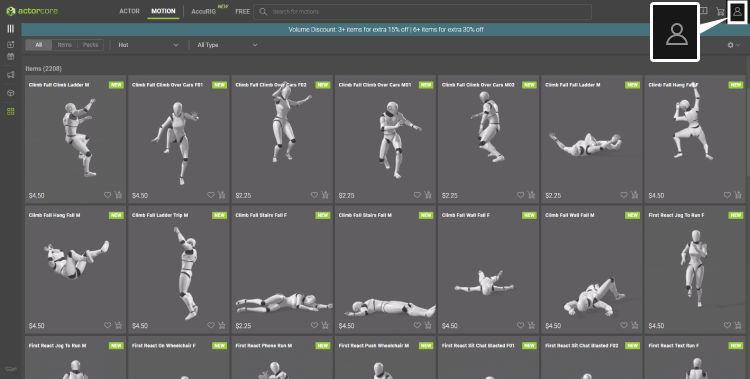
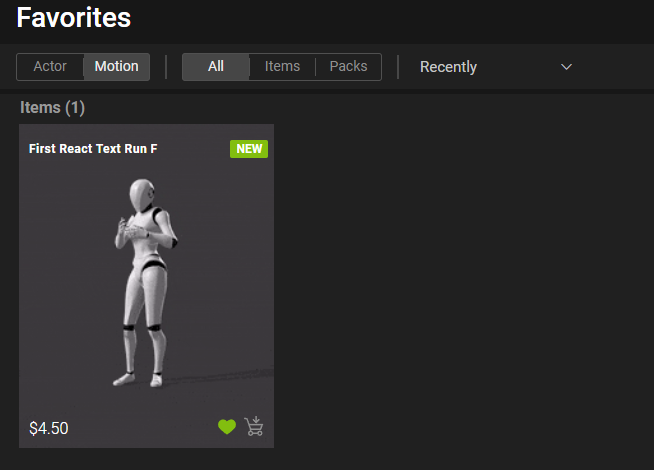
- Click Favorites to view the motions you have liked.
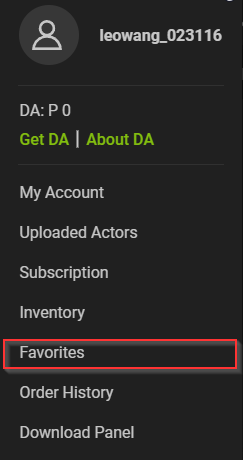
-
Your liked motions will be shown on the Favorites page.