Deleting Actors
Deleting actors that are outdated or that have become obsolete, is a good way to keep your library of actors organized.
- Every actor thumbnail under Personal Actors has a kebab menu at the bottom-right corner. You can use this menu to make quick changes to your actor model.
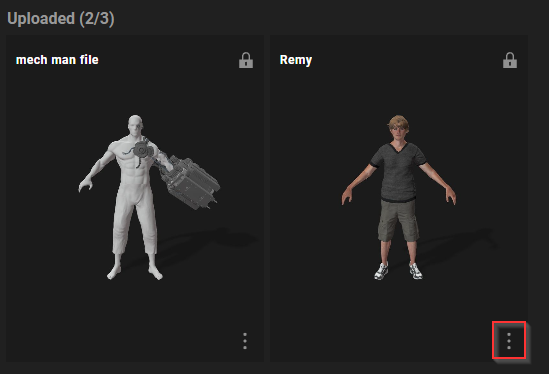
- Click the kebab icon and a drop-down menu will appear.
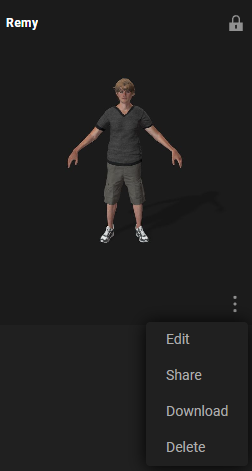
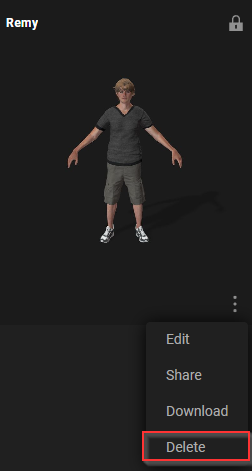
- Click the Delete button at the bottom of the drop-down menu.
- The DELETE MY ACTOR dialog box will appear asking if you are sure about deleting this model. Keep in mind that deletions are permanent.
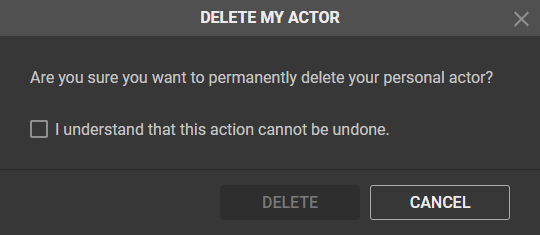
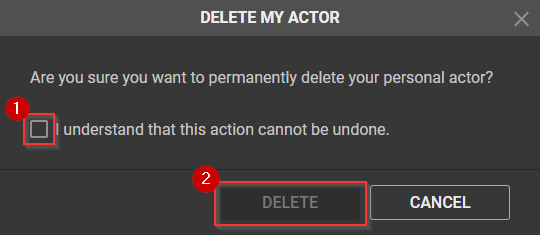
- The DELETE button at the bottom of the dialog box will be disabled. This is because you have to activate the checkbox that indicates you have understood the implications of deleting your actor.
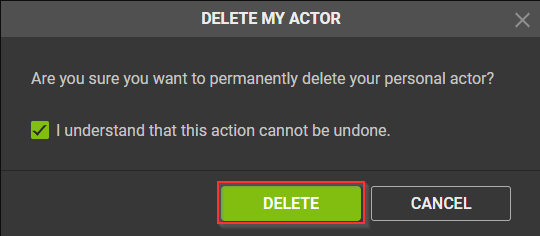
- After confirmation of your intent to permanently delete your actor, the DELETE button will be enabled. Press the DELETE button to remove you actor from your ActorCore account.
 Note:
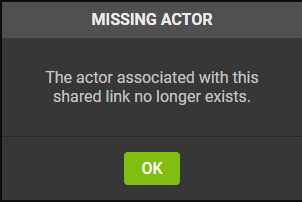
Note:By privatizing your publicly shared actors or deleting them, you will have also invalided the links to these actors that have been shared with other people or hosted on certain websites.