Auto Setup for Pipelines
Auto Setup is a plugin that is available for several Reallusion-compatible software such as Blender, Maya, and Unreal. This plugin will automatically apply unique texture maps to your models when you import FBX files into a supported third-party software. This plugin can substantially improve the efficiency of your workflow and ease the process for importing 3D characters from iClone and Character Creator.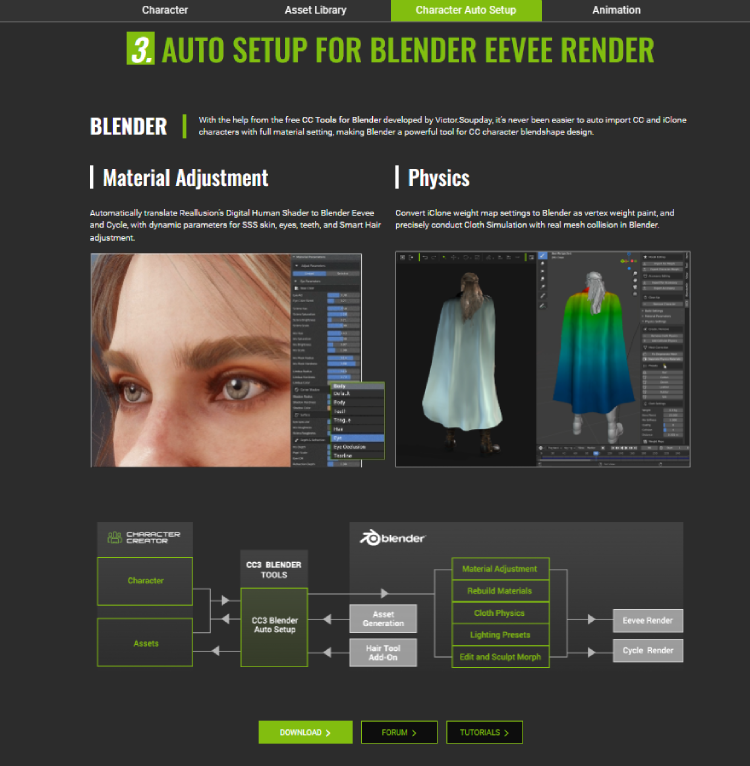
When you download an actor from the ActorCore website, a pop-up window will appear with a Target Application drop-down menu. By setting a target application, you can greatly reduce errors and save a lot of time during the file transfer.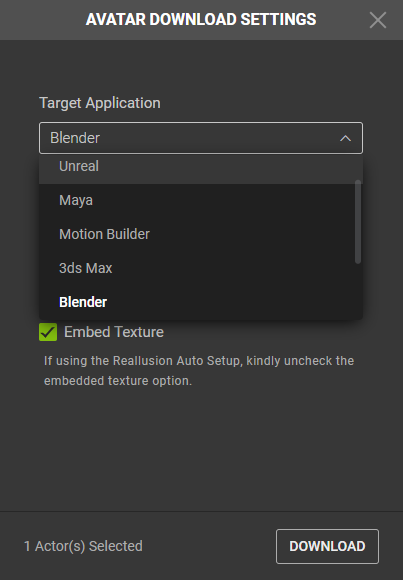
By embedding the textures, the diffuse, bump, and opacity maps will be included in the actor’s FBX file. Since the essential texture maps are all included, the downloaded FBX file becomes a self-contained format.
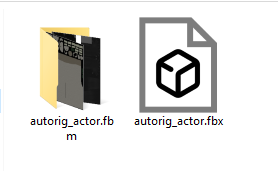
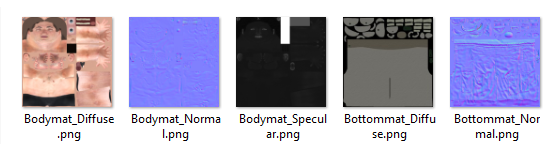
If you leave the Embed Textures options unchecked, the actor will download into two separate directories.
The FBX file for the actor will be in one folder while the other folder will contain the PNG texture maps. This gives you more freedom when working with the textures because they can be readily modified and updated on an individual basis.
You can click on the Learn button at the top-right corner of the ActorCore website and select Supported Software.
The page that follows provides dedicated step-by-step guides for each support software that contains all the necessary information on installation and usage.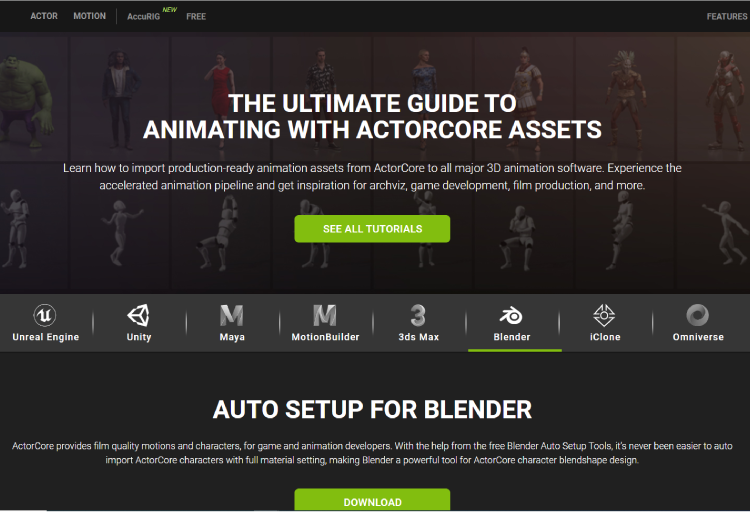
The compatible software listed on the ActorCore site is mentioned below (click on the links to access the step-by-step guides):
