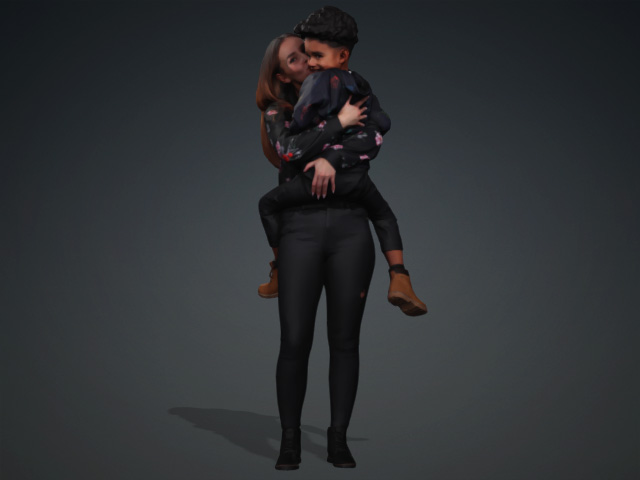
Load Character Step
Start the character rigging procedure by importing a model In the Load Character step.
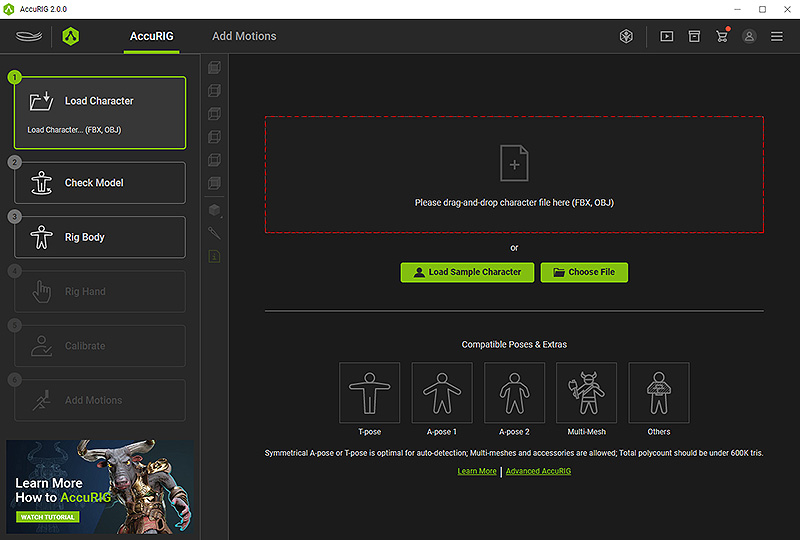
There are 3 ways to load a character:
- Drag and drop the model into the red dashed frame.
- Click the frame area or the Choose File button to load a model file.
- Click the Load Sample Character button to load from a collection of embedded characters.
Recommended Model Types
Theoretically, any biped model in FBX or OBJ format can be loaded into AccuRIG application for auto-rigging, however, some models are recommended for best results.
T-pose
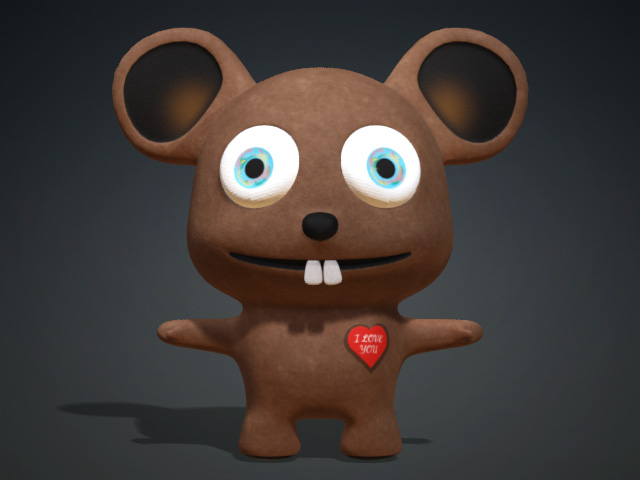
A-pose
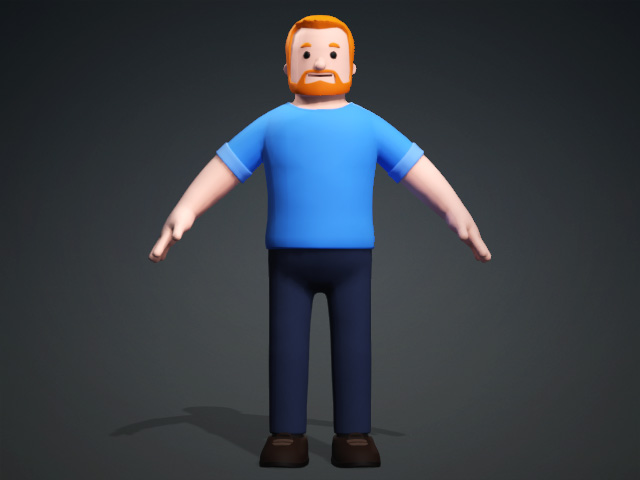
Relaxed A-pose
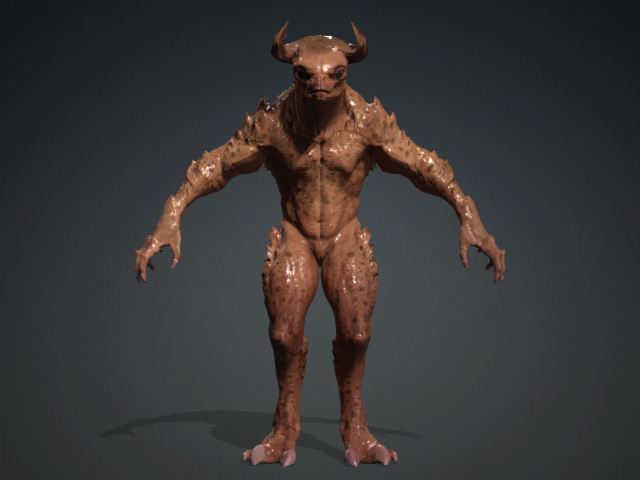
Models Wearing Accessories
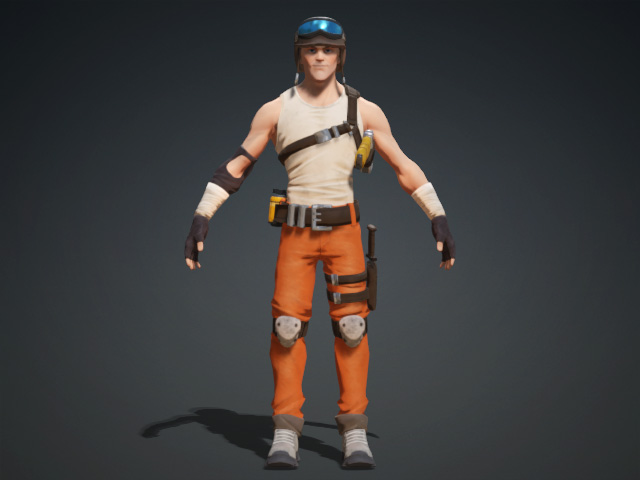
Models with Special Poses