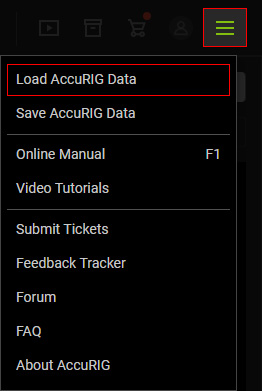
Saving and Loading Joint Statuses
In the Rig Body and Rig Hand steps, the joints are masked and repositioned for creating and removing bones. AccuRIG provides features to save these adjustments (a.k.a. AccuRIG Data) into an INI file that can be loaded for similar models to save time.
Saving AccuRIG Data
If the joints statuses (locations, masks) are satisfactory, you can save them in INI format.
- Position and mask the joints in the Rig Body step, and reposition the joints in the Rig Hand step.
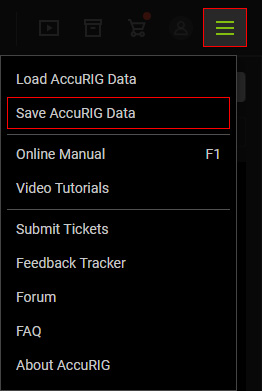
- Execute the Help > Save AccuRIG Data command.
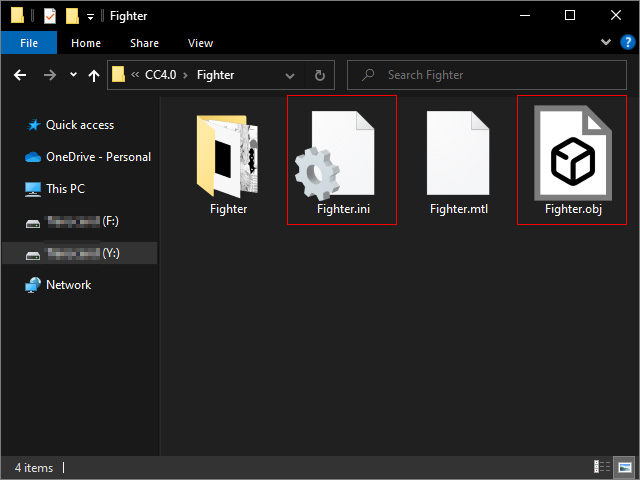
- Save the data to an INI file. Saving the INI where the original model is stored is recommended.
Loading AccuRIG Data
If an AccuRIG Data file was saved, then you can load the file for the same model at step 2, 3 and 4.
- Loading in Check Model step: You can load the file in the Modify panel.
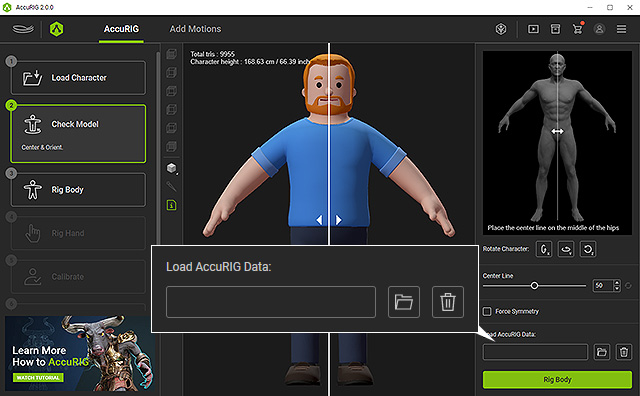
After the file is loaded, the joint statuses can only be seen in the Rig Body and Rig Hand steps. - Loading in Rig Body or Rig Hand step: In these two steps, you can load the INI file from the Help > Load AccuRIG Data
menu command.