Viewer Settings
The Viewer page provides a range of settings to customize the default viewing angle of your character and the background atmosphere. These settings are useful for designing your actor’s thumbnail on the Info page. The configurations you make on the Viewer page will be applied as the default representation across all viewports and players, whether for sharing with others or for embedding purposes.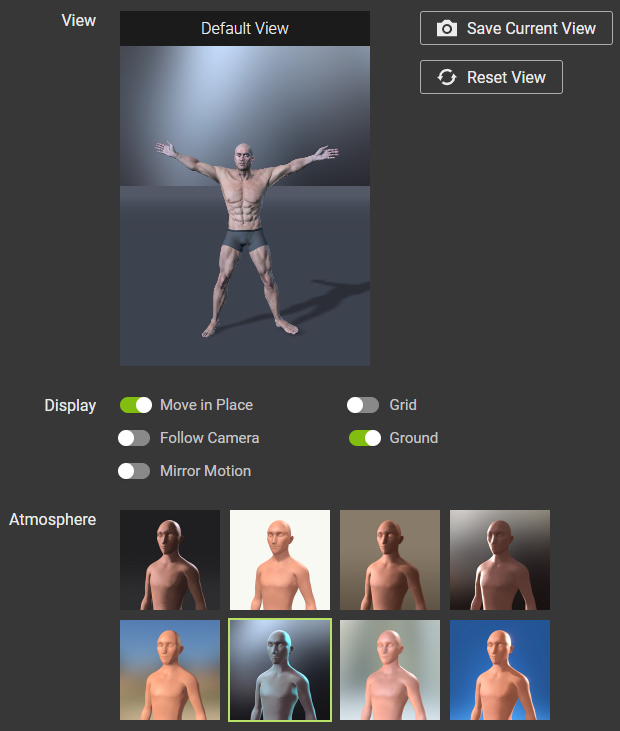
View
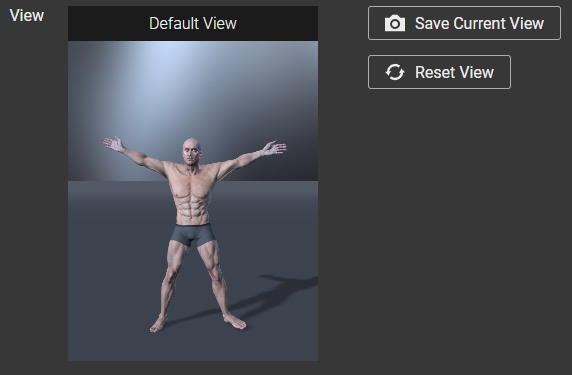
- Default View: The default viewing angle for your actor.
Before setting the default view.
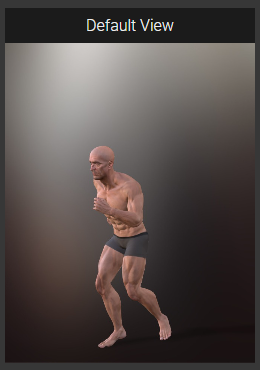
After setting the default view.
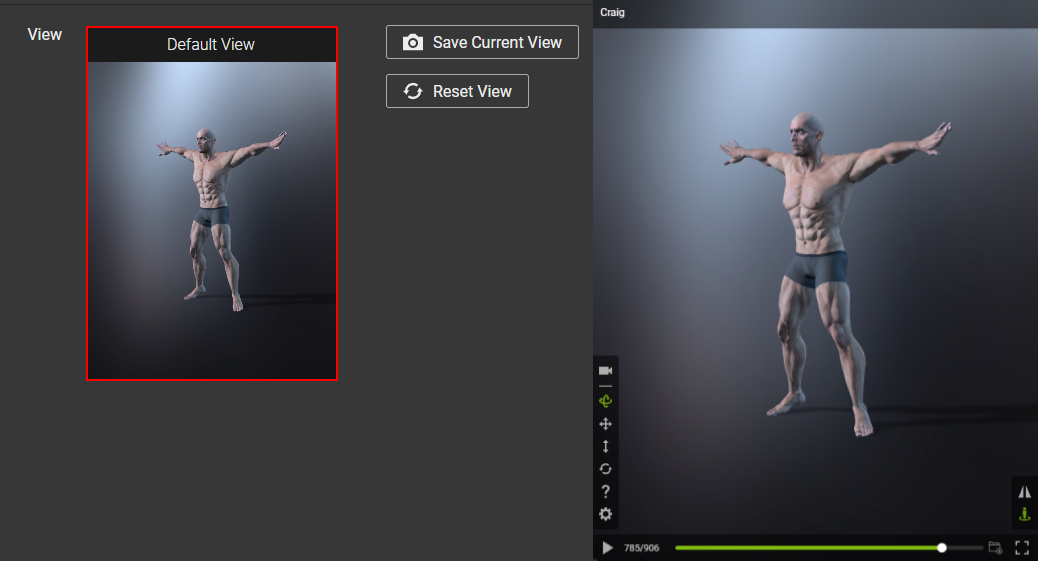
- Save Current View: Clicking this button will save the current viewing angle and background displayed in the viewport as the new default view.
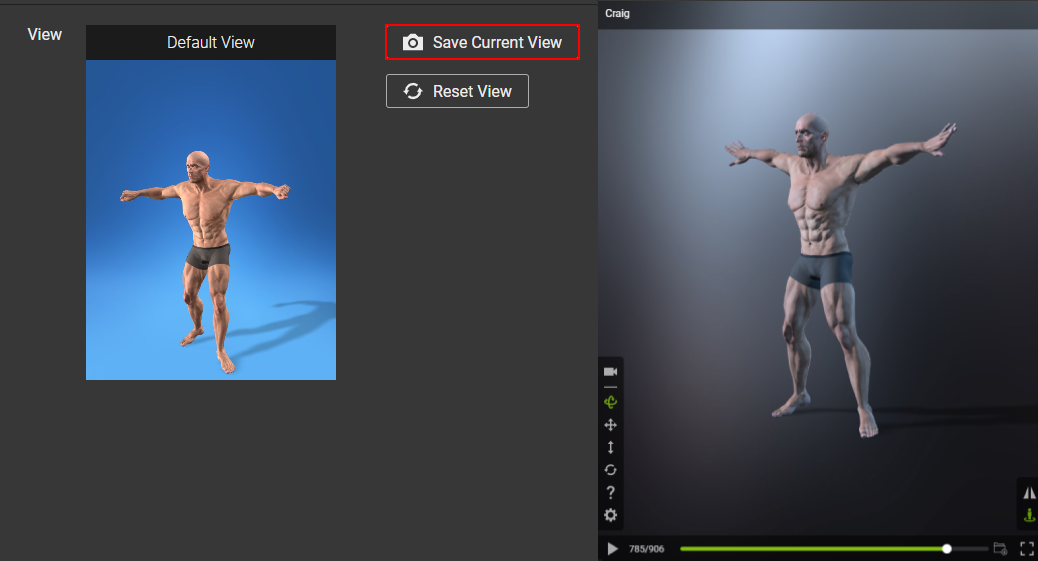
Before saving the current view.
After saving the current view.
- Reset View: Resets the default view back to default.
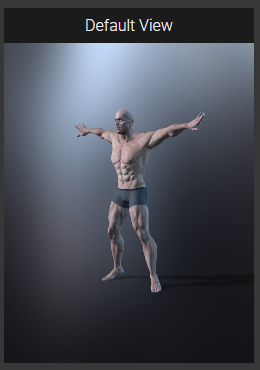
Before resetting the default view.
After resetting the default view.
Display
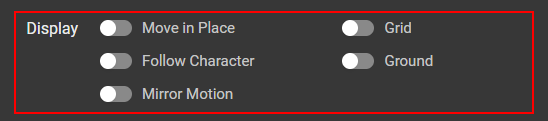
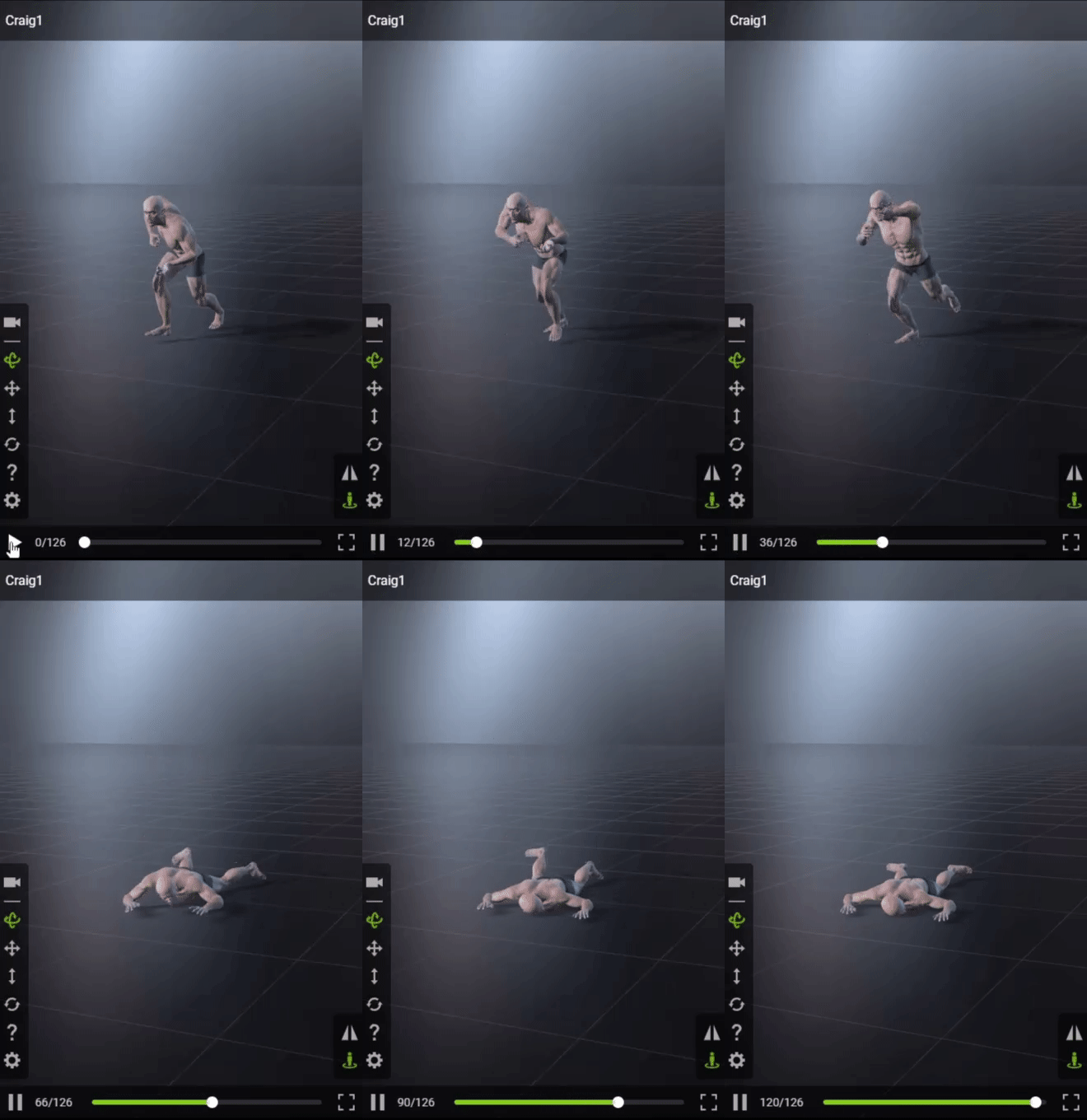
- Move in Place: Fixes the character to the world origin so it is prevented from moving out of frame when motion is applied. This configuration doesn't constrain the vertical axis, allowing the character to execute actions like jumping, for instance.
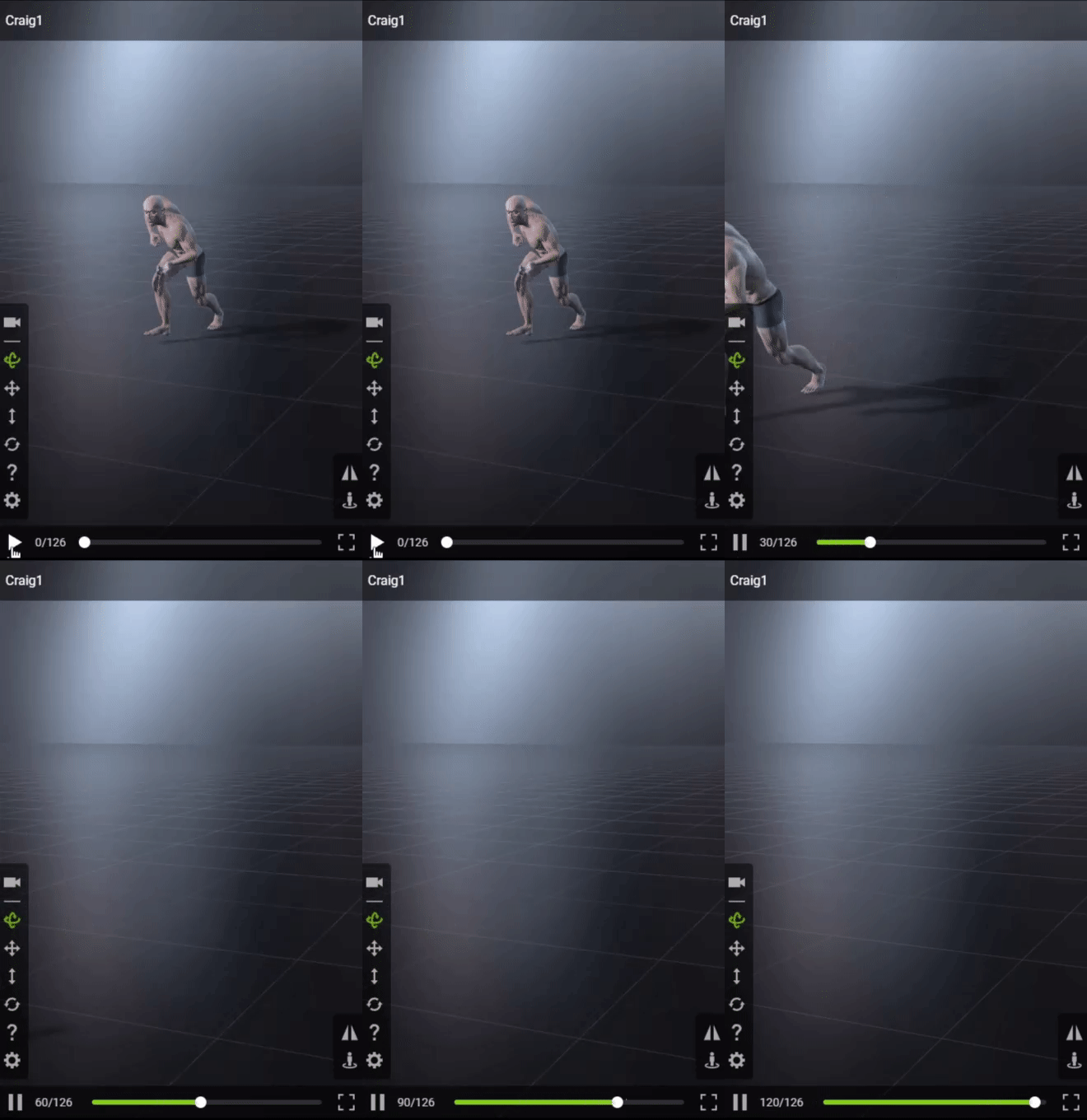
Before activating Move in Place.
After activating Move in Place.
- Follow Character: Have the camera track the actor as it performs its motions.
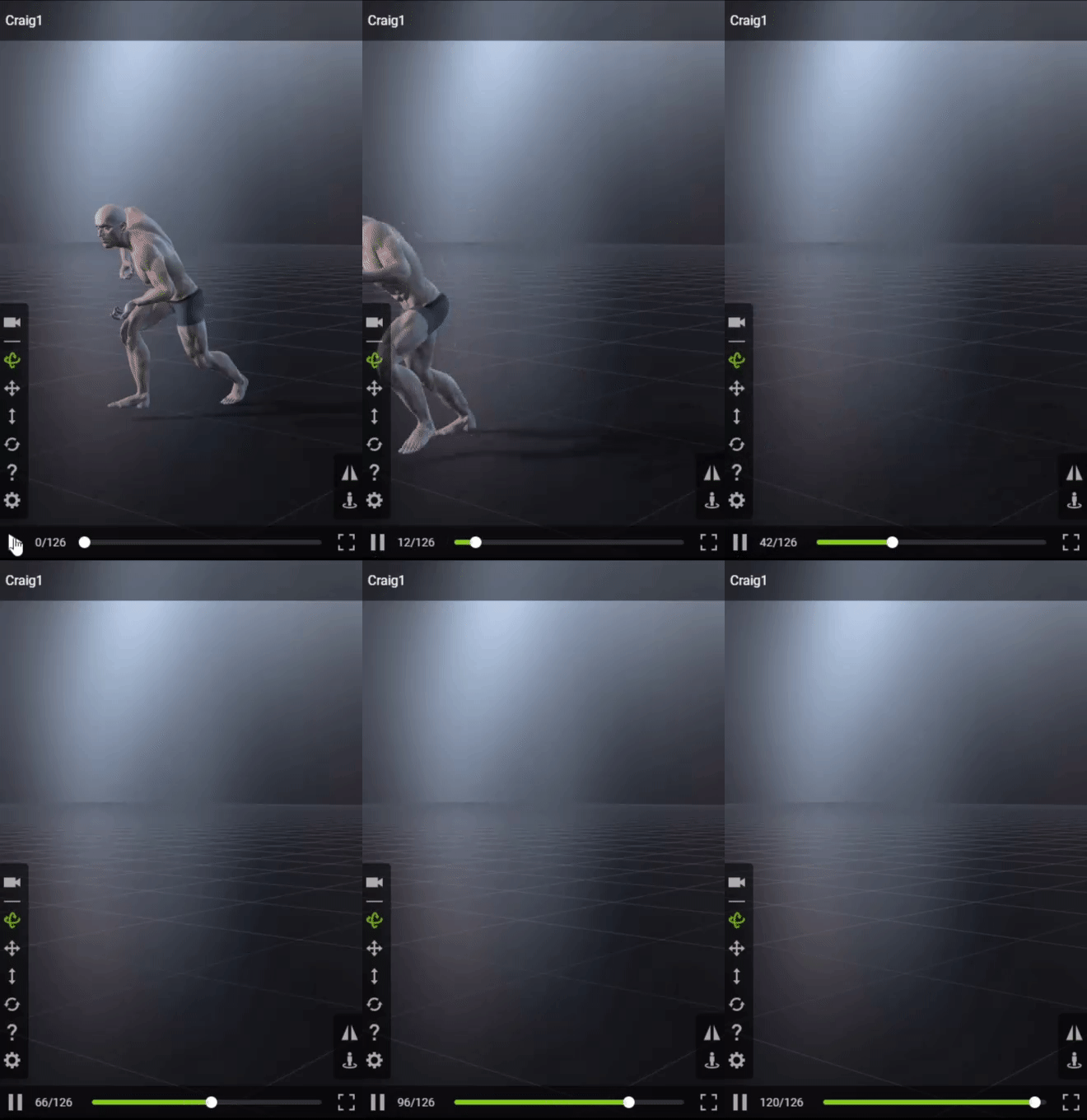
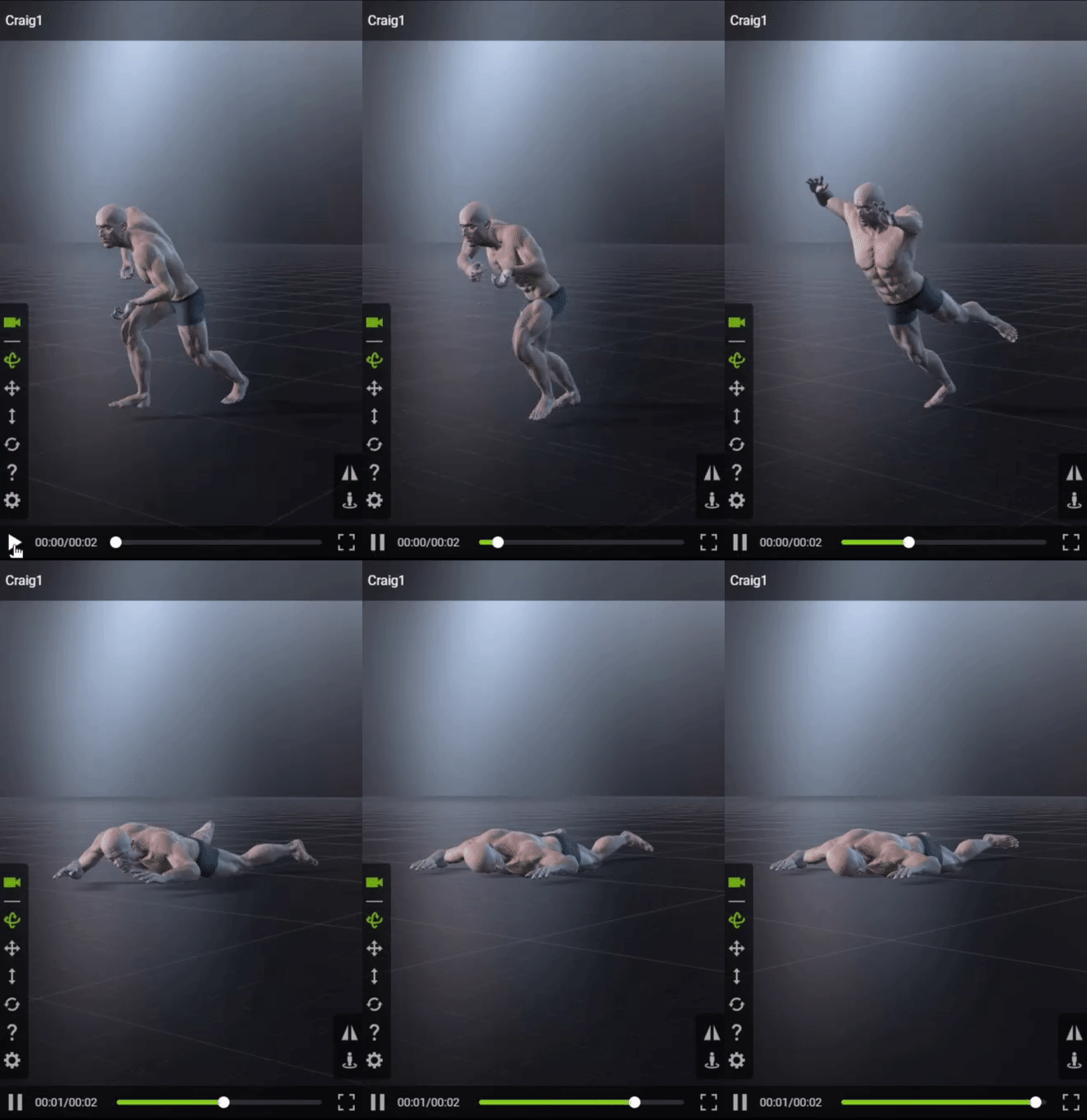
Before camera tracking.
After camera tracking.
- Mirror Motion: Use this feature to laterally mirror the motion of your actor.
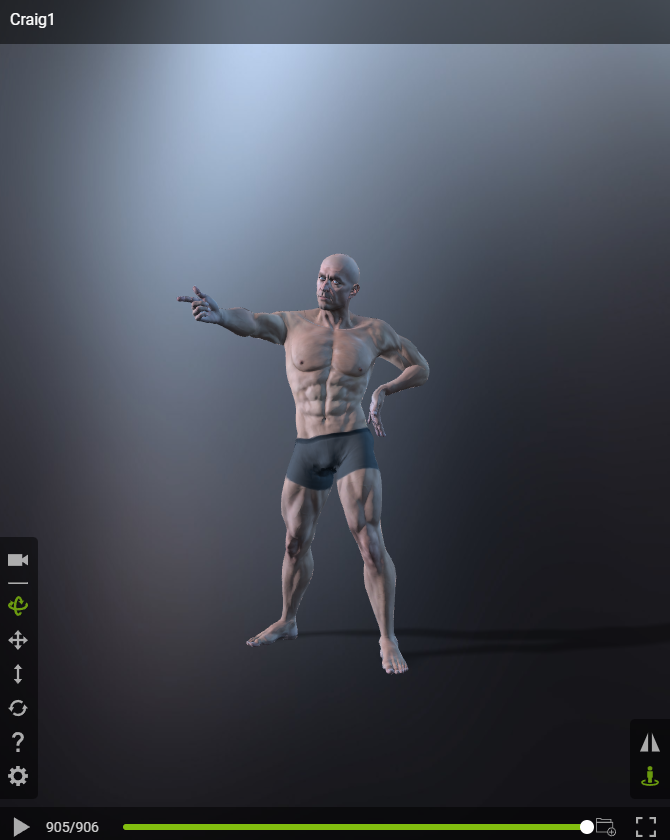
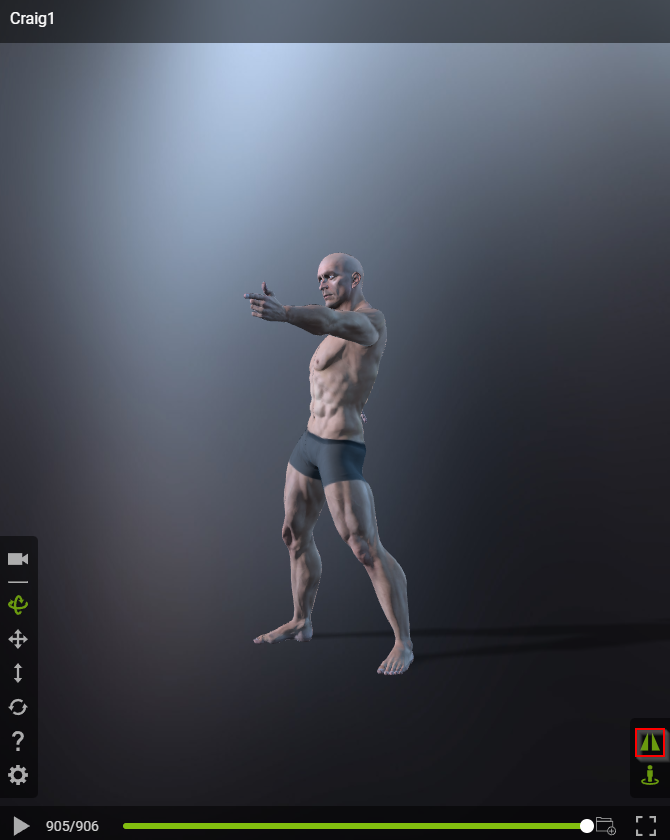
Before mirroring the motion.
After mirroring the motion.
- Grid: Shows the grid in the viewport. This is useful for viewing the floor plane.
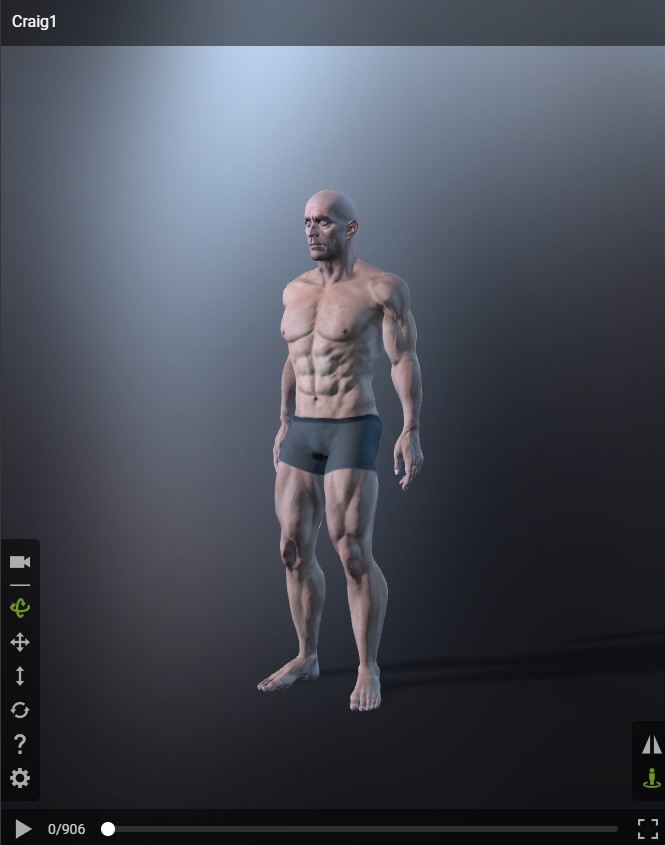
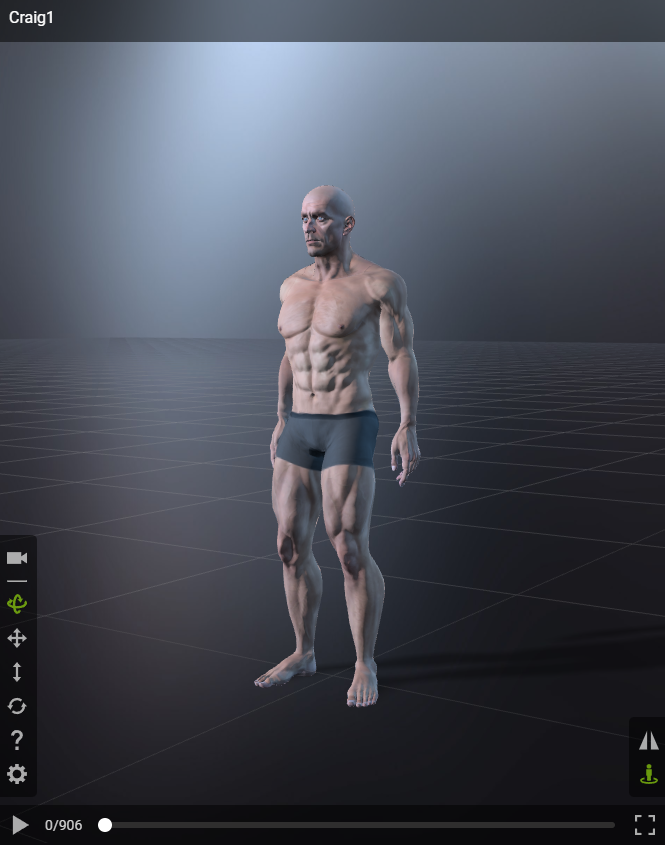
Before showing the grid.
After showing the grid.
- Ground: Activating it will show a ground plain matching your selected atmosphere. This is useful to see if your character is standing properly on the ground.
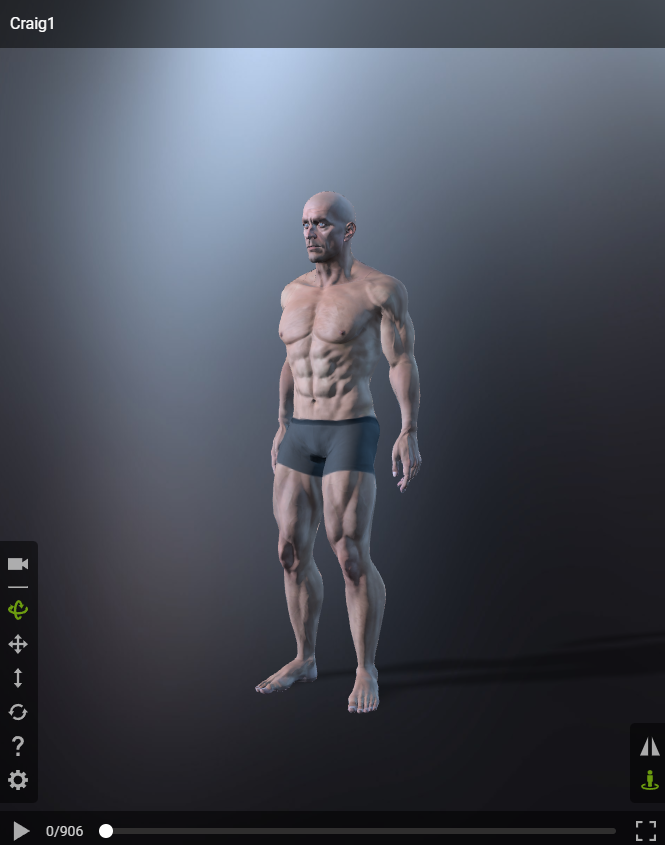
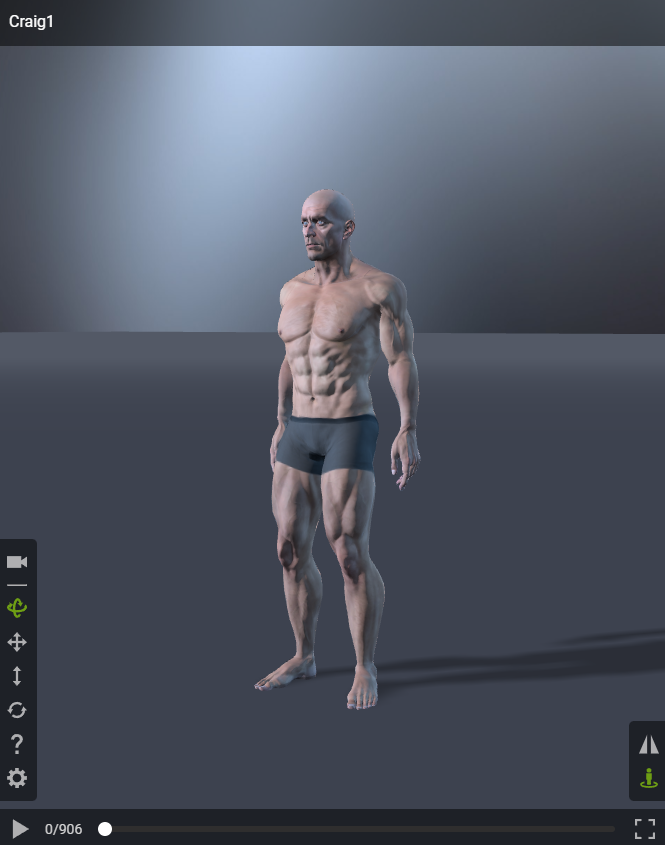
Before enabling the ground plane.
After enabling the ground plane.
Atmosphere
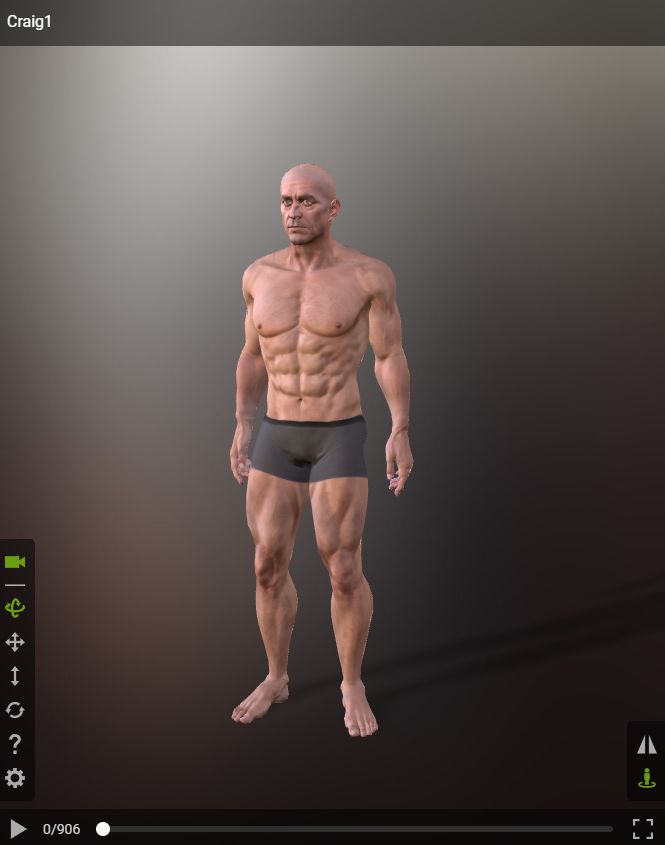
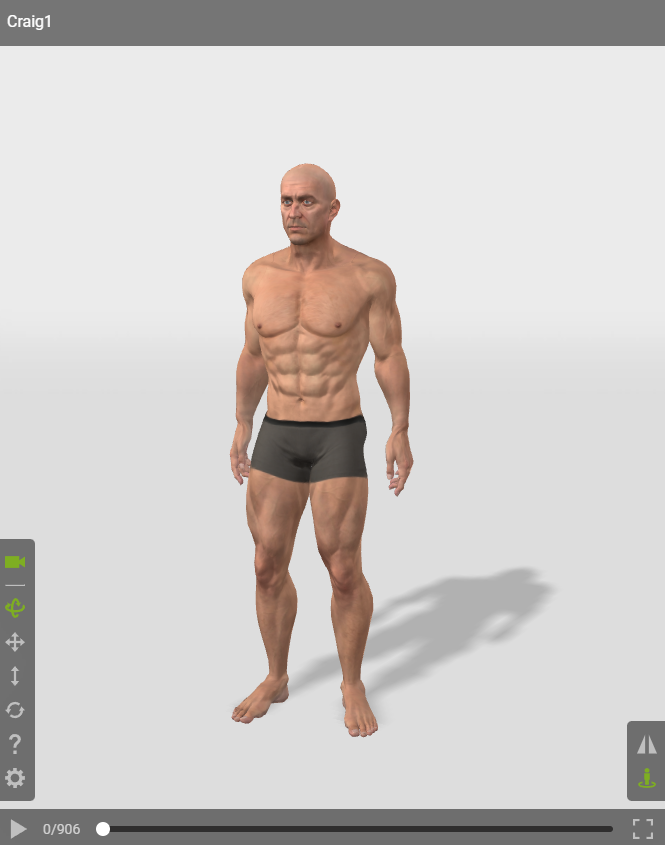
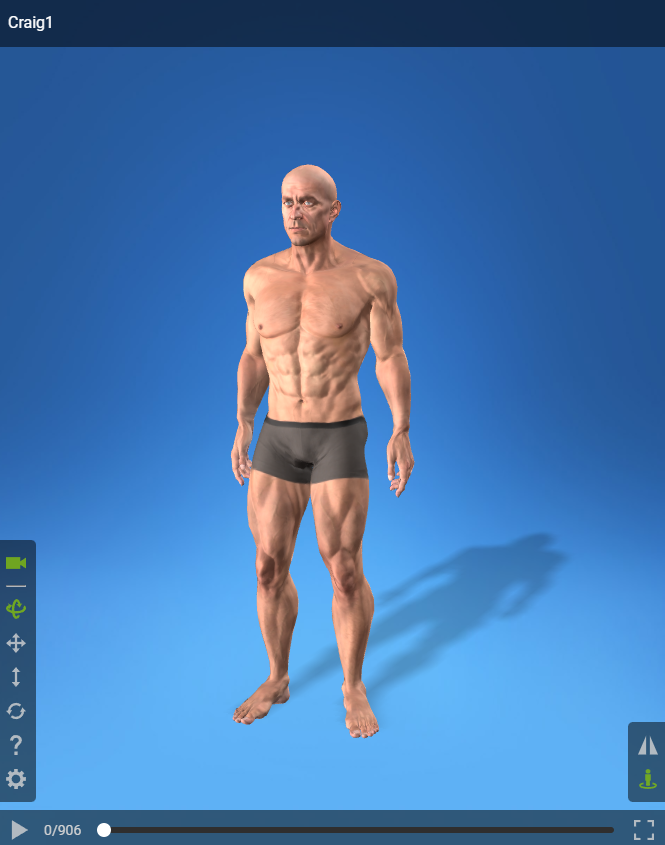
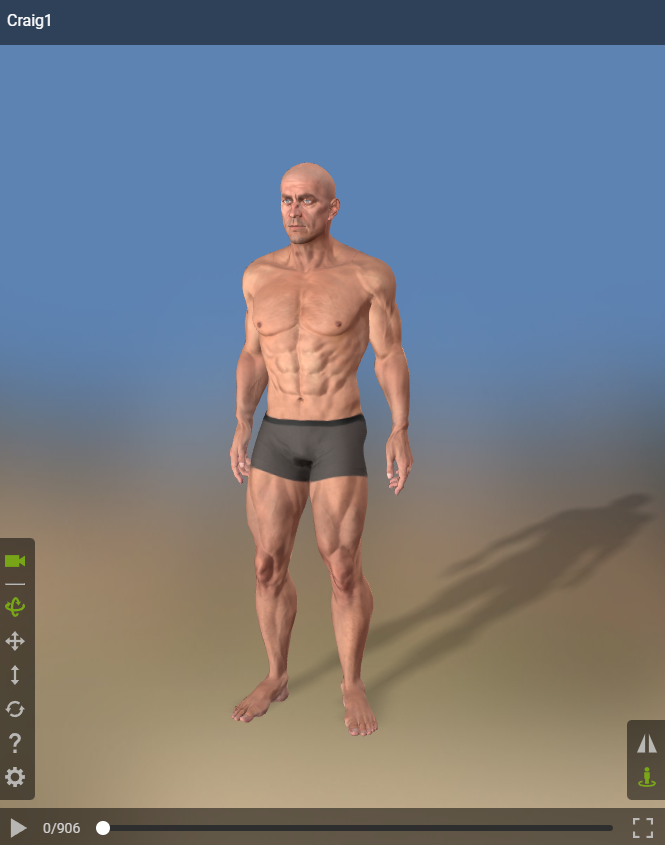
Provides eight different atmospheres and lighting conditions for the actors. This helps to present your actor in certain environments.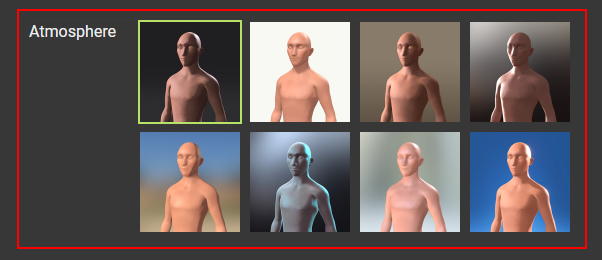
|
|
|
Atmosphere 1 |
Atmosphere 2 |
|
|
|
Atmosphere 3 |
Atmosphere 4 |
