Base Character Option
When you launch ActorMIXER, a message window will immediately appear, asking which character to use as the base character.
Without Character on Stage
ActorMIXER panel appears, you can choose to use Base Male or Base Female as the base character.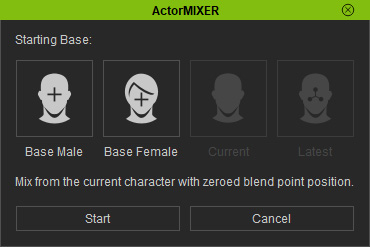
The Base Male and the Base Female (in SubD 1 level) will be loaded after you click the Start button.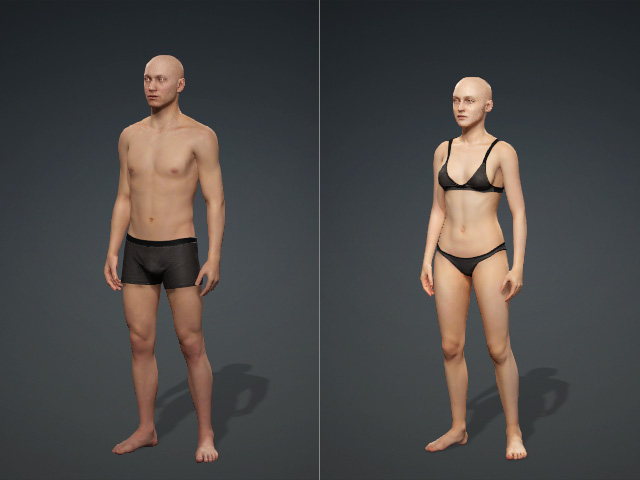
With Character on Stage
Given a character on the stage and you launch the ActorMIXER.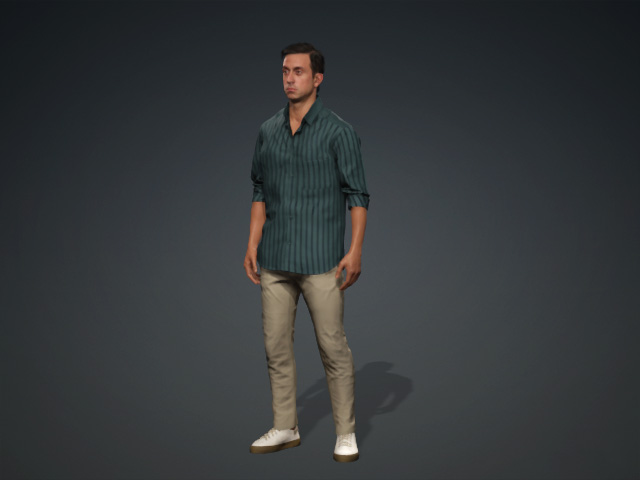
You will be prompted to choose whether to use the default neutral character or continue with the current character in the workspace for the next step.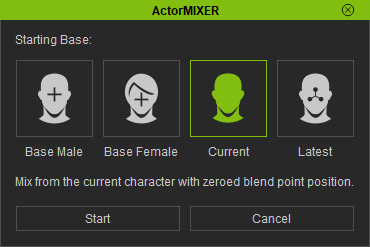
- Base Male, Base Female: Choose the Base Male or Base Female as the base character to start ActorMIXER. System will prompt the applying option panel.
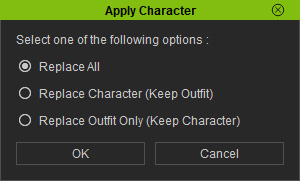
- Replace All: Replaces the current character entirely with the Base Male or Base Female.
- Replace Character (Keep Outfit): Replaces the character but ensure the original outfit is kept.
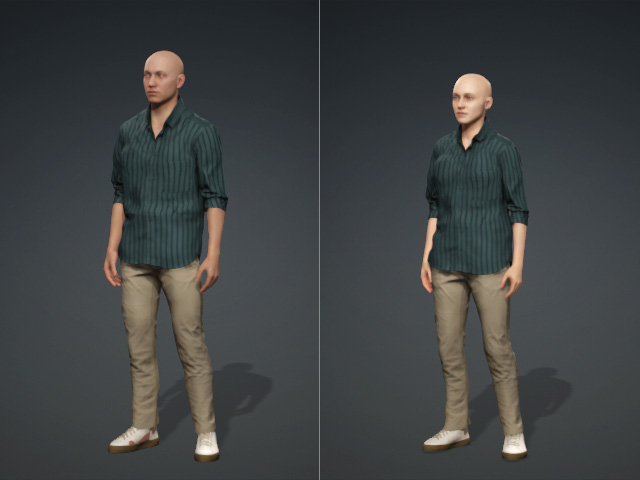
- Replace Outfit Only (Keep Character): The Base Male or Base Female outfits will be apply to the current character.
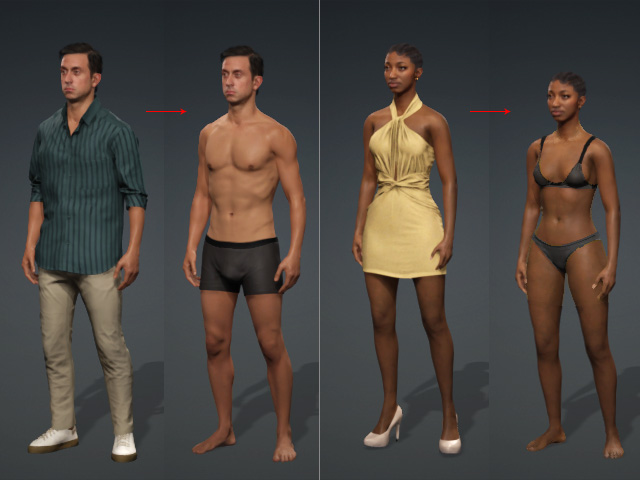
- Replace All: Replaces the current character entirely with the Base Male or Base Female.
- Current: Directly start ActorMIXER panel with the current character.
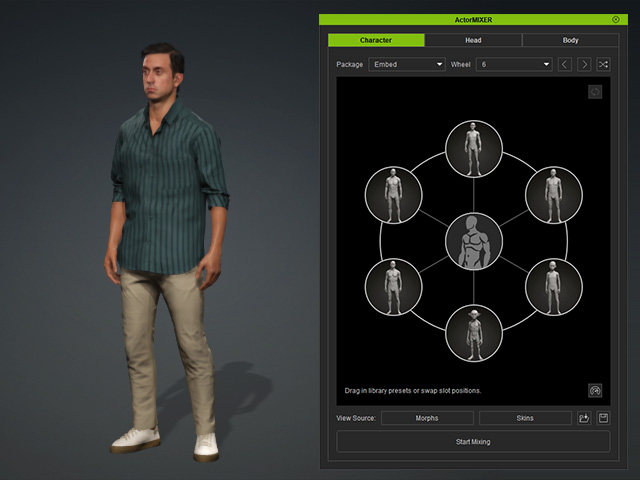
- Latest: Retrieves the previous ActorMIXER session, including the status of each package, wheel, and target, as well as the position of the green blend point, allowing for convenient modification of the last morphing result.
