Opening ActorMIXER Panel
There are several ways to open the ActorMIXER for generating various character from blending different targets. Make sure you apply a CC3+ standard character or later generation first before start the ActorMIXER panel.
Menu
Open the ActorMIXER panel by Plugins > ActorMIXER / ActorMIXER PRO > ActorMIXER.
ActorMIXER | ActorMIXER PRO |
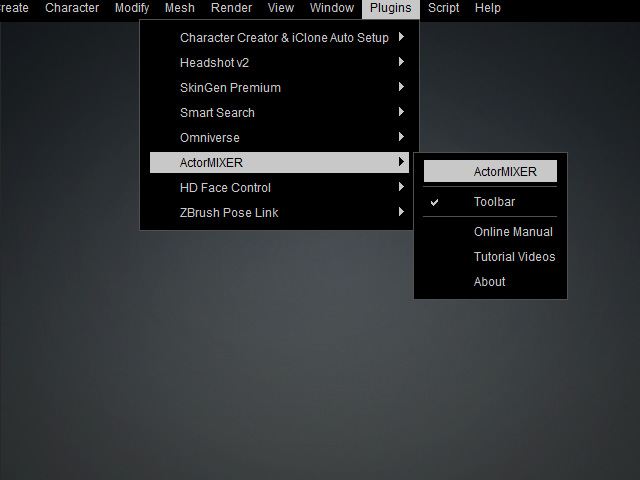 | 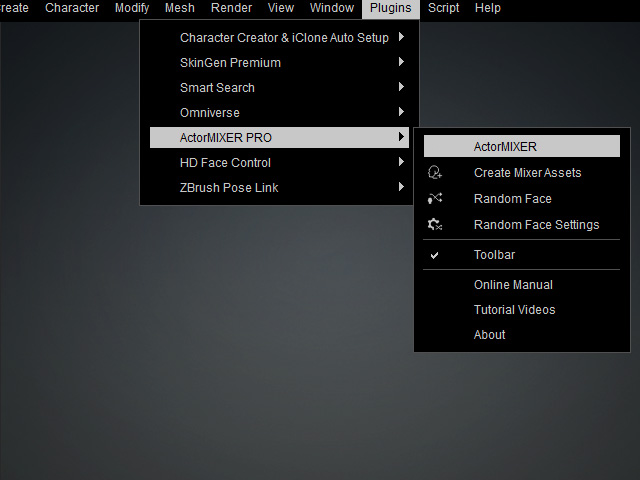 |
Toolbar
You can click the ActorMIXER button on the toolbar to open the panel.
ActorMIXER | ActorMIXER Pro |
 |  |
Modify Panel
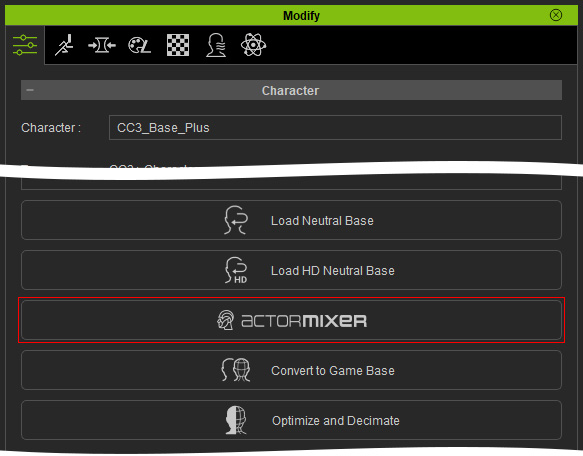
Select the character and click the ActorMIXER button in the Character section.