Adding a BuildingGen style
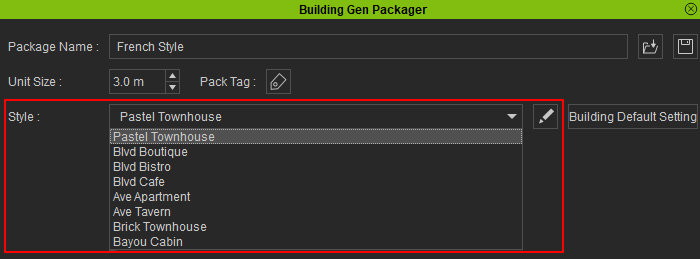
The BuildingGen Packager > Style section contains all the building styles included in this building package. Edit the existing styles by selecting them in the drop-down menu or add new custom styles by clicking the Edit Style List icon  .
.
Adding new styles
You will need to add a new style to a newly created BuildingGen configuration.
- Click the Edit Style List icon to add a style.

- Click the Add icon to add a new style.
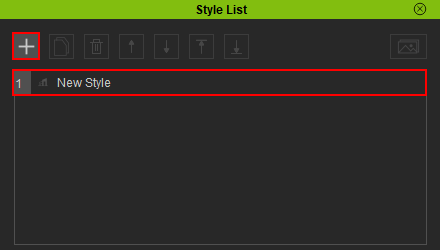
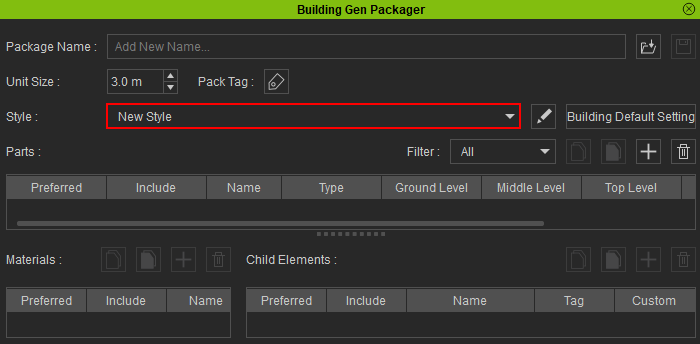
- Once you've added the new style, close the Style List modal window. The new building style will be automatically selected, allowing you to start modify it.
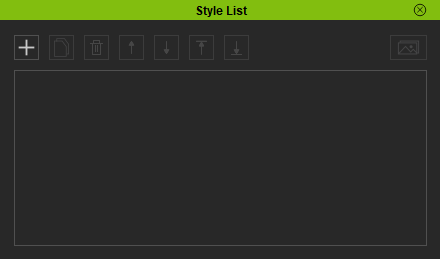
The Style List pop-up will appear.