BuildingGen Installation
The BuildingGen plugin requires the installation of iClone. Follow the instructions below to download and install the plugin.
- If iClone is currently running, please close it.
- Open the Reallusion Hub, and search for the BuildingGen plugin.
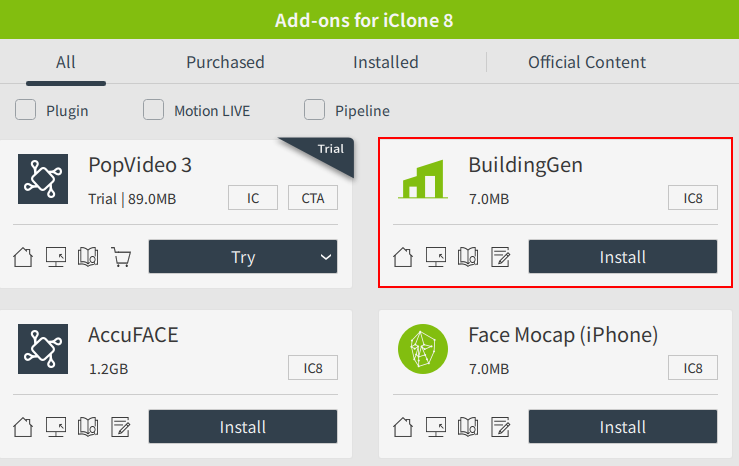
- Click the Install button and the Hub will check if iClone is installed. If iClone is not installed, you will be prompted to download and install it first.
- After installation, launch the iClone application.

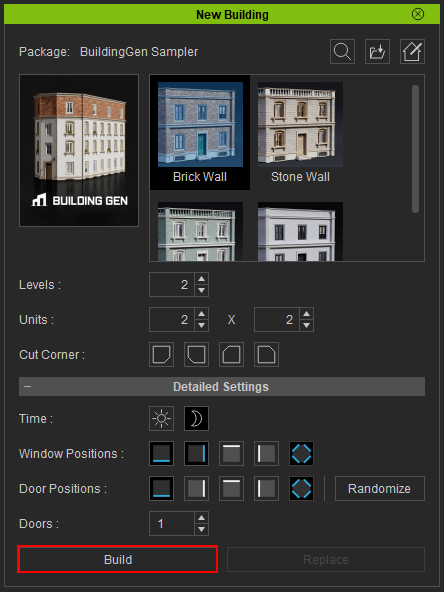
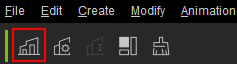
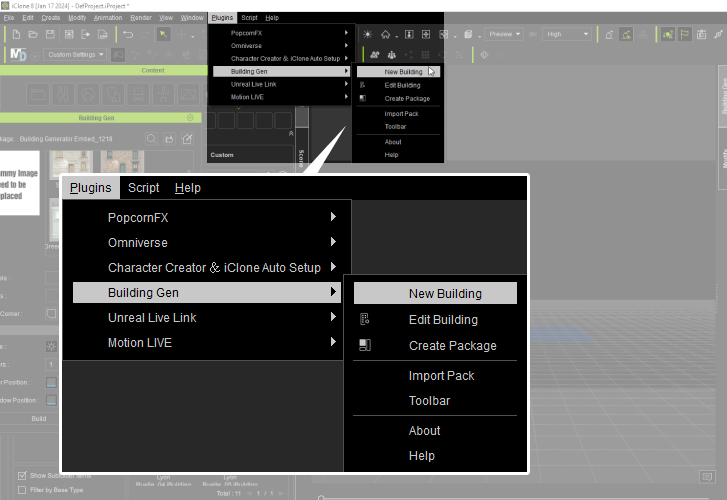
- In iClone, access the New Building panel by navigating to Plugins > Building Gen > New Building, or clicking the New Building icon at the toolbar.
 New Building icon.
- Choose your desired building style, adjust the settings in the panel, and then click the Build button to initiate the building creation process.