DRM tools in the BuildingGen Packager panel
Before sharing or publishing your building packs, ensure that you have checked for the existence of copyrighted material. Otherwise, watermarks will appear for users who have not licensed the copyrighted material. Furthermore, the upload of copyrighted material is blocked and forbidden for the Reallusion Marketplace.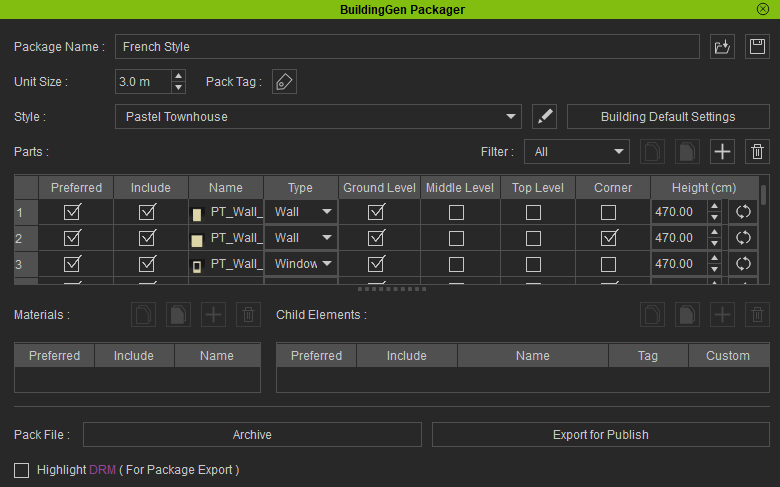
To avoid including copyrighted materials in your building package, utilize the Highlight DRM feature to highlight any assets with copyright protection.
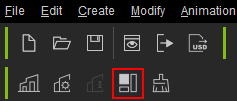
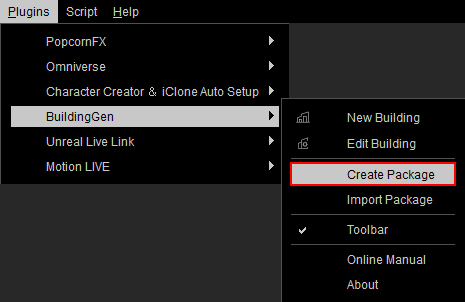
- In iClone, click the Create Package icon in the toolbar or go to Plugins > BuildingGen > Create Package to open the BuildingGen Packager panel.
- Click the Load iBuildingConfig icon to import the building pack you want to inspect.

- Activate the Highlight DRM feature to highlight the names of copyrighted materials from Reallusion and other developers in purple.
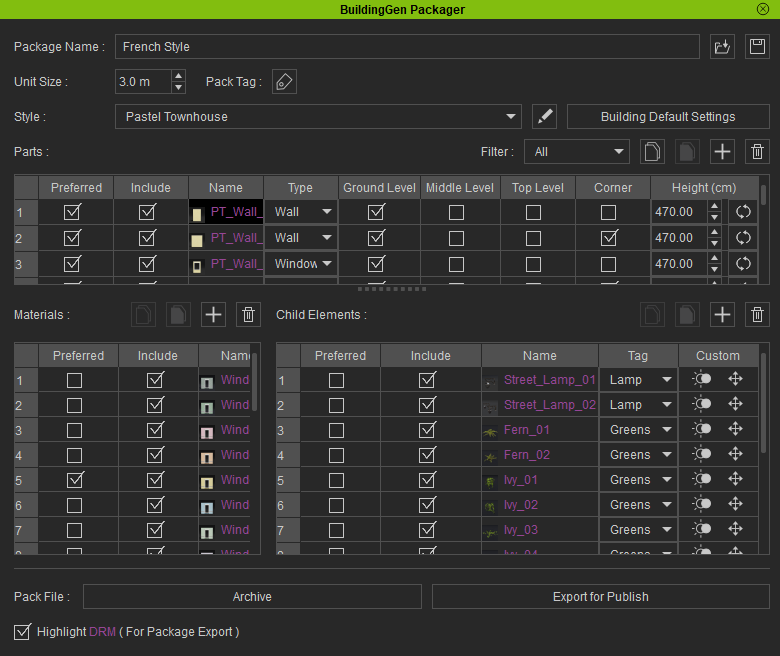
- Review each building style and remove assets that are highlighted in purple.
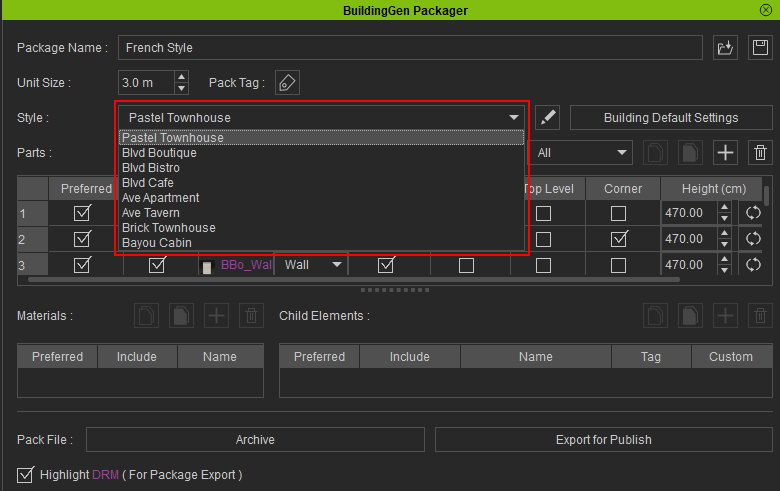
- Your BuildingGen package is now ready to be shared or published to the Marketplace.
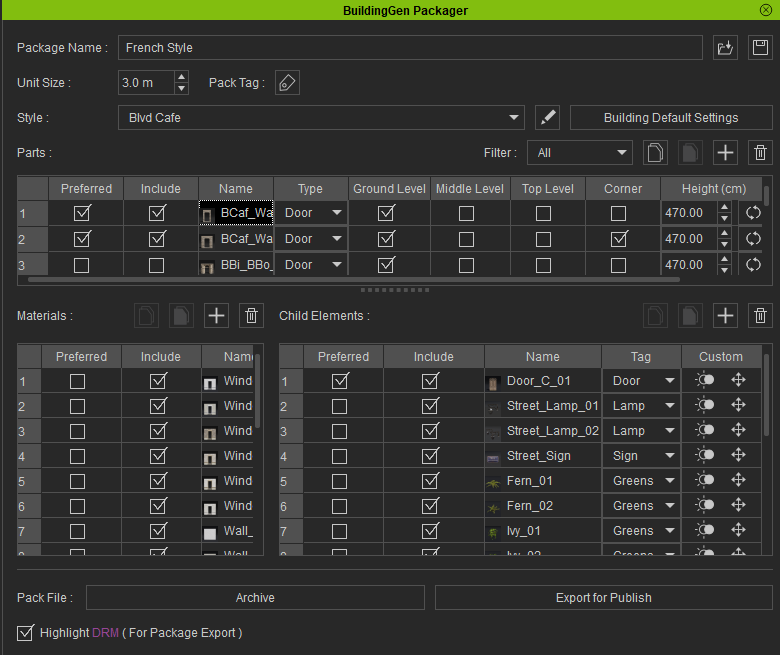
 Note:
Note:
Disabling the Highlight DRM feature hides the purple highlights but doesn't remove any copyrighted materials from the BuildingGen package.
