Day-night settings for child element materials
Buildings created using BuildingGen's embedded content feature two types of material settings for child elements: daytime and nighttime materials. By adjusting these material settings, you can create a look that is appropriate for different times of day.
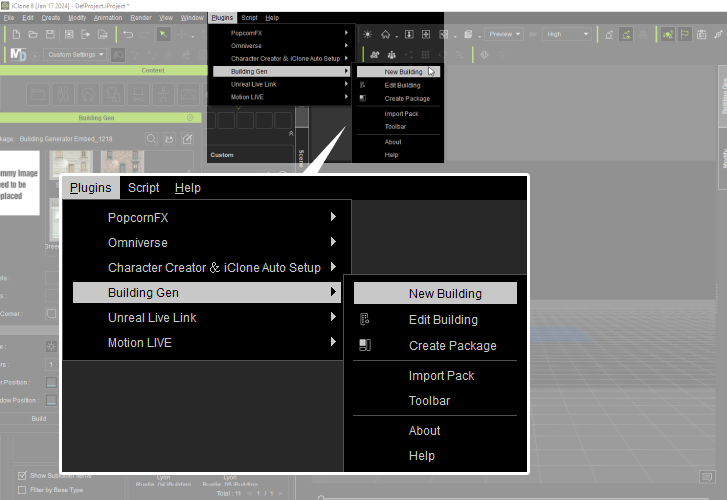
- In iClone, access the New Buildingpanel by navigating to Plugins > Building Gen > New Building.
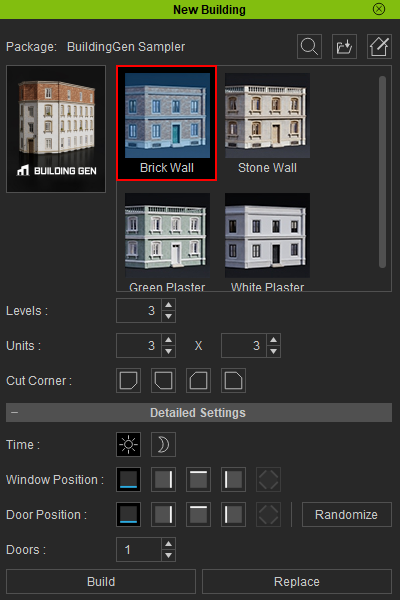
- Select the building style you want to apply to your building generation.
- Adjust the Basic and Detailed Settings according to your preferences.
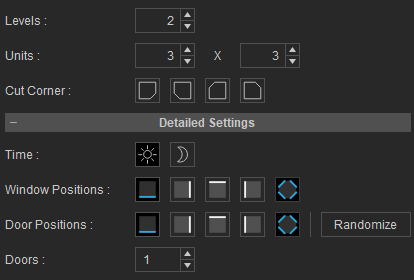
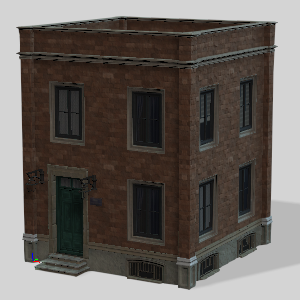
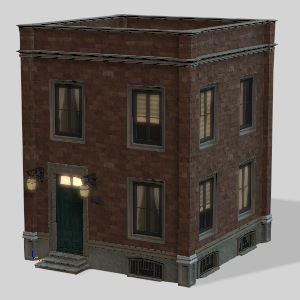
- In the Time setting, selecting the day icon enables the building's child elements to use materials suitable for daytime, while selecting the night icon switches them to nighttime materials.
|
|
|
Building with daytime |
Building with nighttime |
 settings.
 settings.
Day-night settings are accessible in the following panels:
- New Building
- BuildingGen(building mode)
- Rebuilder
- Add Level
- Rebuild Level
Note:
- The day-night settings will only be enabled if child elements within the building style have materials with day or night settings applied in the BuildingGen Packager panel.
- Child element materials with “Day & Night” enabled are used in both daytime and nighttime mode while using BuildingGen.
