Optimizing BuildingGen performance
Generating multiple buildings with BuildingGen in iClone can strain the system, resulting in FPS drops and lag. To mitigate this, disabling the Shadow Map and enabling the Progressive Texture Loading features in iClone can help reduce resource usage, thereby improving workflow efficiency.
Shadow mapping
The Preference > Real-time Render Options > Shadow Map option can be used to enable or disable shadow maps for directional lights, spotlights, point lights, directional shadows, spot shadows, and point shadows. By disabling the shadow maps, you may gain enormous improvements in overall performance. See also, Resolution of the Shadow Map.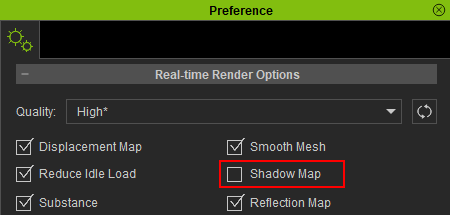
|

|
|
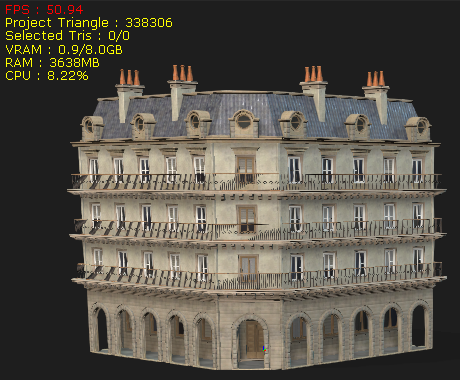
FPS performance is subpar with one building in the scene and the Shadow Map feature enabled. |
FPS performance improves significantly with the Shadow Map feature disabled. |
Progressive texture loading
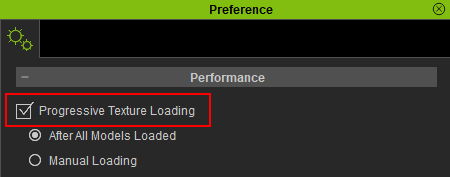
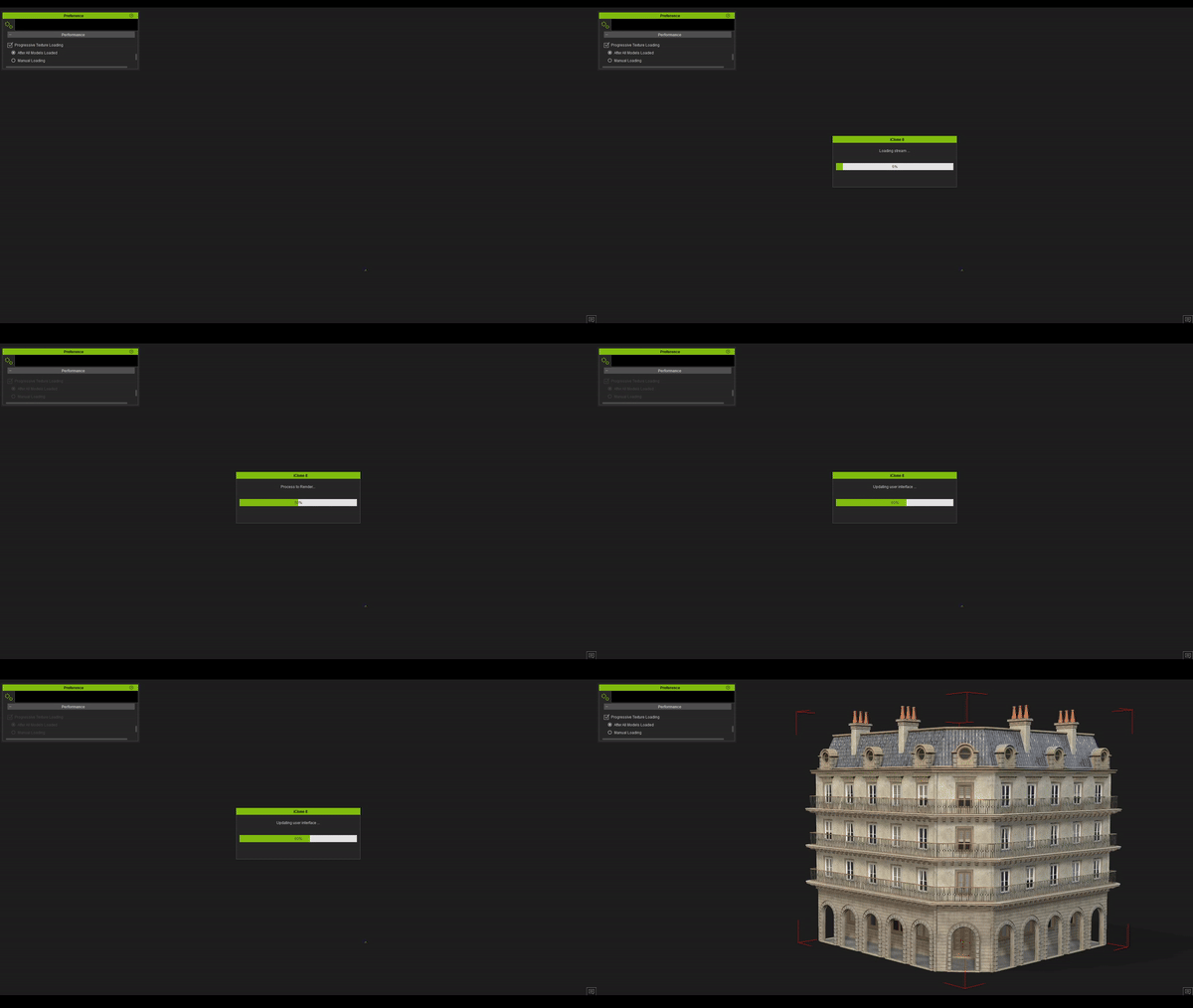
Enabling this feature significantly reduces loading times for projects and buildings. When enabled, this feature loads your building's textureless model into the scene and then applies textures to the meshes one part at a time. For more information about this feature, click here.
|
|
|
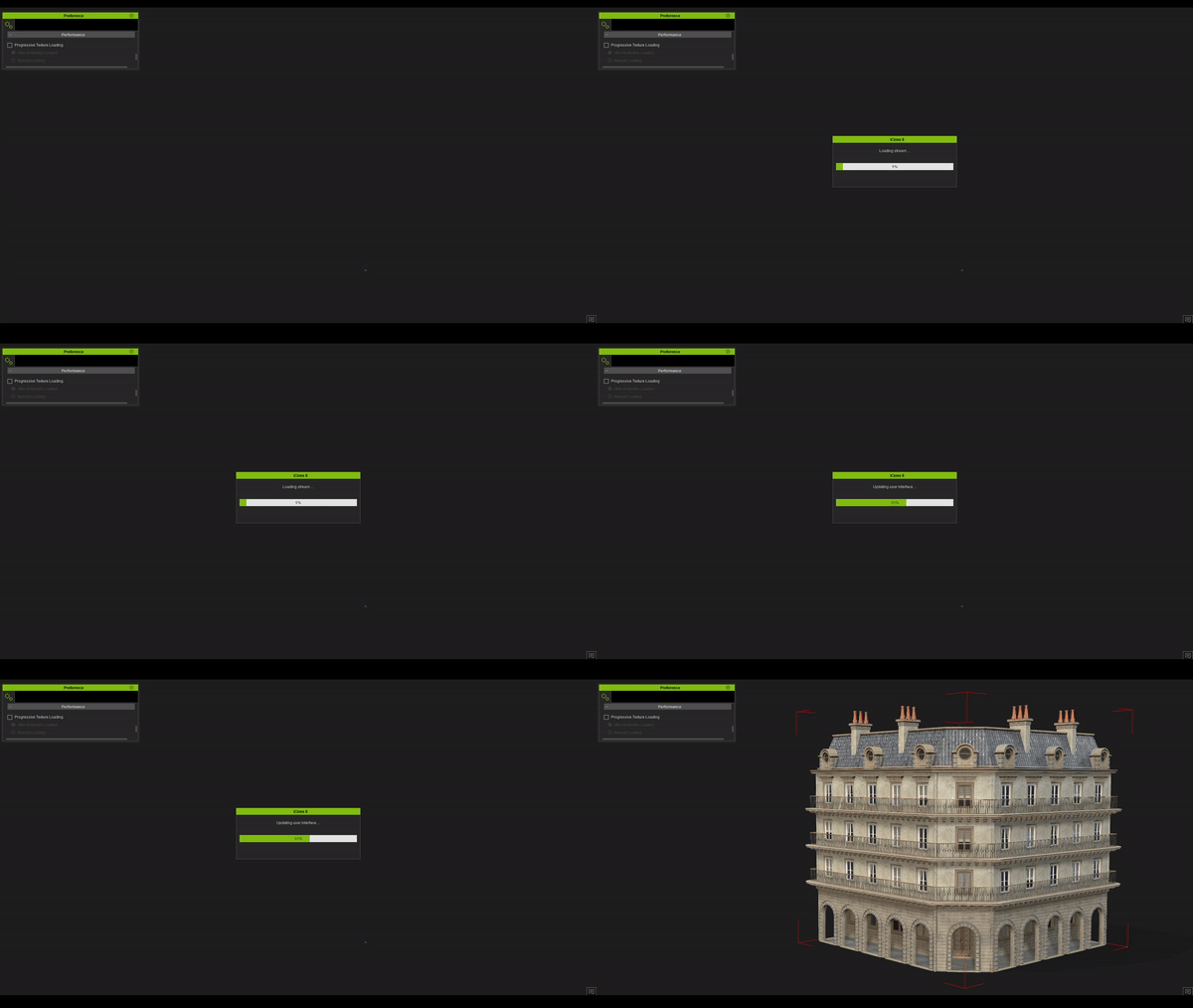
Importing a building with Progressive Texture Loading disabled. |
The building loads quickly with Progressive Texture Loading enabled. |
