Optimizing iClone Performance
Generating multiple buildings with BuildingGen in iClone can strain the system, resulting in FPS drops and lag. To mitigate this, disabling the Shadow Map and enabling the Progressive Texture Loading features in iClone can help reduce resource usage, thereby improving workplace efficiency.
Shadow Map in Real-Time Render Options
This feature turns on/off the overall shadow maps for the Directional Lights, Spotlights, Point Lights, Directional Shadows, Spot Shadows, and Point Shadows in the 3D viewport.
See also the Resolution of the Shadow Map.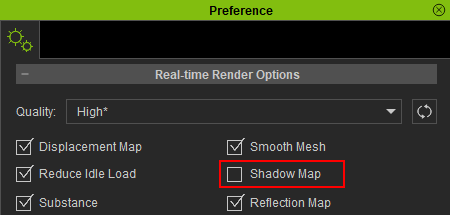
|

|
|
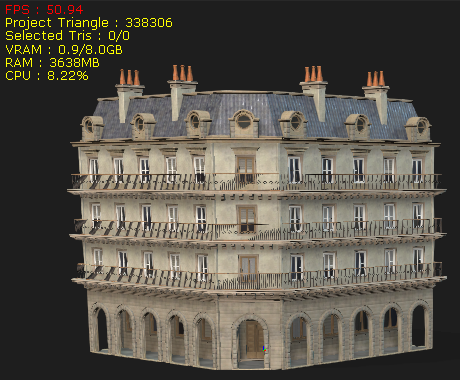
FPS performance before disabling the Shadow Map feature. |
FPS performance after disabling the Shadow Map feature. |
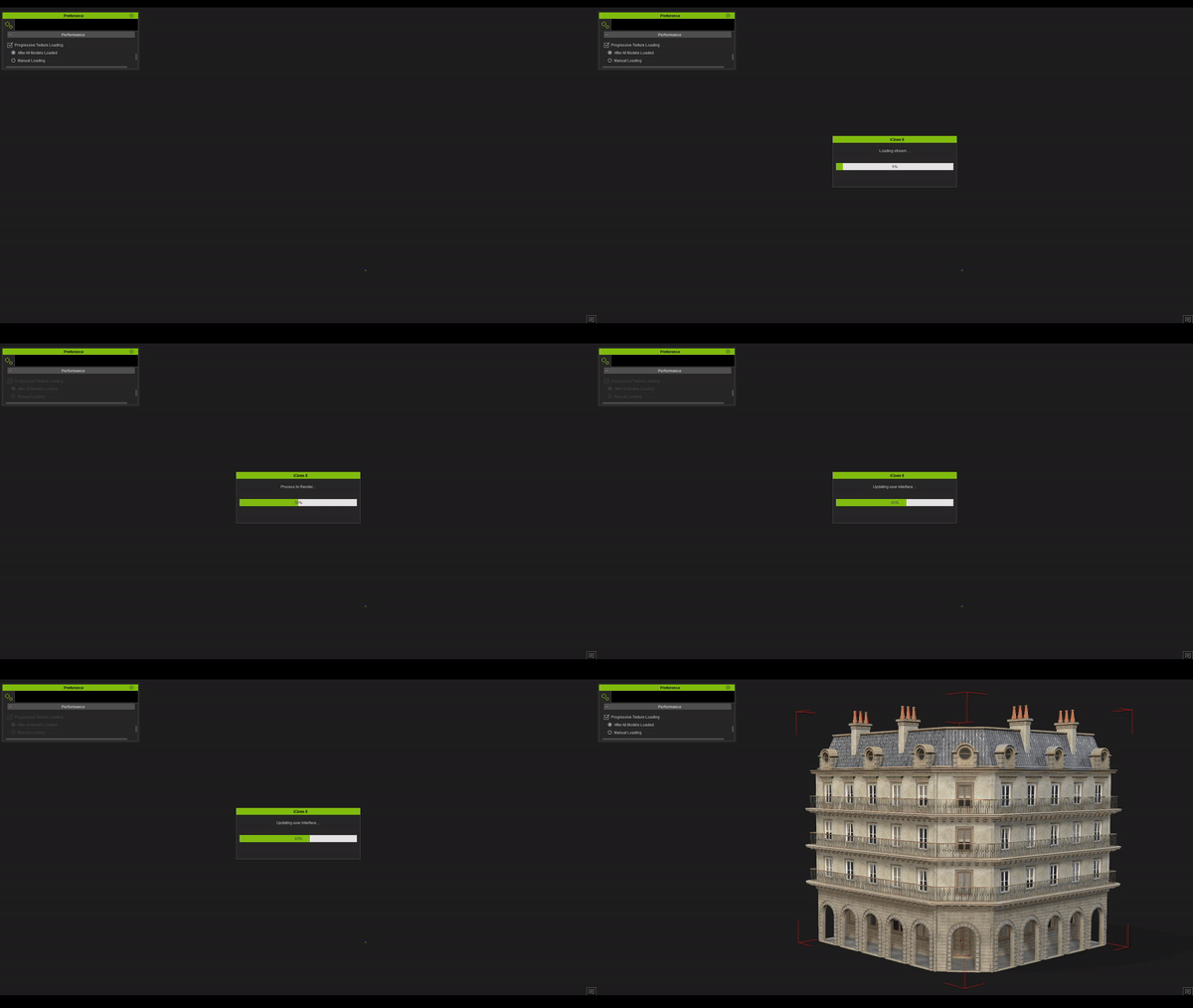
Progressive Texture Loading in Performance
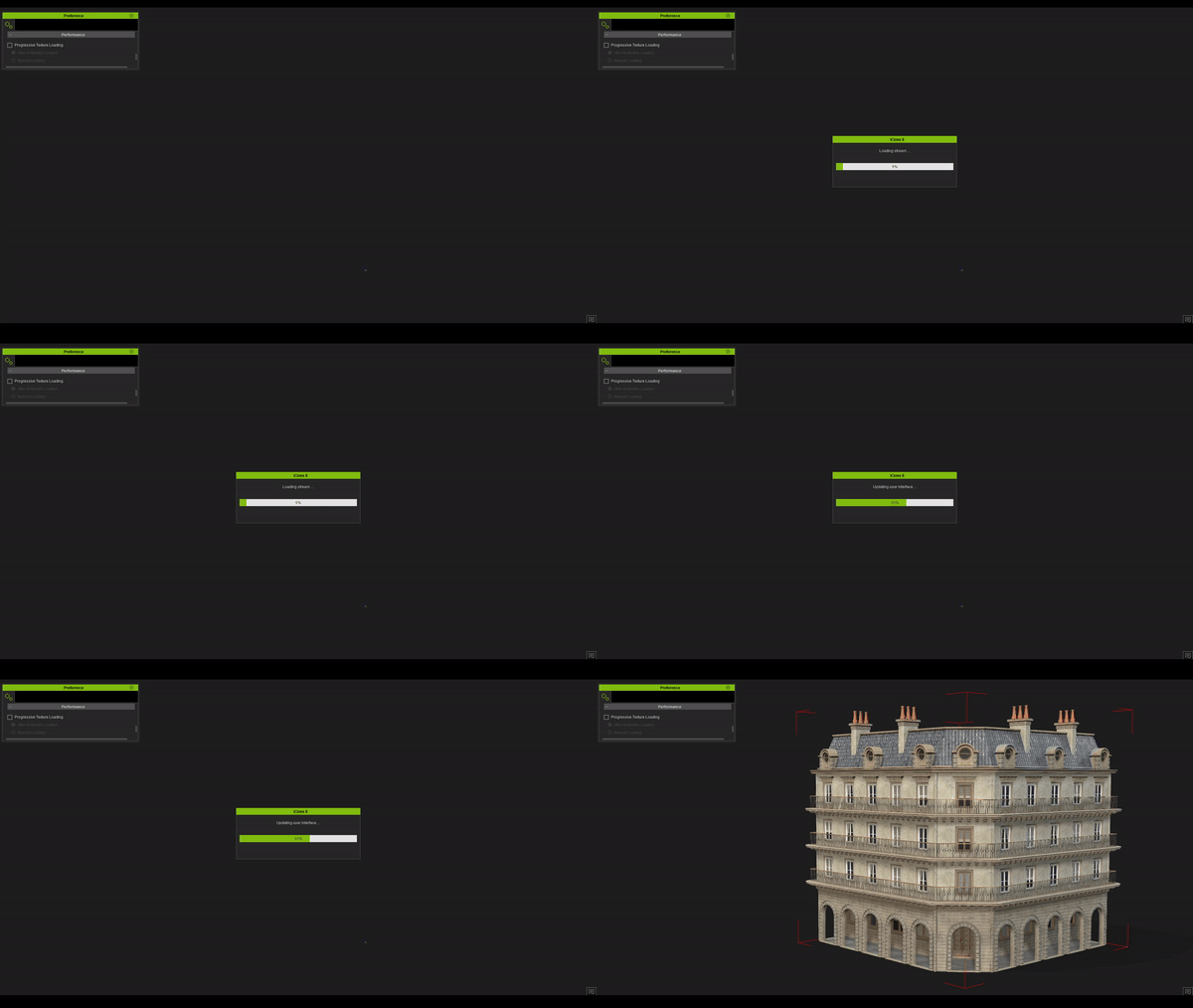
Enabling this checkbox will load objects without textures when launching an iClone project. This helps to increase loading speed and reduce loading time, allowing you to start authoring the project as soon as all the models are loaded.
Video Tutorial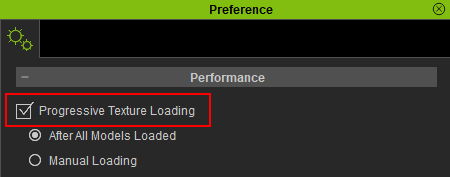
|
|
|
Loading a building with Progressive Texture Loading disabled. |
Loading a building with Progressive Texture Loading enabled. |
