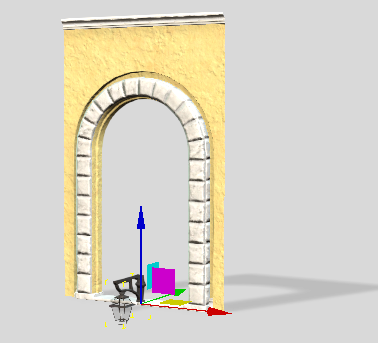
Positioning child elements
Follow the outline below to learn how to modify the child element transformations.
- In the BuildingGen Packager, panel select a unit part in the Parts section to view its nested components in Child Elements.
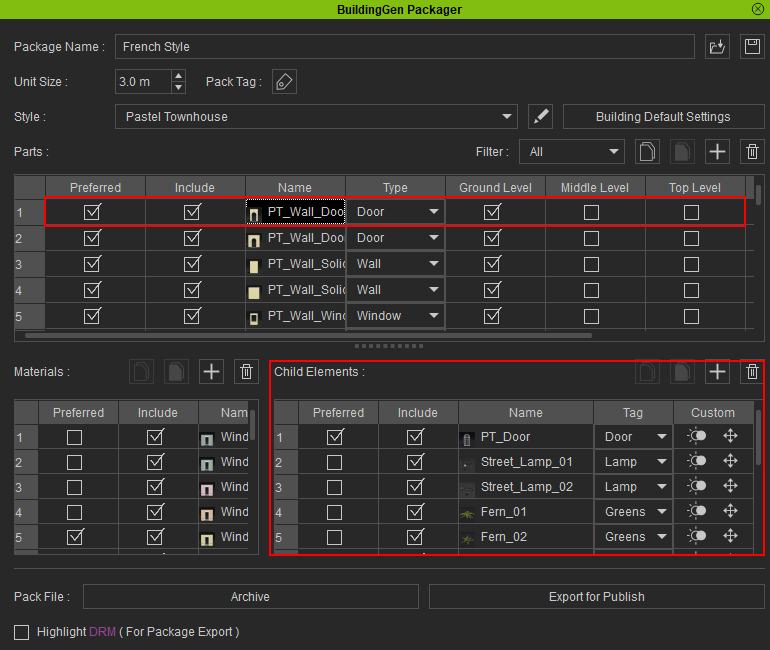
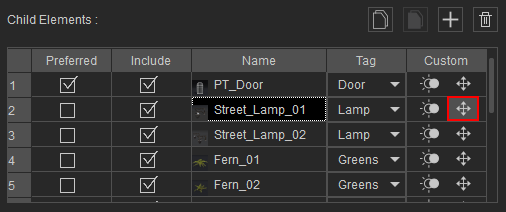
- Under Child Elements, select the component you want to preview, then click the Position Setting icon.
- The Position Settings panel will appear. Click the Preview button to initiate the preview process.
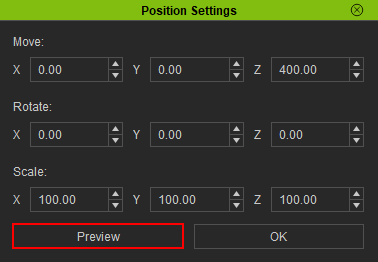
- Adjust the Position Settings parameters or use the 3D gizmo to make adjustments to the component’s transformation.
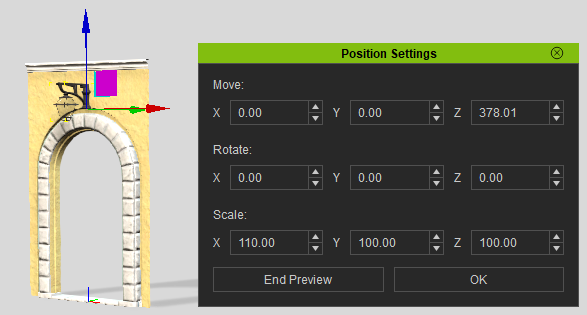
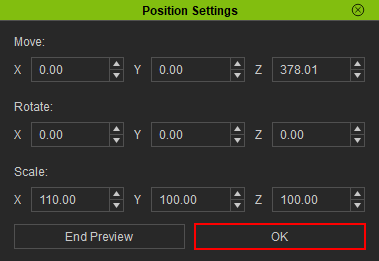
- Having completed the adjustments, click the OK button to save the settings and close the panel.
- To preview additional components without exiting the preview process, simply click the Position Settings icon of the desired component within the BuildingGen Packager panel. The viewport will then update automatically according to the new settings.
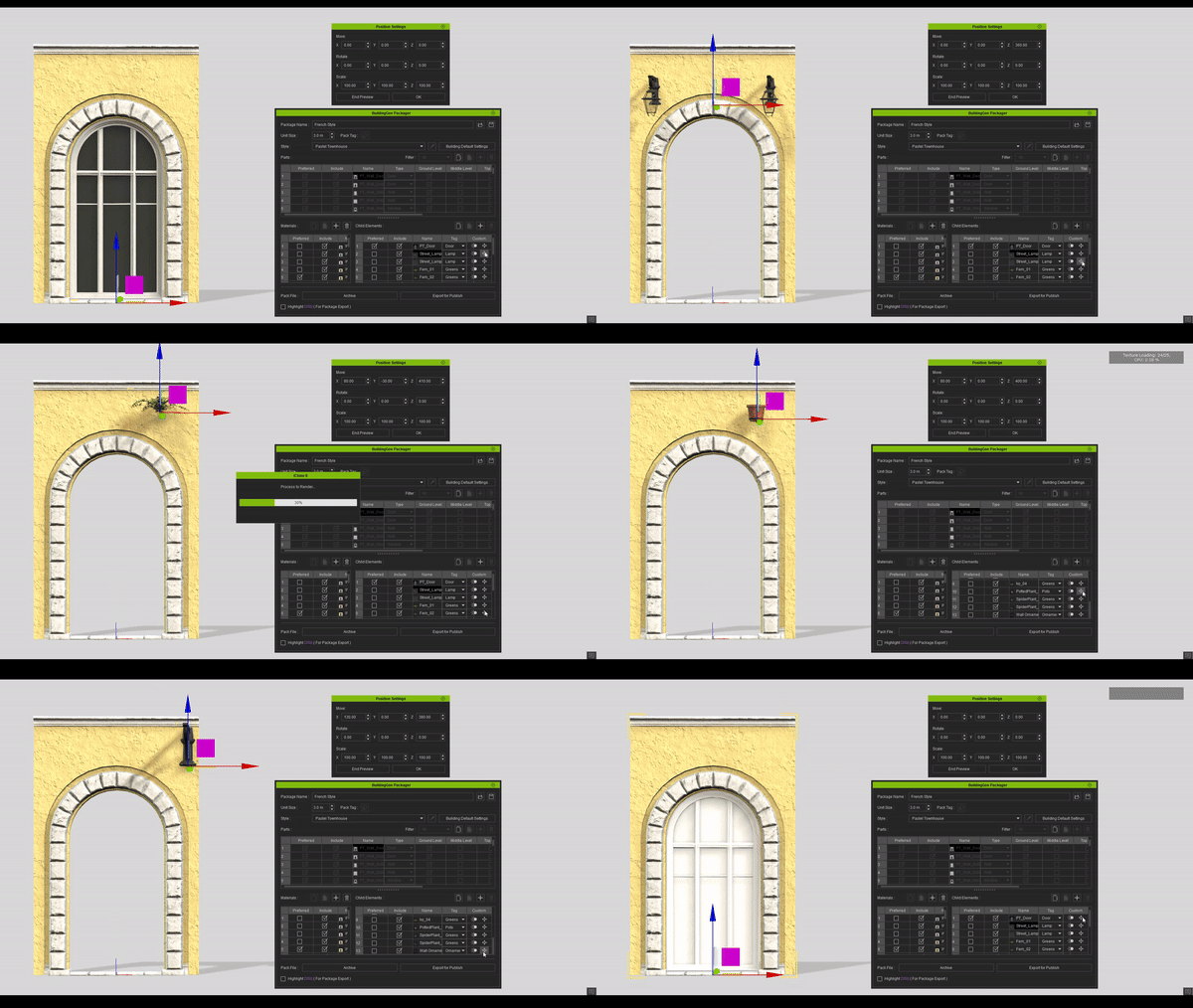
The selected component and its nested part will appear in the viewport.