Customizing New building styles
Before customizing the building styles using the “Custom Style” panel, it’s important to adhere to the guidelines below. This can help you avoid editing issues when creating building styles.
Import External Content
In the Custom Style panel, only the components of the selected building style can be modified.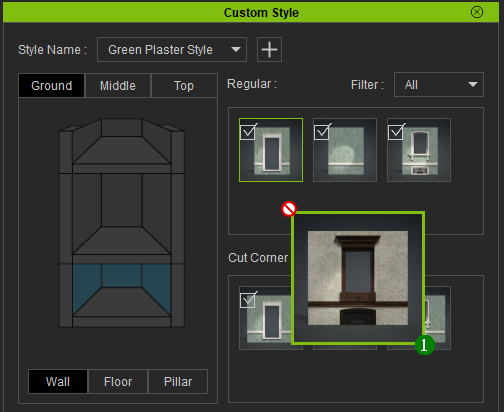
Note:
- Merging multiple building styles is not possible in the Custom Style panel.
- It is not possible to import external content in existing building styles.
Building Materials
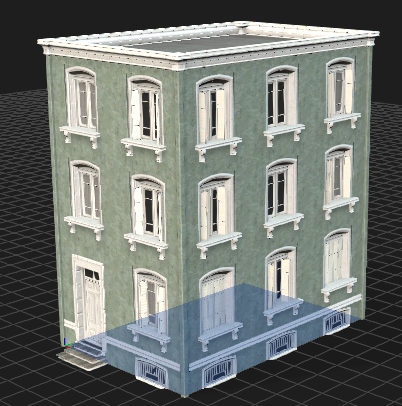
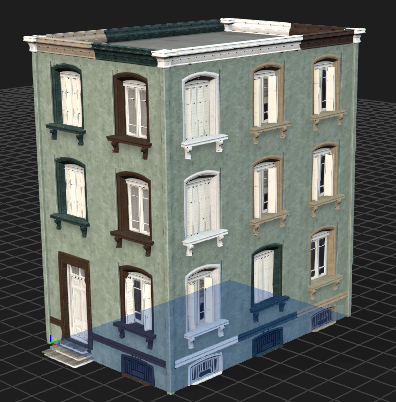
Selecting a single material under the Pool Options for each building part is recommended. This ensures a consistent appearance throughout the building facade..png)
|
|
|
A consistent look is achieved when each building part is given a single material. |
Multiple materials assigned to each building part can lead to mismatched colors and textures. |
New Building function
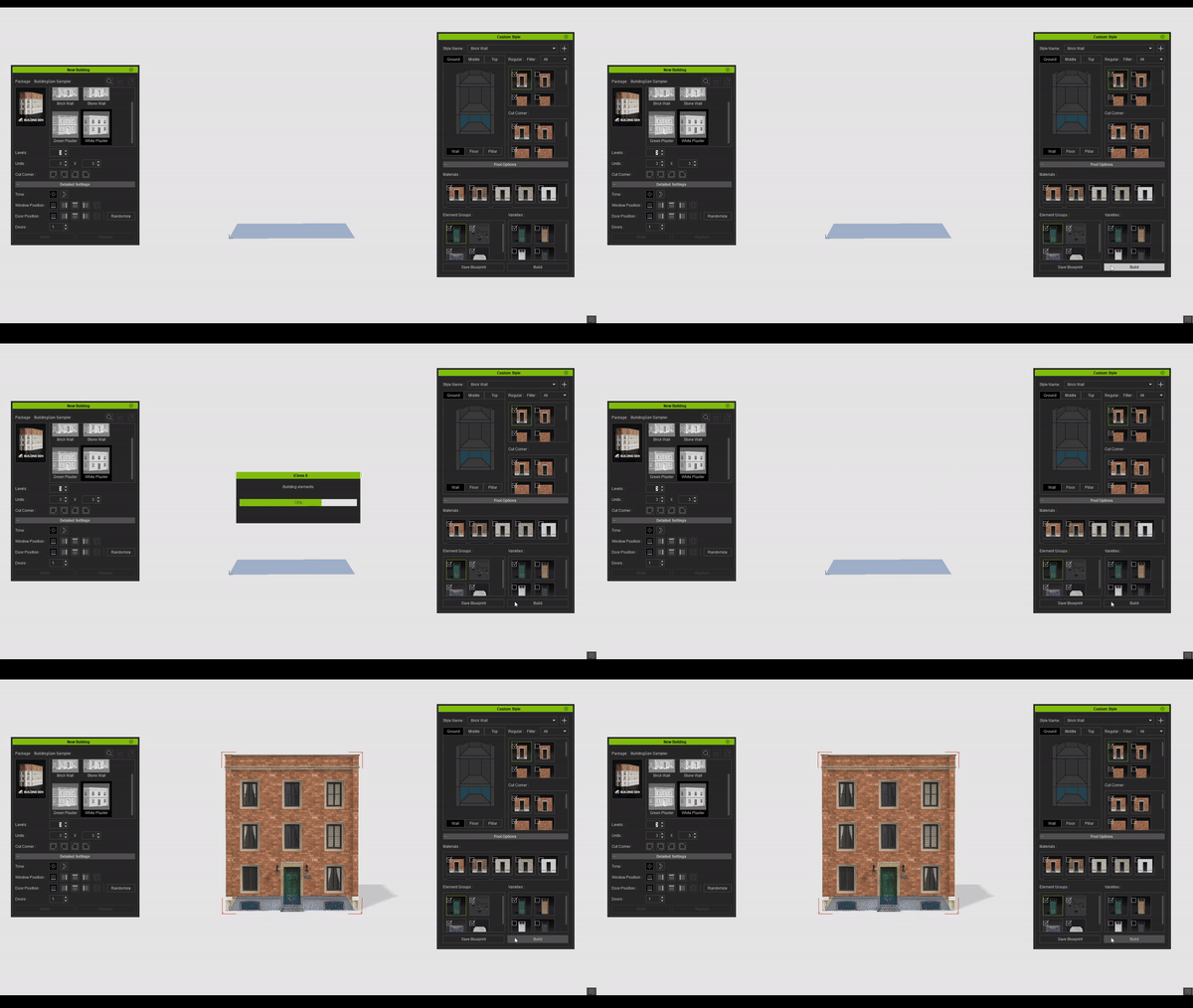
If a building created via the New Building panel is present in the scene, clicking the Build button in the Custom Style panel will overwrite the building with the Custom Style settings. Otherwise, a new one will be created.
Replacing the most recently created building in the scene: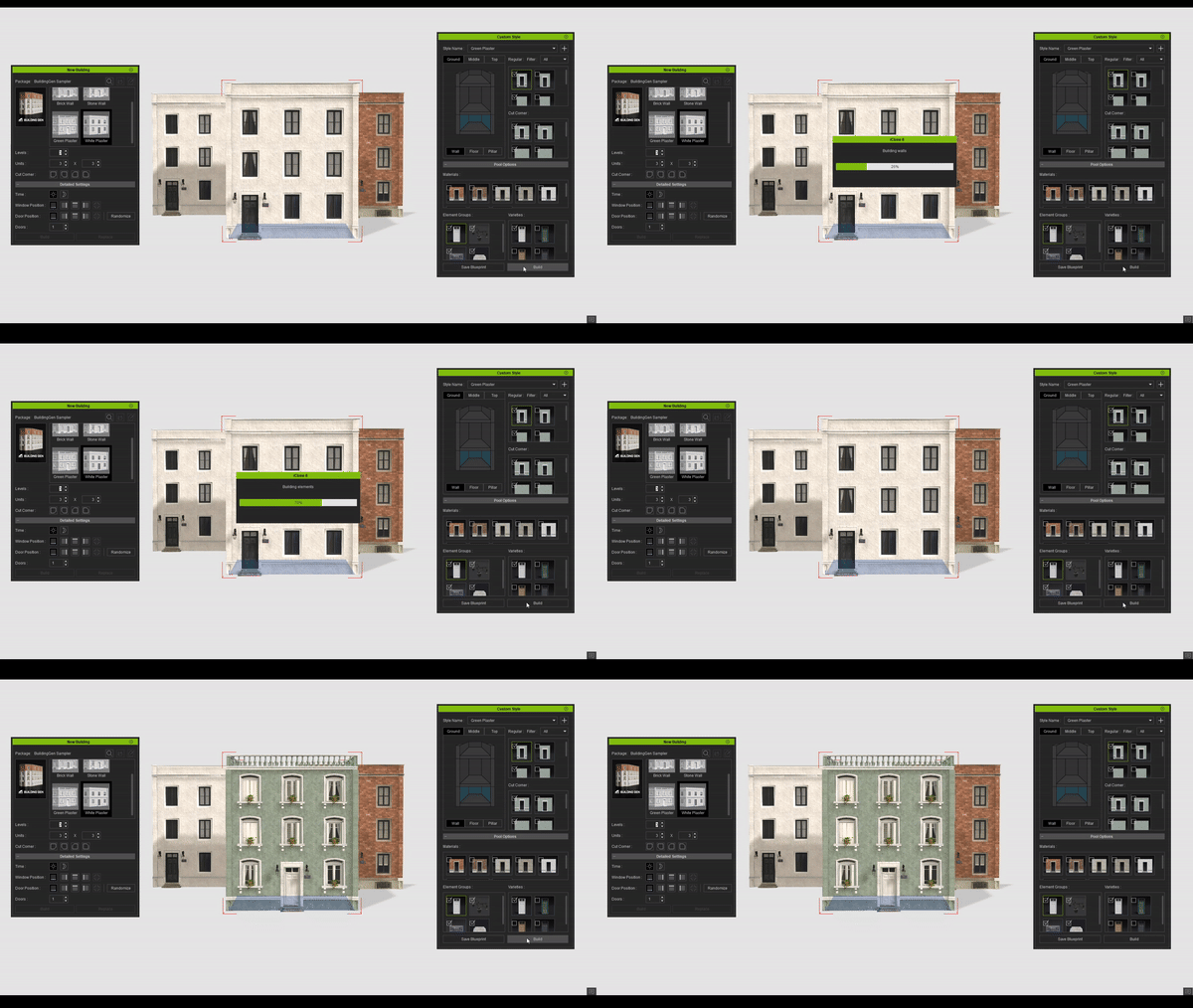
Constructing a new building using the settings in the New Building panel: