Installing Character Creator & iClone Auto-setup for Unity
Character Creator & iClone Auto Setup can be manually installed into the Unity Assets folder.
* Keep in mind that currently only Unity Unity 2021.3 - Unity 6.3 (6000.3) are compatible.
- Obtain the Character Creator & iClone Auto Setup zip file:
- Via Reallusion Hub: Refer to step 2 in the Installing Character Creator & iClone Auto-setup for iClone and Character Creator section.
- Go to the Character Creator & iClone Auto Setup official download site and click the Download button to download the installation file.
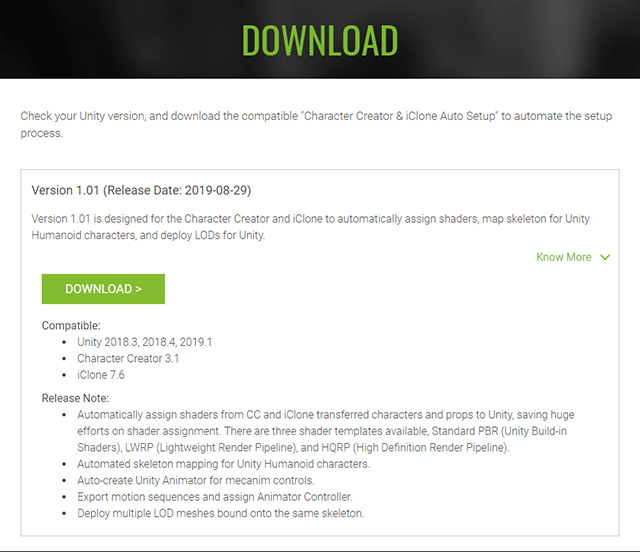
- You will see ccic_unity_tools-2_2_3.zip in the Downloads folder.

- Extract the zip file and you will get a CCiC-Unity-Tools-2.2.3 folder.

- Open Unity Editor (v.6.3 LTS) and go to Window > Package Manager.
- Click the Plus button on the left and choose the Install package from disk... command.

- Browse to the extracted folder from the previous steps.
- Open the folder and select the package.json file. Click the Open button.

After the installation is complete, a Reallusion menu will appear in the menu ribbon.
- Choose Import Characters from the menu to open the Auto Setup (CC/iC Importer HDRP 2.2.3) panel.