|
The syntax of the API command that has the actor
start to look at something is as follows:
CTPluginAPI.SetLookAtMode (Mode, Target);
-
SetLookAtMode:
This is the API command that causes the actor to
track in different modes.
-
Mode: The mode for the actor to look at the
cursor or a target. The modes can be GameView, FullScreen
or TargetTracking.
-
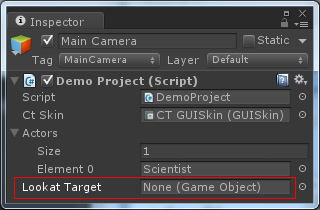
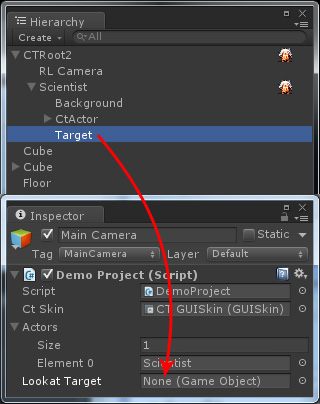
Target: This is a GameObject in Unity. If you
left it unfilled, then the actor will only look at the cursor.
The sliders in the example determine the rolling strength of the eyeballs and the delay time
for tracking when the target (cursor or game object) moves through the two API commands
below:
actorAPI.SetLookAtStrength ( Value);
-
SetLookAtStrength: This command is used to set the rolling
strength of the eyeballs when
the actor looks at a target.
-
Value: This determines the strengthening via a float type value.
actorAPI.SetLookAtDelay (Delay Time);
-
SetLookAtDelay: This command is used to set the
delay time for the actor to track a target.
-
Delay Time: This value is in float type to define the
time lag, and the unit is second.
|