Copying and Pasting Spring Properties
In each project, there can be numerous objects in need of the spring effect. You can share a set of spring settings for all spring groups, instead of adjust one by one, if you want them to behave in a similar manner.
- Create a project with animated objects.
- Select the right object and enter the Composer mode.
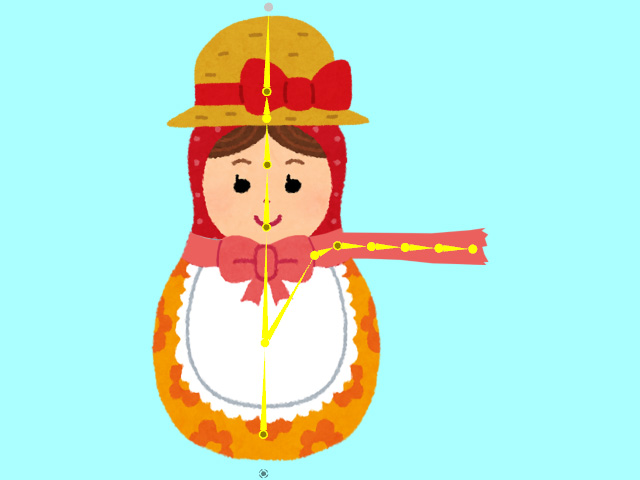
- Open the Spring Editor, create a new group.
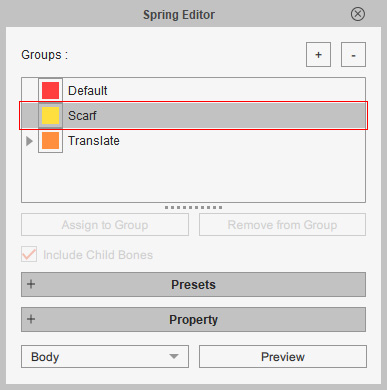
Add the non-spring bones into this group.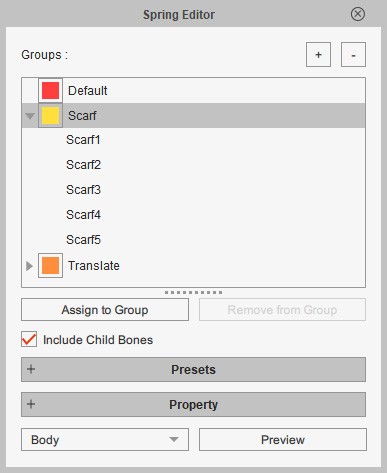
- Exit the Composer mode.
- In the Stage mode, select the left object and open the Spring Editor, pick the group whose spring properties you want to copy.
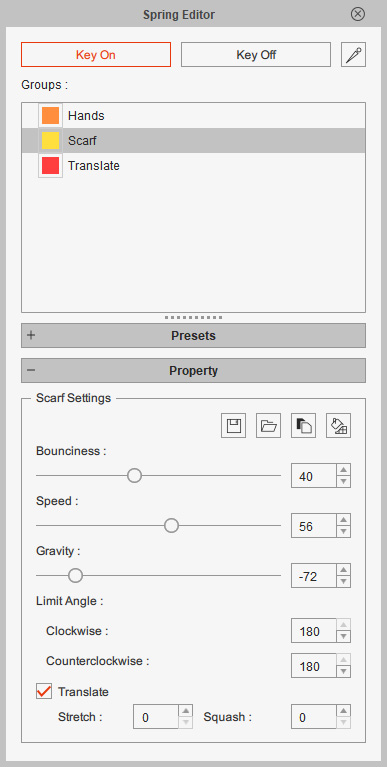
- Click the Copy Spring Profile button in the Property section. This step copies the settings and values of the spring group's properties.
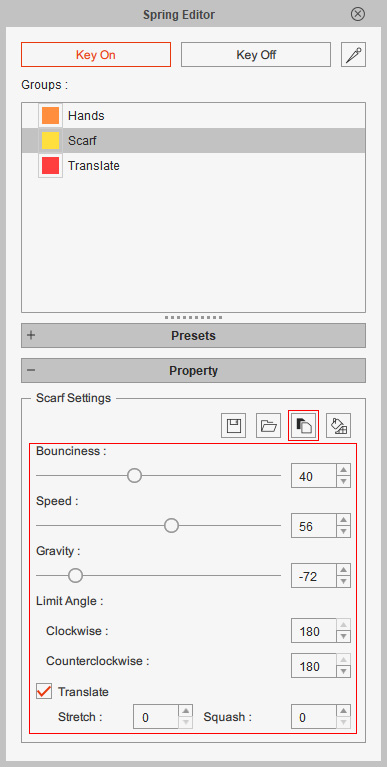
- Select the other object and pick the spring group created in step 3. As you can see the properties are still initial.
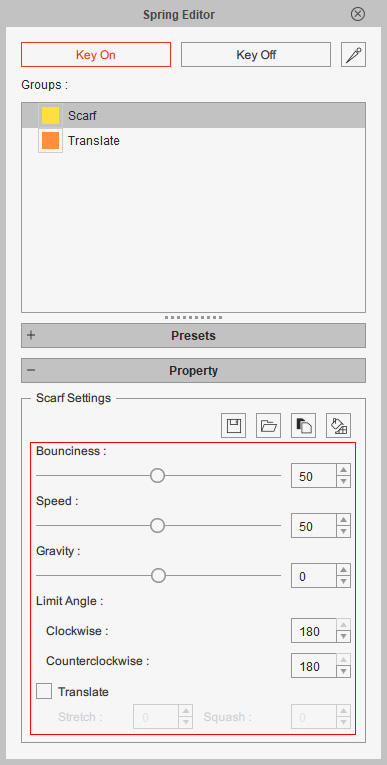
- Click the Paste Spring Profile button to paste the values from the other object.
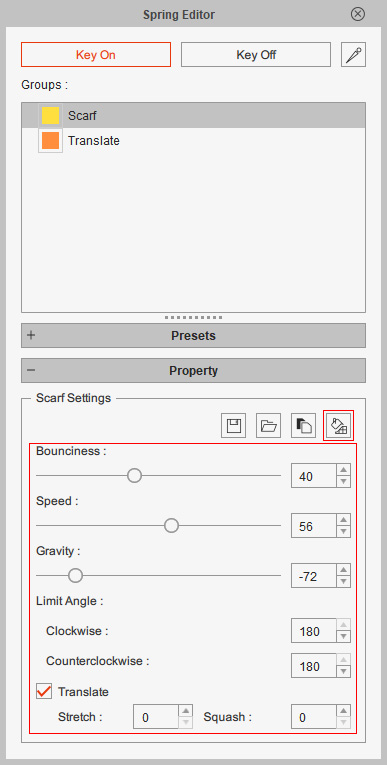
- Playback to view the result.
