Creating Character Sprites of Sequence Animation with External Editors (New in version 5.3)
In addition to creating character sprites with sequenced images via the Sprite Editor, you can also use a 3rd-party image editor, such as Photoshop (bitmap based) or Illustrator (vector based).
- Create an animated character.
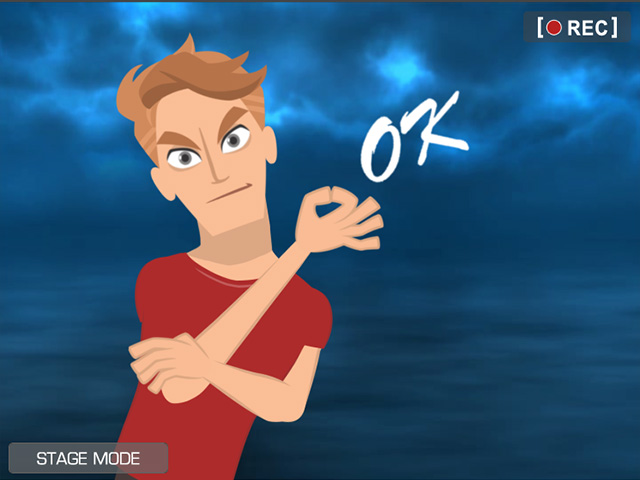
Playback to view the results. - Select the character and switch to the Composer mode.
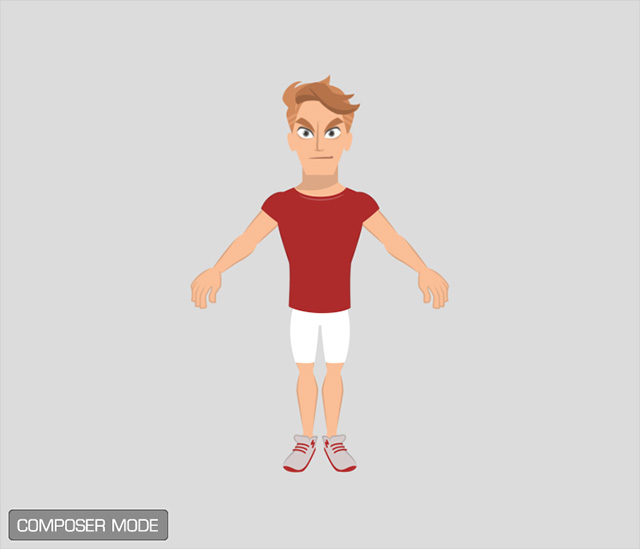
- Export the entire character by clicking the Edit Whole Object in Bitmap Editor or Edit Whole Object in Vector Editor button in accordance to the graphics the character is composed of.

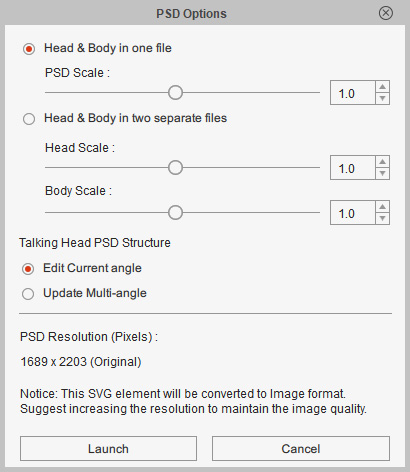
- If you choose the Bitmap editor, then set the desired exporting method. Otherwise, skip this step.
- Find the desired element for being replaced by sequenced images.
- Bitmap Editor (e.g. Photoshop):
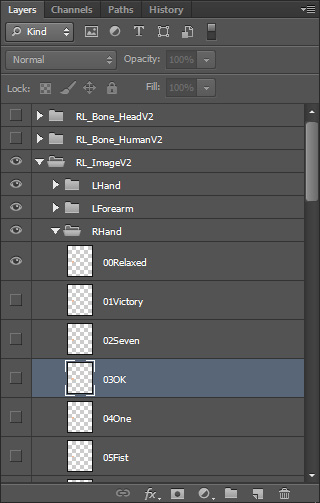
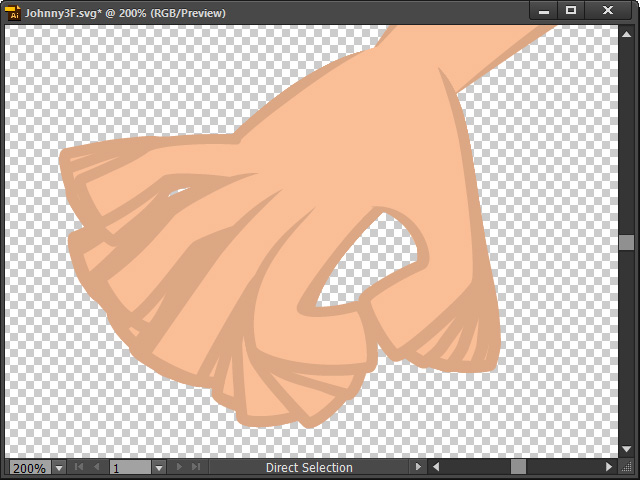
- Vector Editor (e.g. Illustratior):
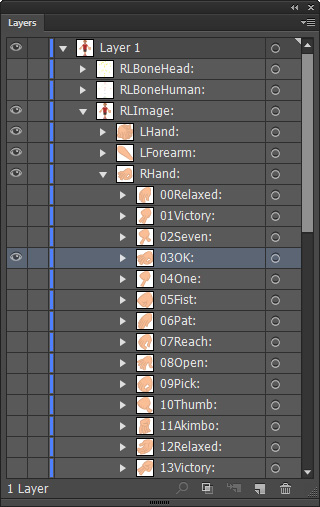
- Bitmap Editor (e.g. Photoshop):
- Create a structure composed of a folder include all the sequenced images.
** Notice that the sub layer names can be either numbered or random strings.- Bitmap Editor:
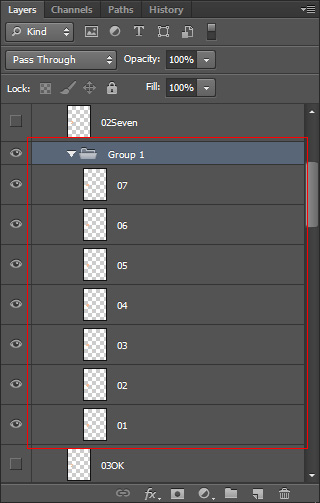
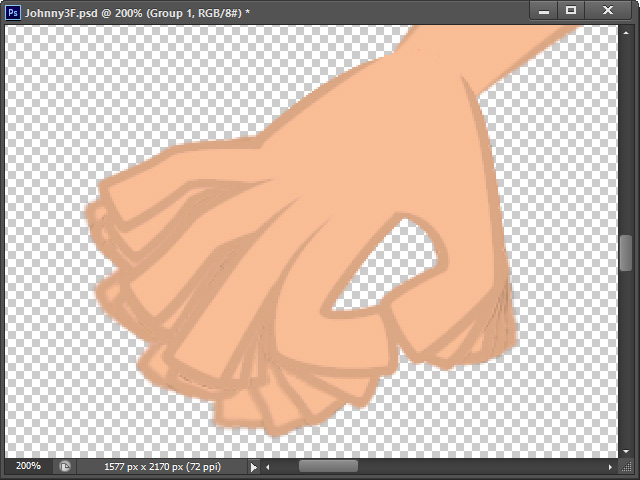
- Vector Editor:
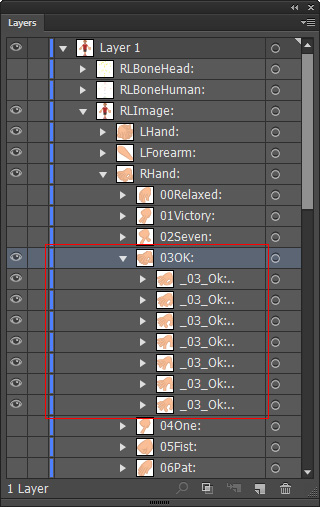
- Bitmap Editor:
- Rename the folder as:
- Bitmap Editor: [element name]_Cycle.
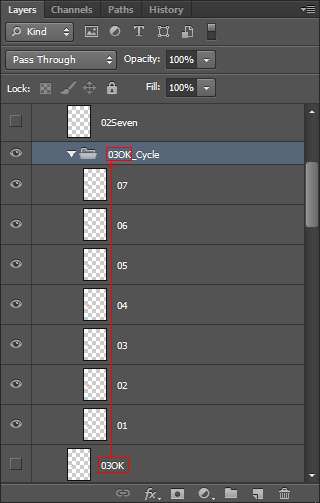
Then remove the original element.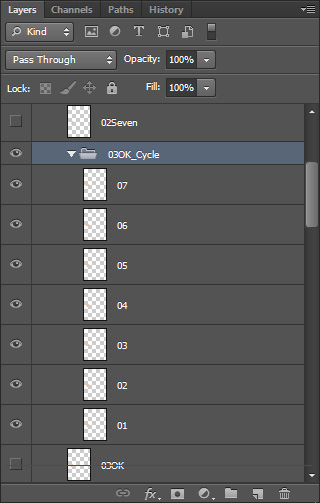
- Vector Editor: [element name]:Cycle:.
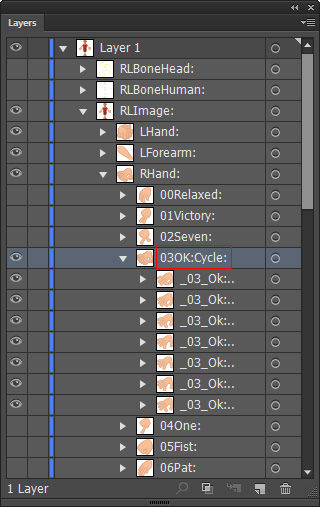
- Bitmap Editor: [element name]_Cycle.
- Save the document to auto-synch back to Cartoon Animator.
- Select the sprite and open the Sprite Editor.
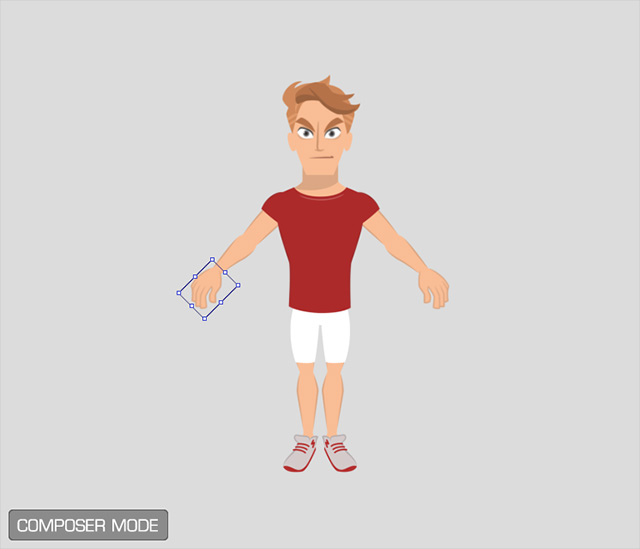
- The element of the sprite will contain the sequence images.
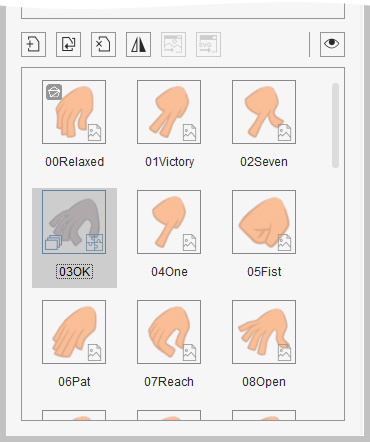
You can tell by the marks in the corner.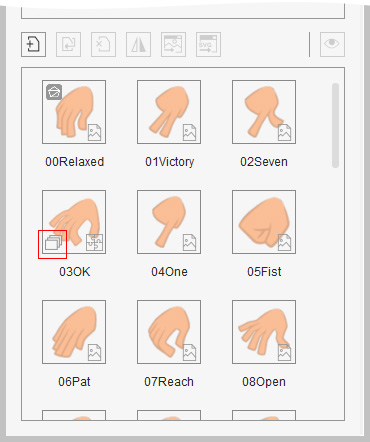
- Right click on the element to invoke the context menu.
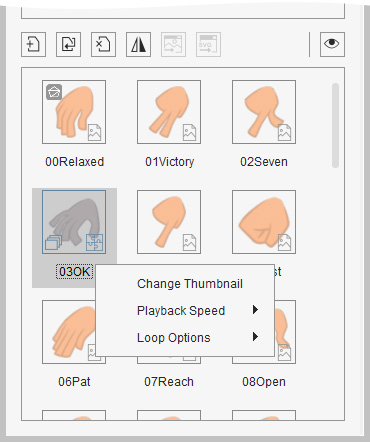
- Change Thumbnail: Loads an image to customize the appearance of the thumbnail.
- Playback Speed: You can choose to set the playback speed of the sequence animation of this element.
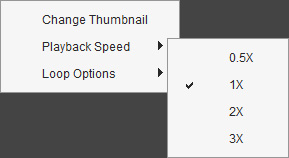
- Loop Options: You can choose the looping method when this element is activated by setting sprite switch key.
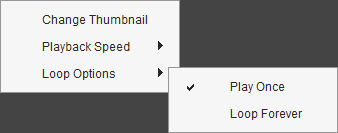
For facial features or body parts, it's Play Once, by default.
- Click the Preview button to check out the animation result.
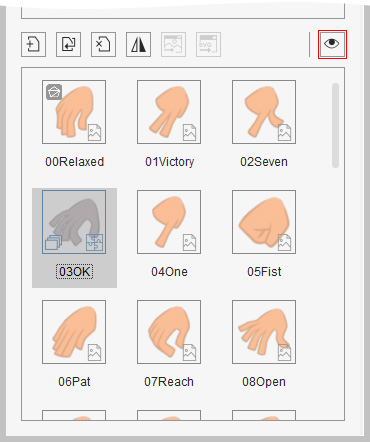
- Repeat the same steps to any other elements of the facial features or body parts.
- Return to the Stage mode and create facial expressions for the character. You will see the differences between the elements composed of sequence images or not.
Before
After
