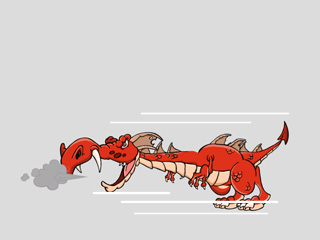
Replacing Characters
In Cartoon Animator, you can always replace characters with another one by drag and dropping the desired one onto the existing one. However, there are some regulations for replacing characters.
If you wish to replace an existing character, without removing the animations that you already set, then just follow the steps below:
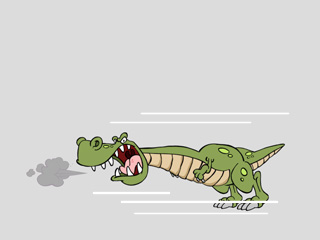
- In the Stage Mode, apply a motion to the character.
- Select the character that will be replaced.
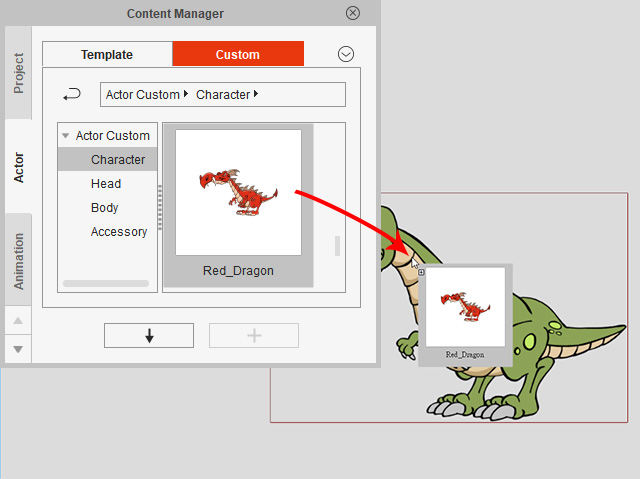
- Change the Content Manager to Actor > Character template or custom library.
-
Drag the desired template from the library and drop it onto the selected character.
 Note:
Note:- Make sure that the original character and the new character have an identical bone structure. Cross generation replacement is not allowed.
- If the target Free Bone character does not contain an identical bone structure as the template, then the replacement will fail and both characters will display on the stage.
-
The original character will now be replaced with the new one. All original animations will be kept.