Eyeball Transform
After applying an eye template, you may adjust the size and the location of the eyeballs.
-
Click the Eye Settings
 button on the Create Morph-based Head toolbar to access the Eye Settings panel.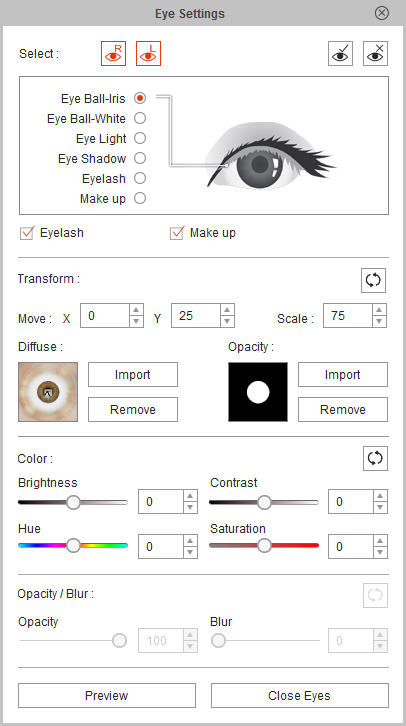
-
Press down the Left and/or Right buttons to determine whether you want to adjust individual or both eyes.


Left eye
Right eye
Both eyes
- Choose the Eyeball - Iris or Eyeball - White radio button.
-
In the Transform section, adjust the Move
 or Scale
 values to decide the size of the eyeball.
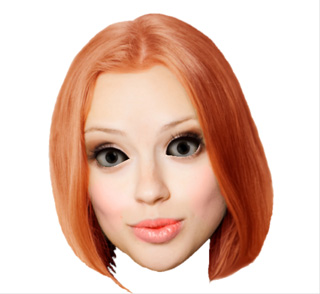
Original Eyeball
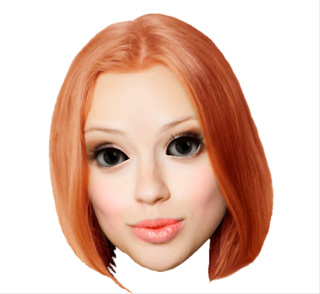
Eyeball size changed
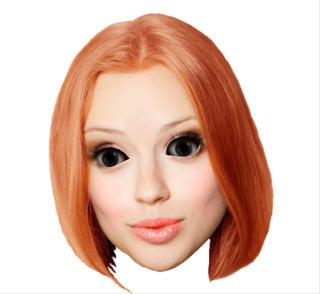
Eyeball position changed
 Note:
Note:You may click and keep the Check Eyes
 button pressed to compare with the original.
