Changing the Layer Order of Sprites
After creating a prop with multiple sprites, you may adjust the sprite layer order in a compound prop with the Composer. You may arrange the visual logic of the prop as seen below.

|

|
|
Before adjustment |
After adjustment |
Changing the Layer Order
-
Select a compound prop. Click the
 Composer button to enter the Composer Mode.
 -
Open the Layer Manager (Shortcut: F6).
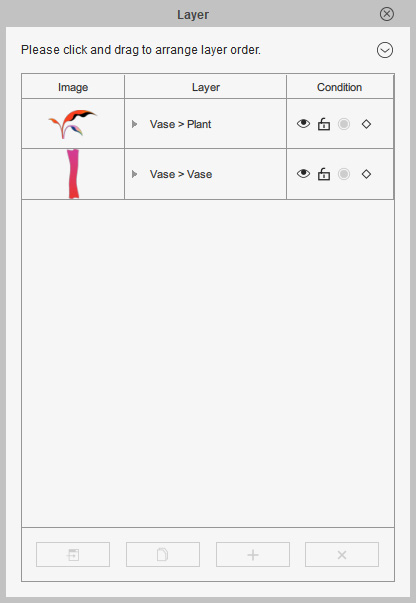
-
Select the item for which you want to change the order.
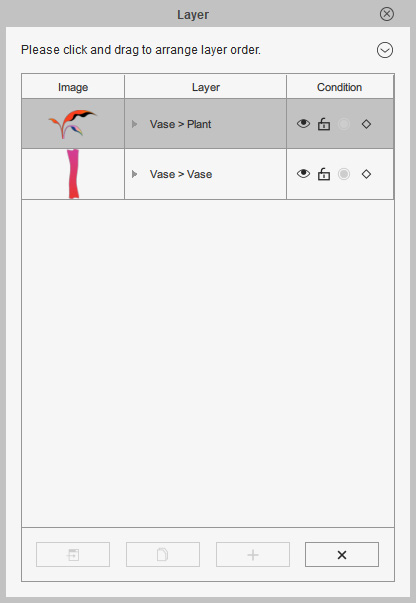
-
Click the
 Move to top,
  Move up,
 Move down, and
  Move to bottom
buttons to re-arrange the order of the selected item.
Move to bottom
buttons to re-arrange the order of the selected item.
-
You will be able to instantly see the changes inside the working area.
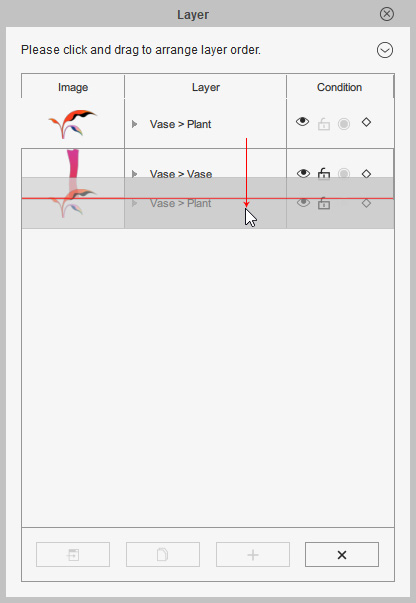
-
Repeat the steps until the look of the prop meets your visual logic.
