Timeline Operations
The Timeline Operations involves in the panning and zooming methods for viewing the cells of the time frames.
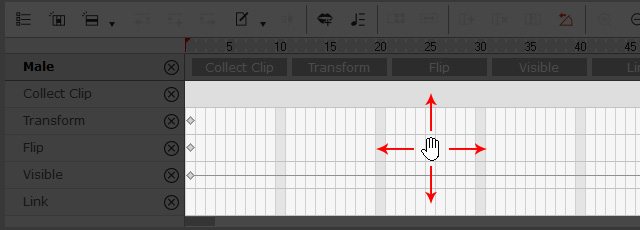
- Pan (Alt + Dragging): Use this combination keys to pan the working area of the Timeline horizontally and vertically.
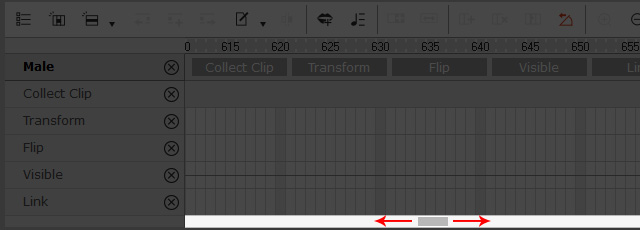
- Pan (Ctrl + Mouse Wheel): Use this combination keys to pane the working area of the Timeline horizontally.
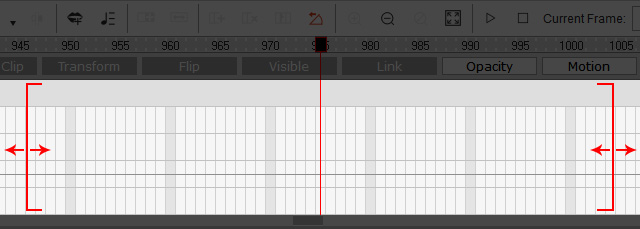
- Zoom (Alt + Mouse Wheel): With this combination, the current time frame will be moved to the center of the Timeline working area, and then zoom in or zoom out the time unit accordingly.