Creating Facial Sprites with Multiple Angles
In order to have the facial feature match the angle of the character, especially when the character's head rotates, you need to create facial sprites with pose composed of multiple angle views. The workflow is much like how you create a multi-angle body part.
* Please note that these steps are suitable for Image-based, Vector-based or Hybrid head types.
 Step 1: Applying Dummy Character for Replacement
-
Apply a character from the Actor >> Actor Template >> G2 Character >> Replace Dummy.
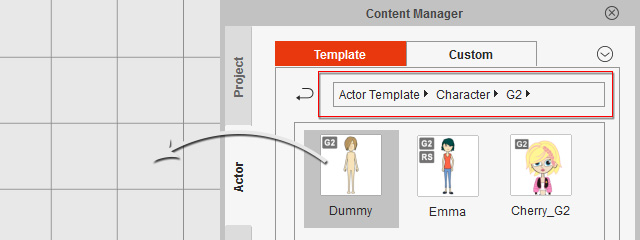
-
The basic G2 character is loaded for replacement procedure and is auto-selected.
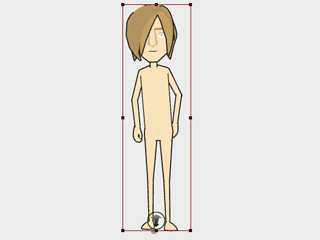
Step 2: Replacing the Angles of Specific Facial Features
-
Click the
 Composer button to switch to the Composer Mode.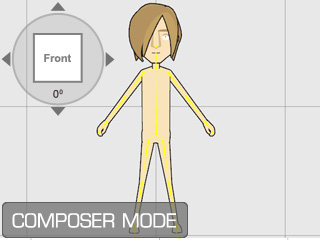
-
Select a sprite of a facial feature (in this case, the nose).
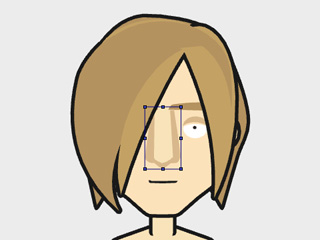
-
Click the Sprite Editor
 button to open the panel.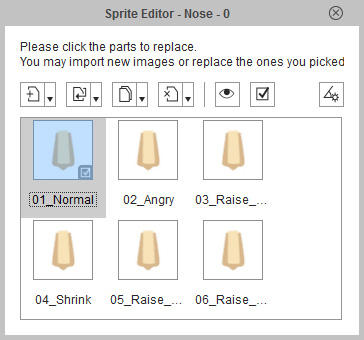
-
Click the 4 arrow buttons of the Angle Switch
to determine an angle (in this case, 0 degree).
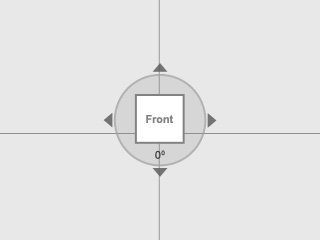
-
Pick the
pose
in the Sprite Editor and click the
 Replace Current Sprite button.
-
Select one of the prepared media file that matches this angle and click the Open button.
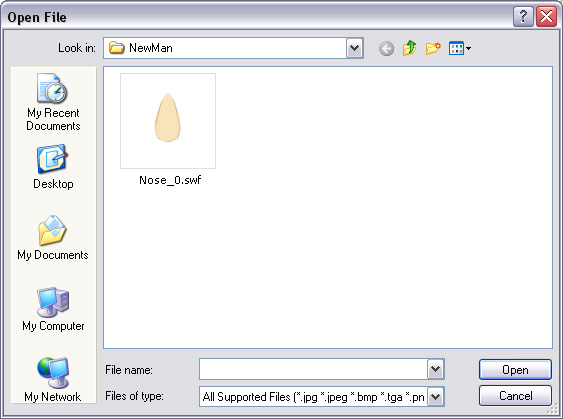
The pose is instantly replaced with the new media.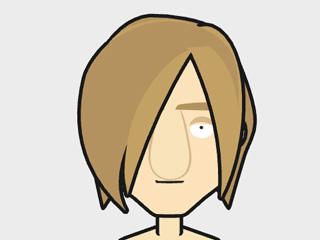
-
Click the
 Full-angle Settings button to display all media that compose
this pose.
Full-angle Settings button to display all media that compose
this pose.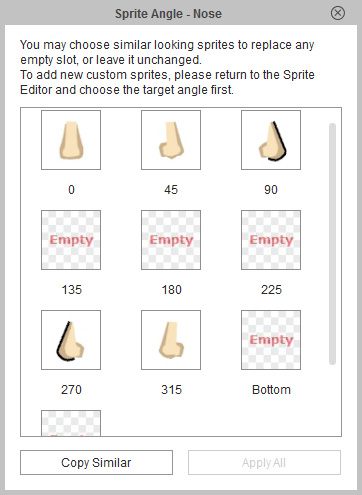
-
Repeat steps 4 to 7 until media of different degrees are loaded to
replace 5 angles in the table.
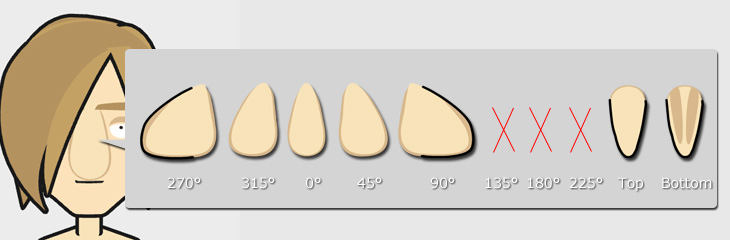
Check the Sprite Angle panel again to make sure you have replaced all necessary angles.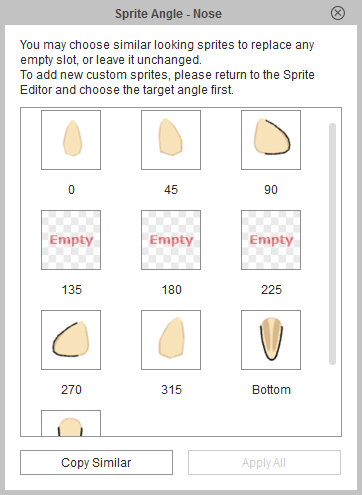 Note:
Note:- Please note that the slots for 135, 180 and 225 degrees can be empty because the character is actually face back and the facial features are hidden.
- The slots for top and bottom can be empty or filled up, depending on the protruding statuses of the facial features.
Step 3: Replacing Other Facial Features
-
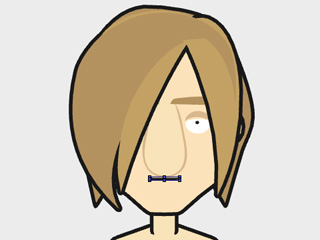
Pick any of the other facial features.
-
Repeat same steps in the previous section to replace the angles in the sprite.
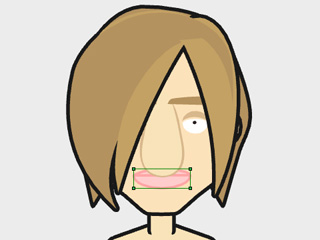
- Perform the same steps until the facial sprites of the character are completely replaced.
-
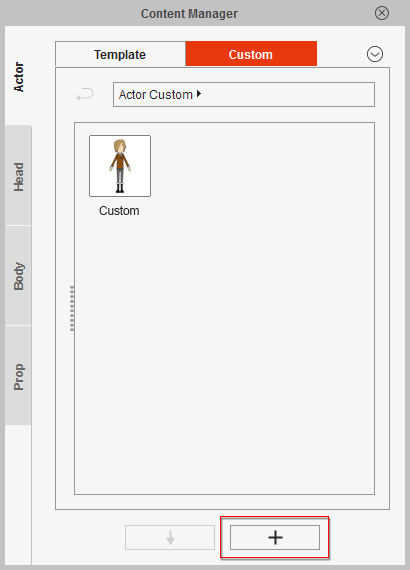
Click the Add button under the Content Manager to save the
custom character.
-
Click the Back to Stage button to bring the new character back to the
stage.
Note:
You may also use the Validate Multi-angle Setup panel to quickly replace the media.
