ExpressionPlus Blend Shapes of CC3+ Characters
The CC3+ characters with ExpressionPlus (ExPlus) are actually embedded with various blend-shapes which can be used to morph the facial features to produce expressions or lip shapes. These shapes are
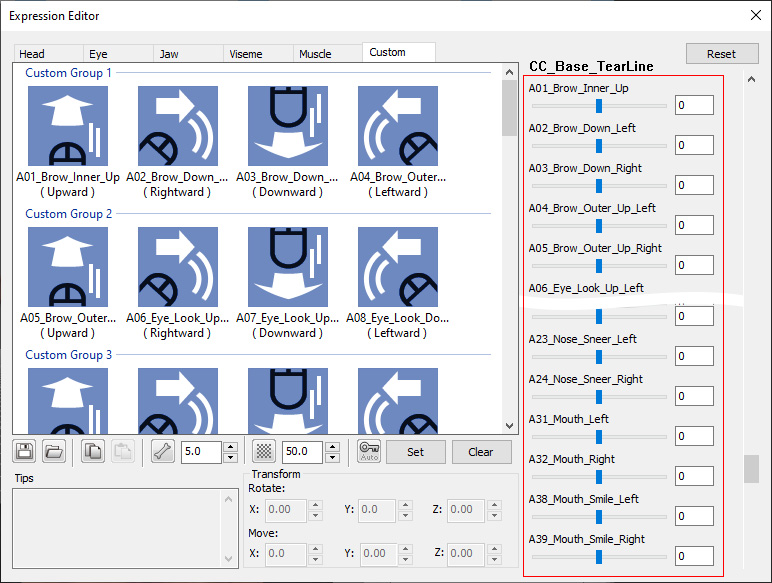
represented by sliders and can be found in Custom page in the Face Key editor's Modify mode.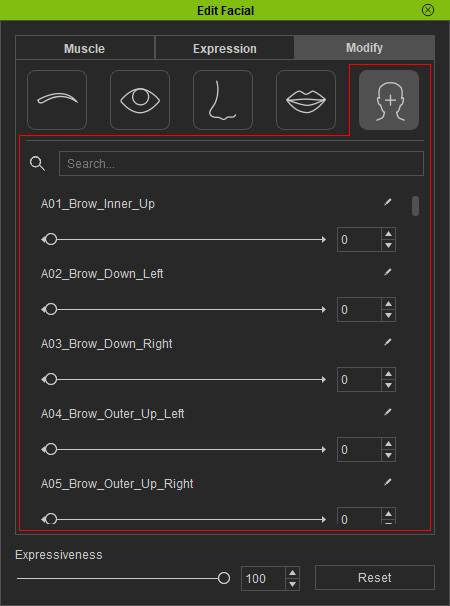
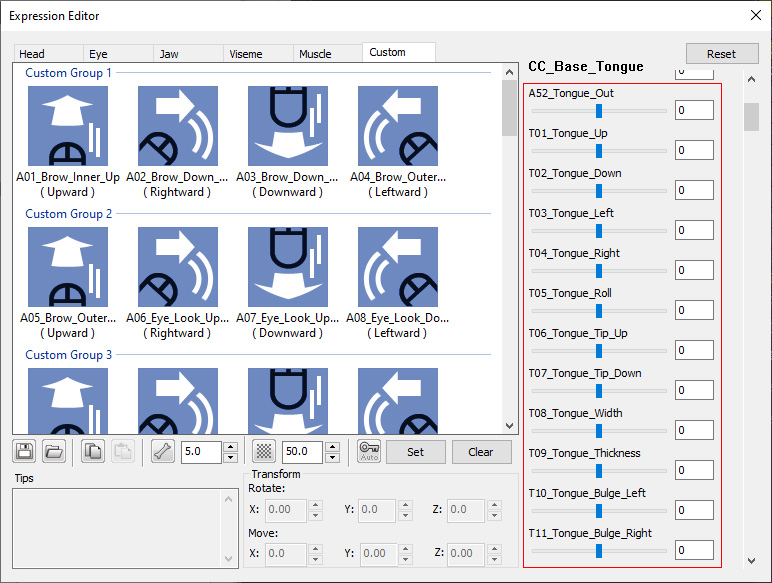
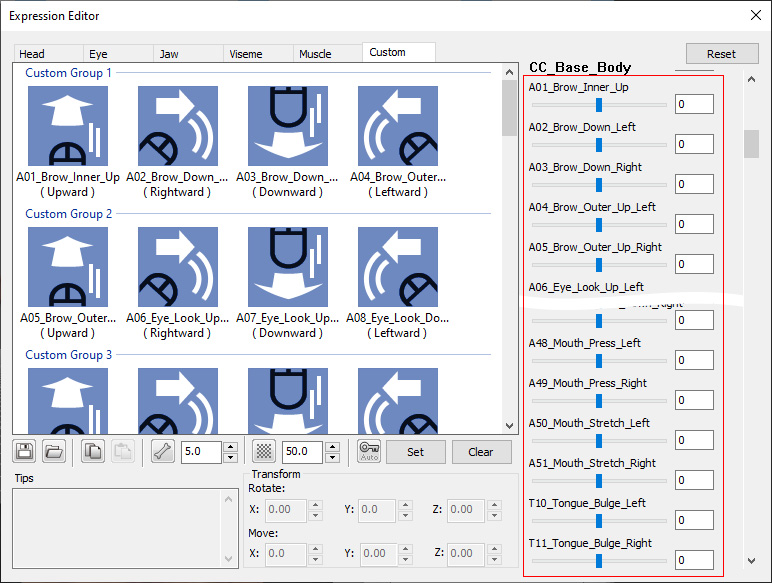
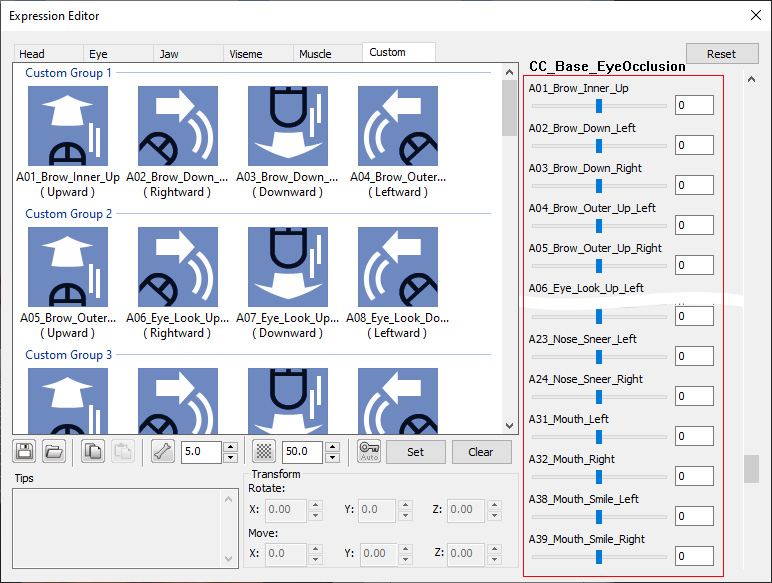
You can also find the slider settings by importing CC3+ characters to 3DXchange and open the Expression Editor and switch to the Custom tab.
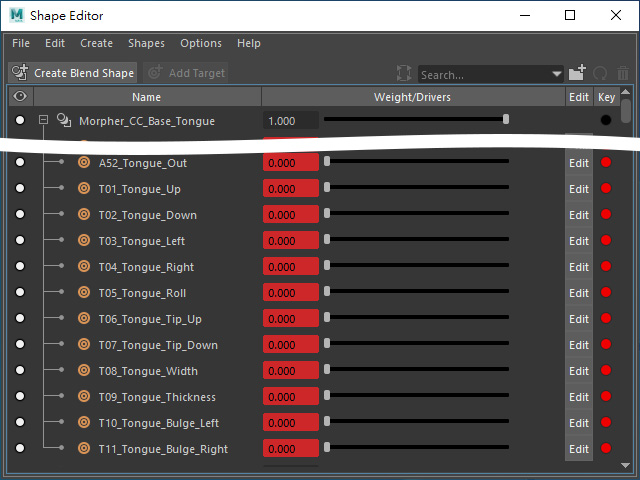
- Tongue: A52 and T01 to T11.
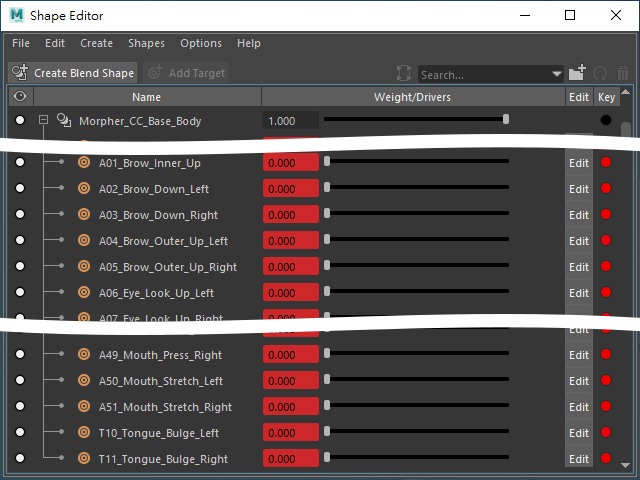
- Body: A01 to A51 and T10 to T11.
- EyeOcclusion: A01 to A39.
- TearLine: A01 to A39.
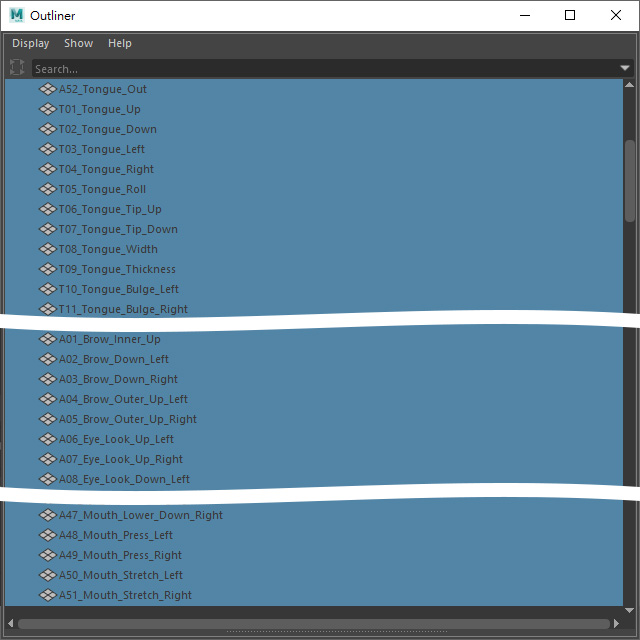
If you export the character in FBX and load the file to another 3D application, then these ExPlus blend-shapes can also be found in the Morph panel as sliders. Take Maya as an example:
- Outliner (in Maya): The morphing blend-shapes
reside in the list.
- Morphing Sliders (in Maya):
- Tongue:
- Body (and face):
The blend shapes.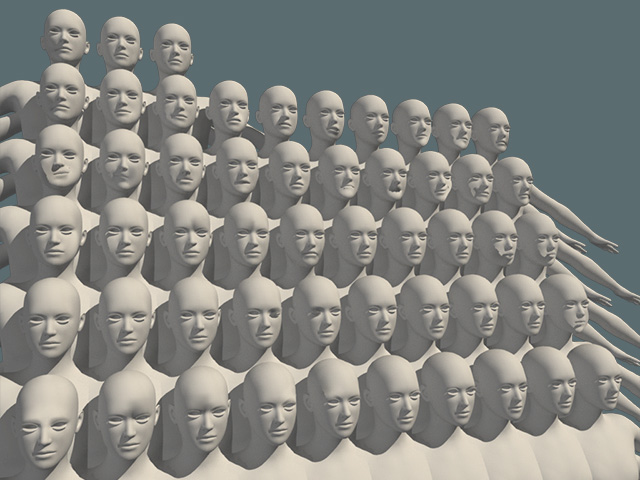
- Eye Occlusion:
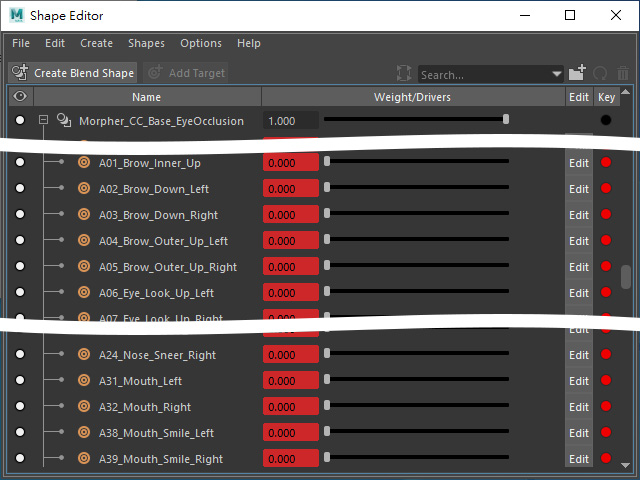
- TearLine:
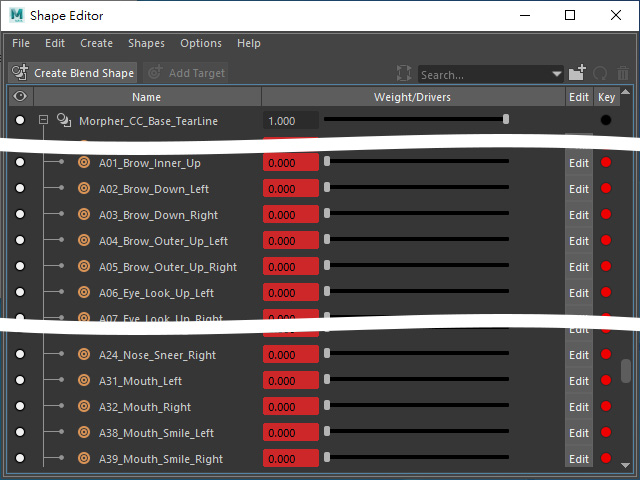
- Tongue:
