Setting Hand Gestures
Finger and hand gestures can be created within minutes.
- Create a new project and add a character.
-
Execute the Edit >> Edit Pose command to open the Edit Pose panel (shortcut key: N).
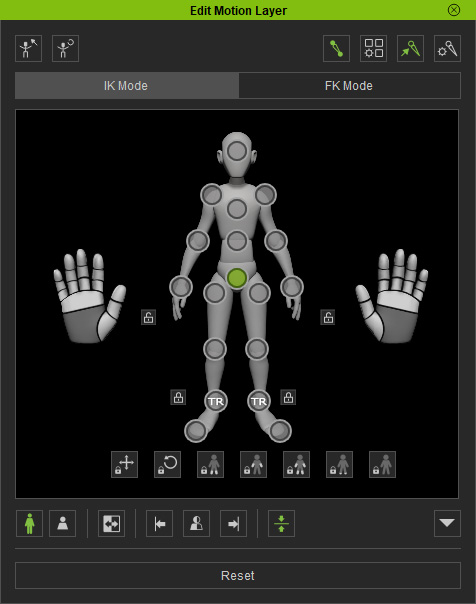
- Focus to the character's hand effector point and rotate the wrist.
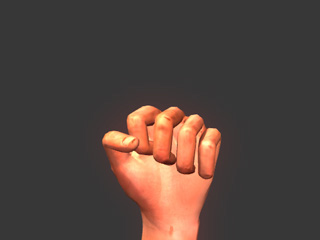
- You may also curl all the fingers all at once by dragging on the palm control.
-
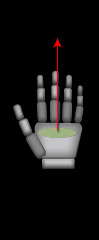
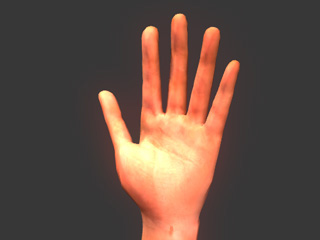
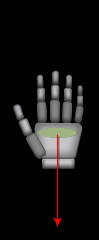
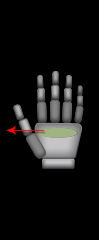
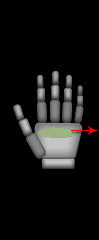
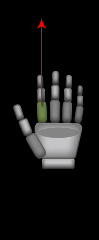
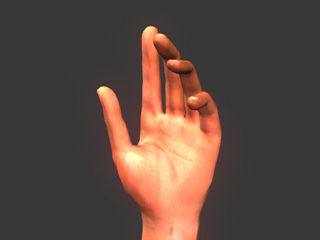
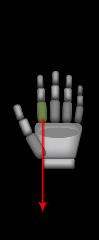
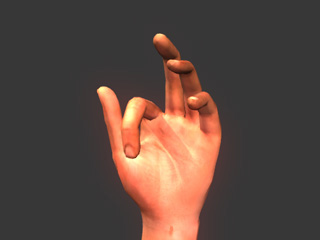
Press and drag the dummy's dark grey part of the fingers to set gestures.
|
|
|
|
|
Dragging Up |
Result: Fingers Curl Outward |
Dragging Down |
Result: Fingers Curl Inward |
|
|
|
|
|
Dragging Left |
Result: Fingers Close |
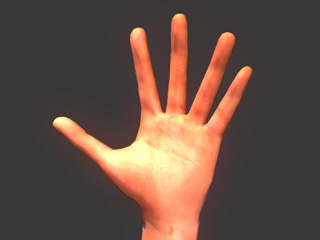
Dragging Right |
Result: Fingers Spread Open |
|
|
|
|
|
Dragging Up |
Result: Finger Curl Outward |
Dragging Down |
Result: Finger Curl Inward |
