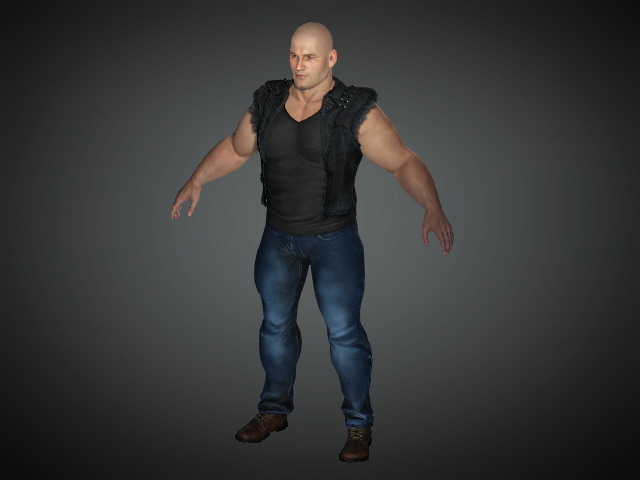
Basic Sculpting for CC3 Base+ Characters
The basic sculpting process for CC3 Base+ characters is very similar to sculpting a model of any kind with ZBrush.
- Create a character.
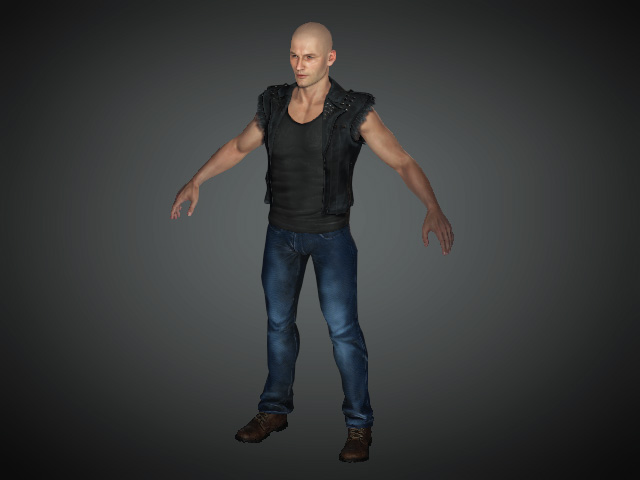
- Select the character from the Scene Manager.
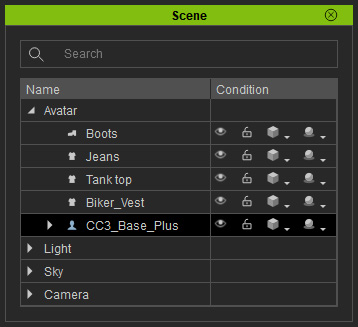
- Click the GoZ button on the toolbar.

Alternatively, access the File menu >> Export >> GoZ command.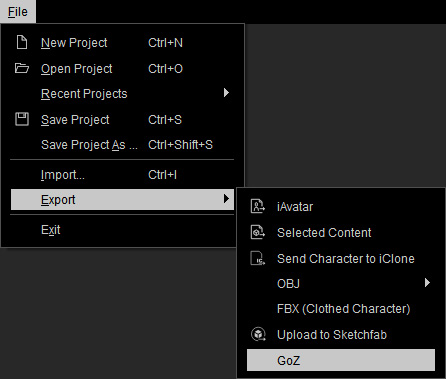
- Click the GoZ button to send the object to ZBrush.
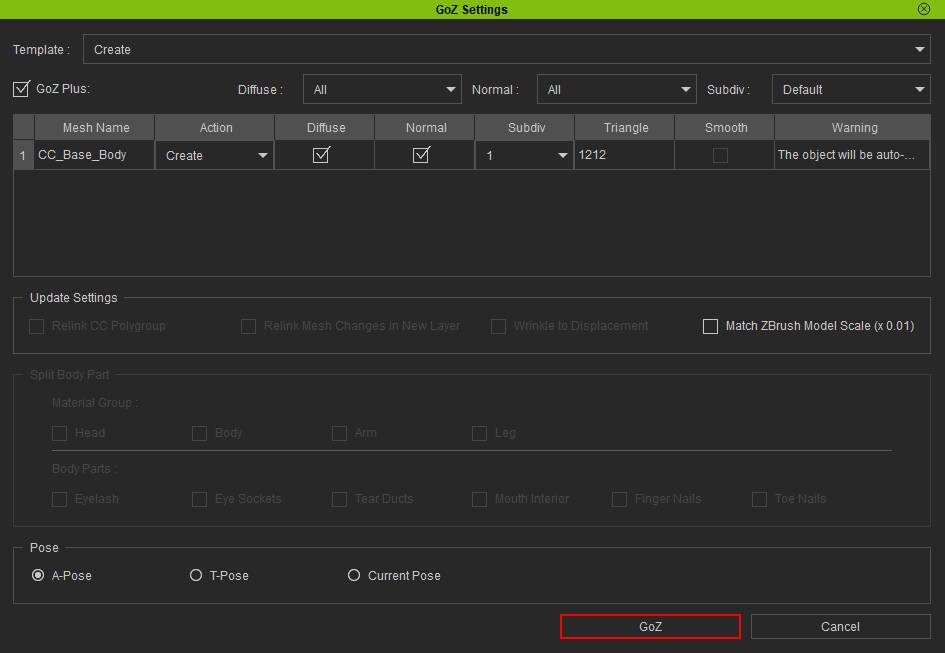
- For round-trip editing with GoZ feature, make sure to choose a pose that is identical to the one assumed by the current character.
- Refer to the GoZ Setting User Interface Introduction section for more information.
 Note:
Note:The tool files for GoZ feature are stored in the following path (by default):
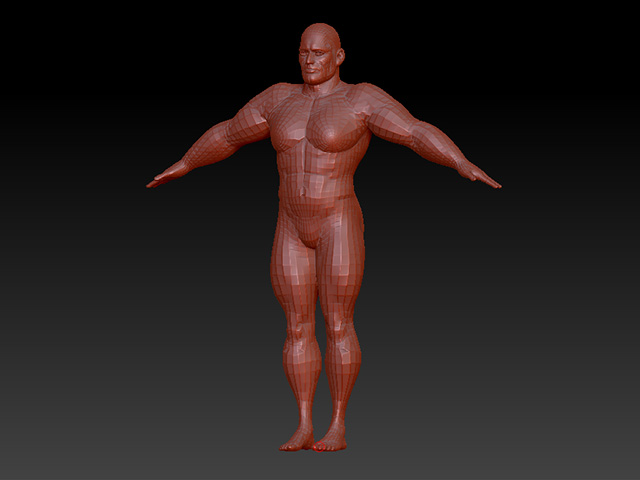
C:\Users\Public\Pixologic\GoZProjects\Default - Edit the model with tools in ZBrush.
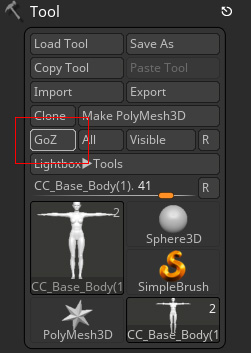
- Press the GoZ button on the ZBrush to send the model back to Character Creator.
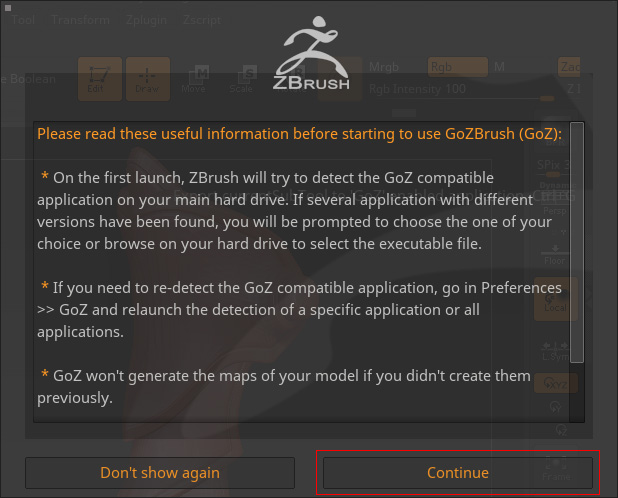
- Click the Continue button in the upcoming message box.
- Click the Update button when the dialog box appears in Character Creator.
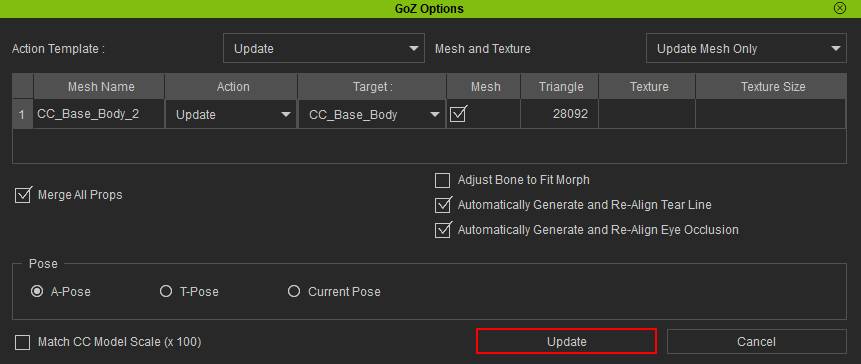
- If the pose before GoZ is A-pose, then choose the A-pose in the panel to ensure the integrity of the body meshes.
- Choosing a different pose can cause serious distortion issues.
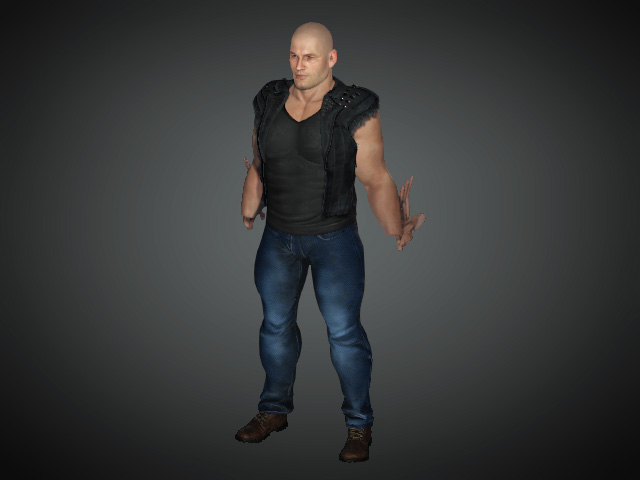
- The character will be updated with the new shape sculpted in ZBrush.