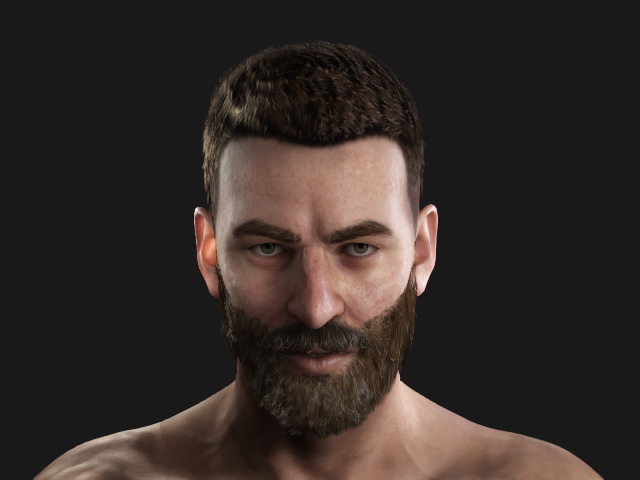
Sculpting Smart Hair with ZBrush
One of the basic functions of GoZ is to send a smart hair model to ZBrush, sculpt the surface of the hair, and then update the hair in Character Creator.
- Apply facial hairs to a character.
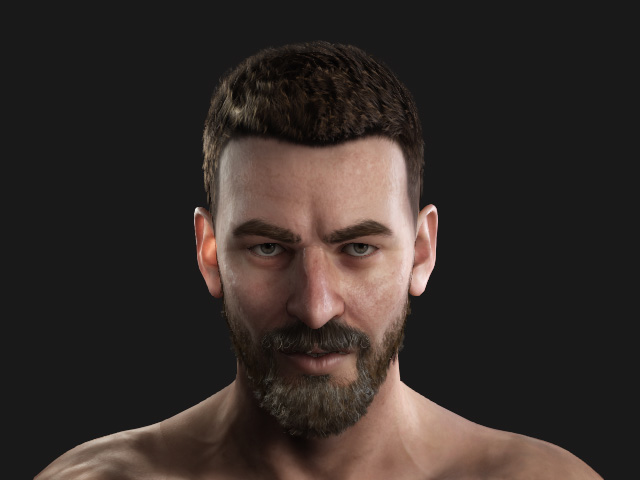
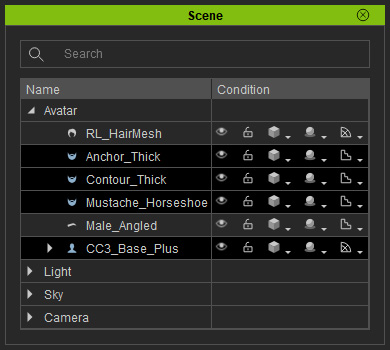
- Select the character and the hair you want to sculpt in ZBrush (in this case, the beard).
- Click the GoZ button in the toolbar.

Alternatively, access the File menu >> Export >> GoZ command.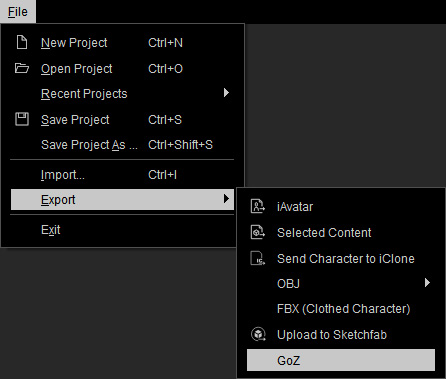
- Click the GoZ button to send the object to ZBrush.
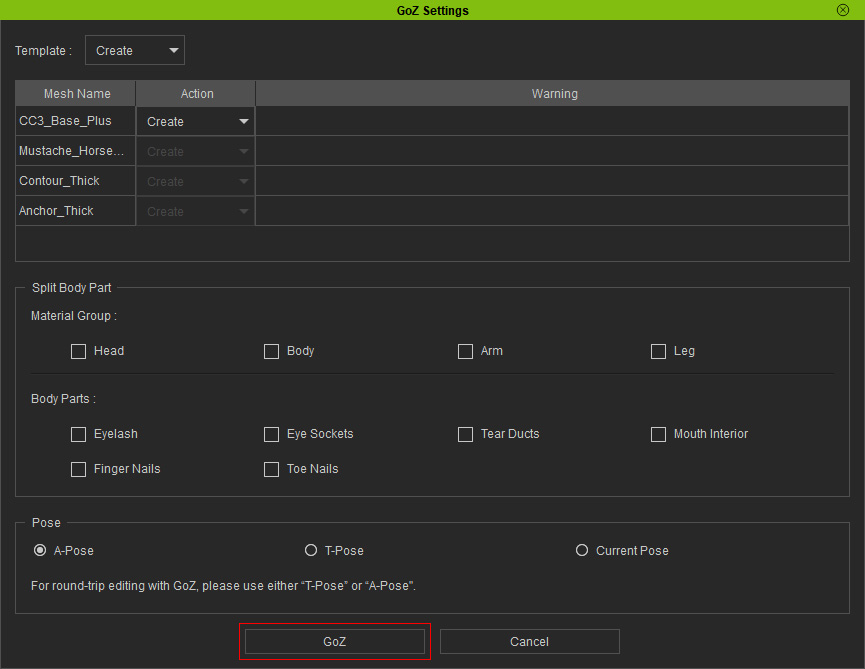
Refer to the GoZ Setting User Interface Introduction section for more information. Note:
Note:- The tool files for GoZ feature are stored in the path below (by default):
C:\Users\Public\Pixologic\GoZProjects\Default - Keep in mind that the Current Pose option is not activated.
- The tool files for GoZ feature are stored in the path below (by default):
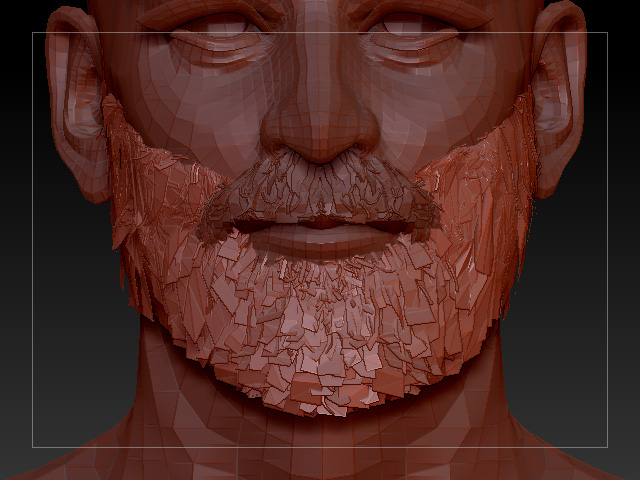
- Edit the model with tools in ZBrush.
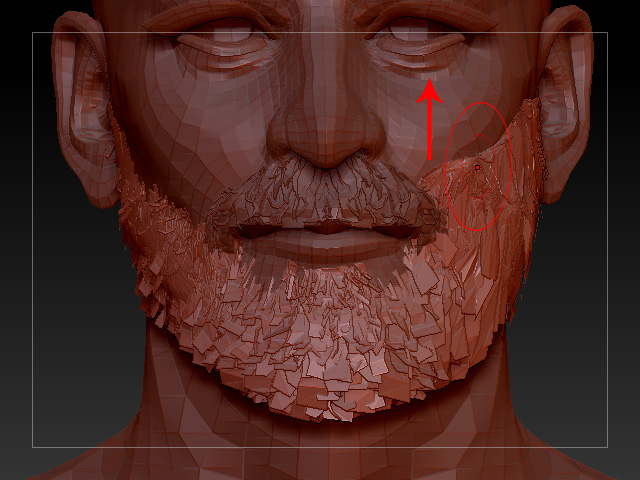
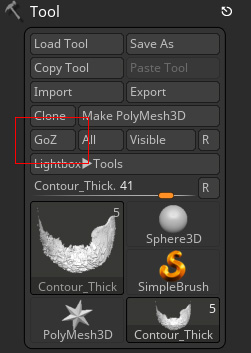
- Press the GoZ button on the ZBrush to send the model back to Character Creator.
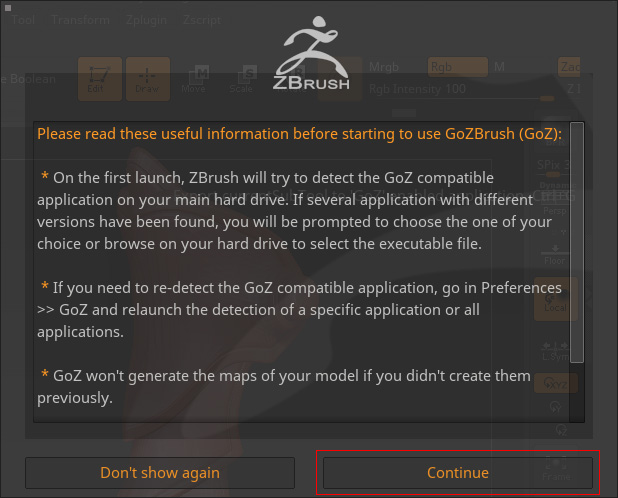
- Click the Continue button in the up-coming message box.
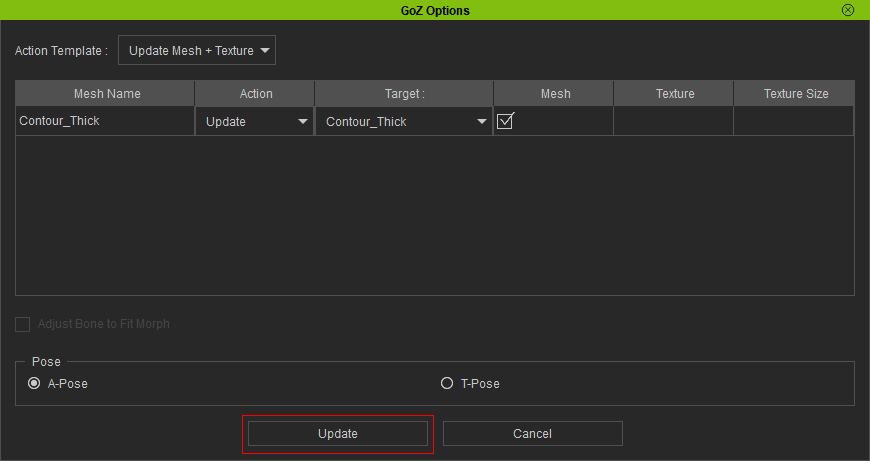
- Click the Update button when the dialog box shows in Character Creator.
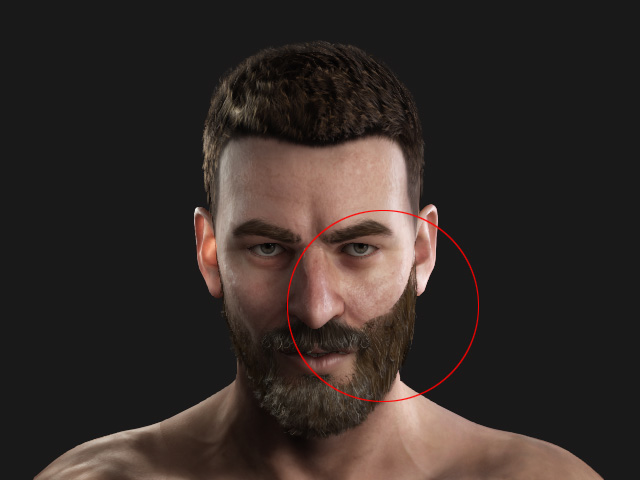
- The object will be updated by the new shape sculpted in ZBrush.
- Repeat the same steps to sculpt the mesh until you are satisfied.
- With the GoZ feature in ZBrush, you can edit and transfer the editing result back to Character Creator
repeatedly.