Copying and Pasting Shader Parameters
For Digital Human Shader materials, you can copy and paste the shader parameter values in order to keep the settings identical for cohesive appearances between different parts, for example, the skin on the head, body, arms and legs.
- Create a project (default one for this case).
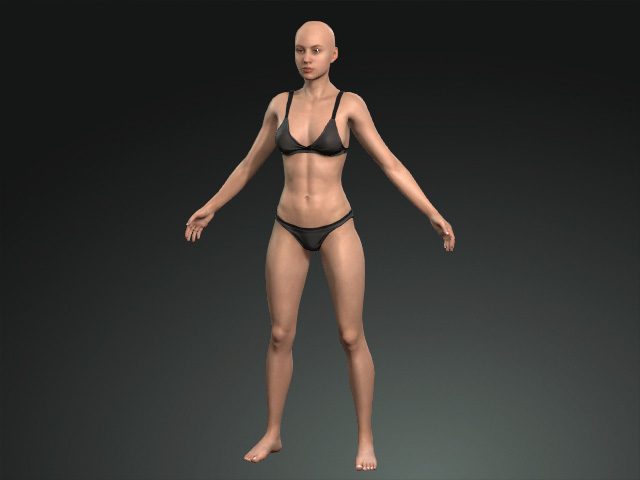
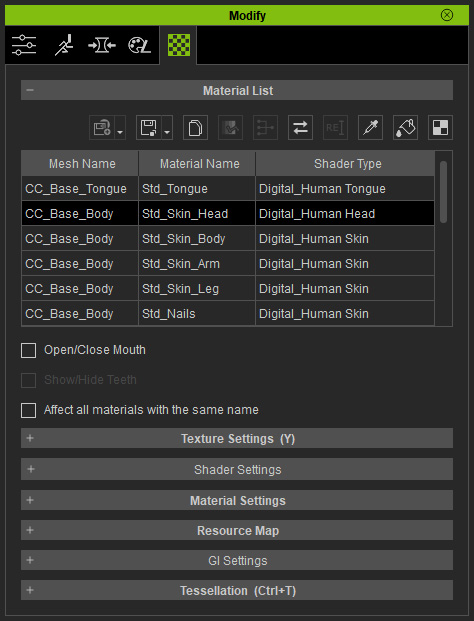
- Select one of the materials applying with the Digital Human Shader, in this case, the Digital_Human Head.
- Adjust the values under the sub-section (Texture sub-section excluded) in the Shader Settings section.
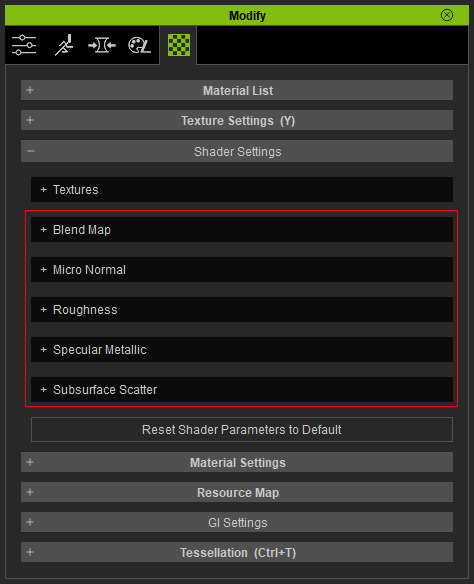
This step will change the entire look of the material.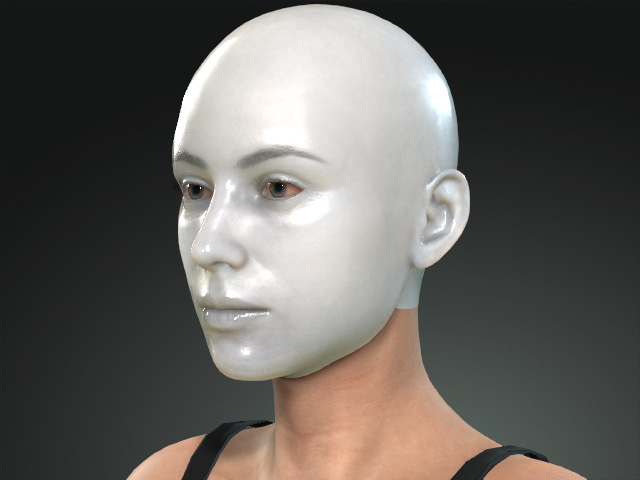
- In order to keep the cohesive appearance for the rest of the body parts, you need to remember and set the settings values back and forth the different materials with Digital Human Shaders.
Alternatively, click the Copy Shader Parameters button above the Material List.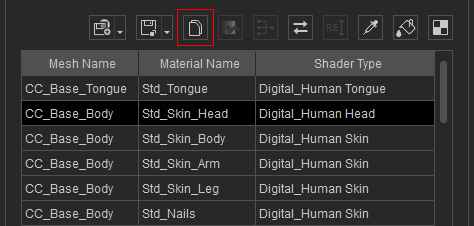
This step will copy the parameter values in the sub-sections aforementioned in step 3. - Select the material applied with the Digital Human Shader. In this case, the body skin.
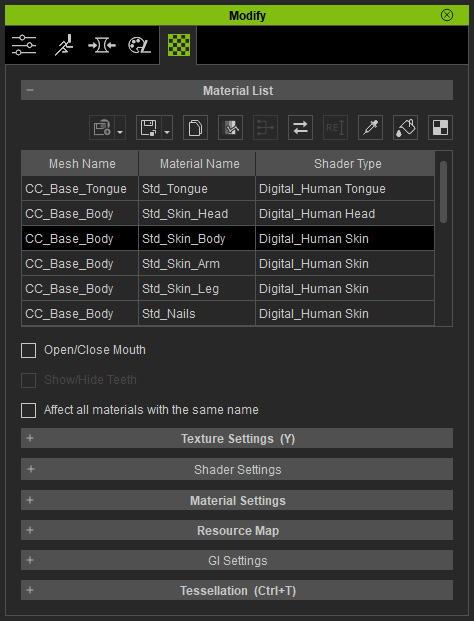
- Click the Paste Shader Parameters button above the material list to paste the values to the relative settings.
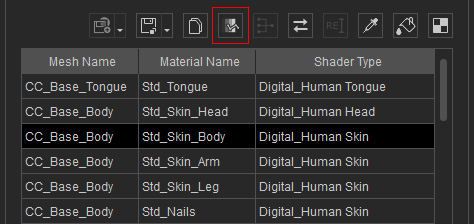
- The target material will instantly applies with the same settings as the source materials to change the look.
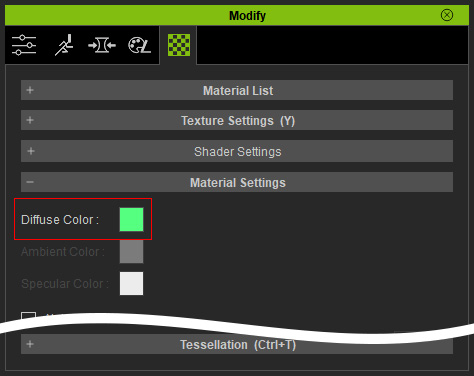
- In the Material Setting section, change the color of the materials.
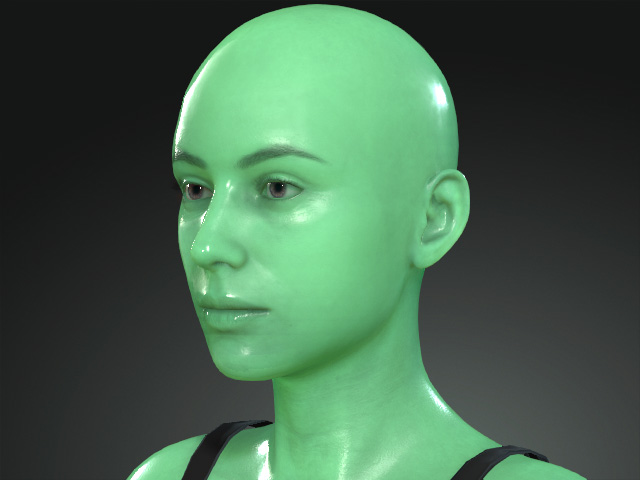
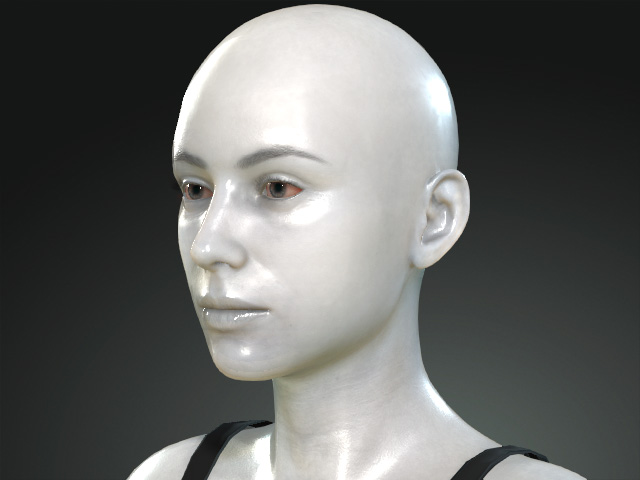
The character's skins turns to different material.