Using New Smart Hair Shader Settings for Legacy Hair
Tutorial Video: Existing Hair Transfer & Texture Creation for Smart Hair System
Hair content created in Character Creator version 3.3 or earlier will likely have some shader textures missing (Flow Map, Root Map and ID Map), which can lead to some inaccessible settings in the Smart Hair shader. You can follow the step in this page to create the textures to revise legacy content.
Creating Root Map
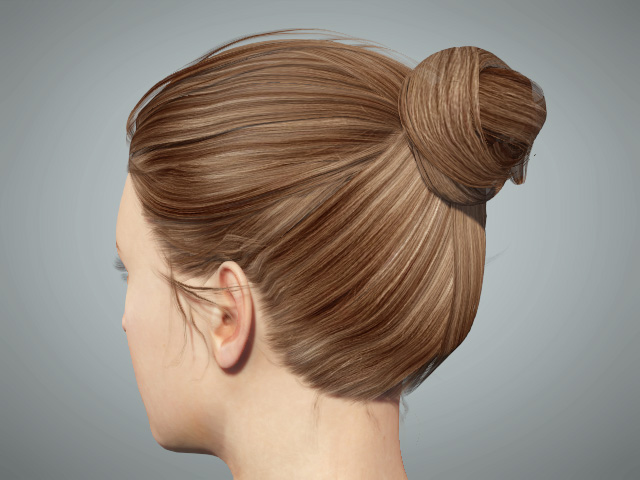
- Apply any one of the legacy hair onto the character.
- In the Material tab of the Modify panel, pick the hair material in the Material List.
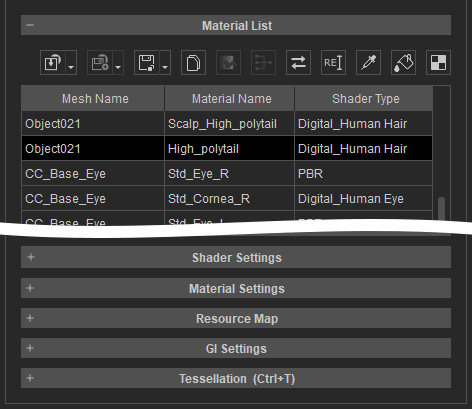
- Select the Opacity texture and click the Launch button to open the texture with
a specified image editor (e.g. Photoshop).

- In the image editor, create the Root Map according to the Opacity texture. Keep in mind that the Black represents the Roots or the hair, while the White, the Tips.

Save the newly create Root Map elsewhere. - In Character Creator, load the new Root Map into the Root Map channel in the Textures of the Shader Settings section.

- You can then use the settings in the Strand Color sub-section.

The hair roots and tips can be tinted with different colors later.
- You can modify the Root Map with the Adjust Color panel to adjust the gradient area.
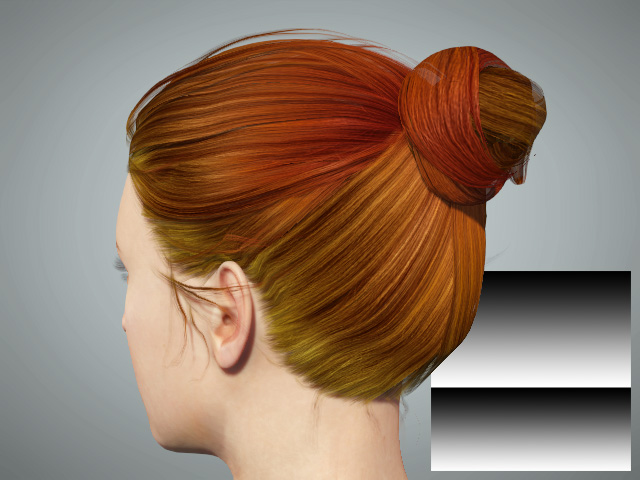

Before
After
Creating ID Map
- Apply any one of the legacy hair to the character.
- In the Material tab of the Modify panel, pick the hair material in the Material List.
- Select the Opacity texture and click the Launch button to open the texture with specified image editor (e.g., Photoshop).
- In the image editor, create the ID Map according to the Opacity texture in
greyscale.

Save the newly create ID Map elsewhere. - In Character Creator, load the new Root Map into the Root Map channel in the Textures of the Shader Settings section.

- You can then use the settings in the Highlight Color sub-sections.

The hair can be tinted with highlight colors later.
- Different pattern of the ID Map can create different highlight effects on the hair.

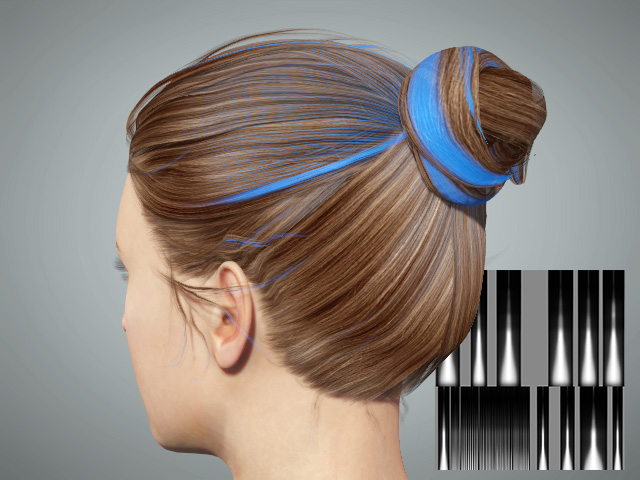
With the Root Map and ID Map imported, you can mix up the effects by taking advantage of these two textures.
Your custom Smart Hair collection can be expanded by using the aforementioned steps to renew legacy hair content.
- In Character Creator:

- In iClone:

