Texture Channel UV Offset and Tiling
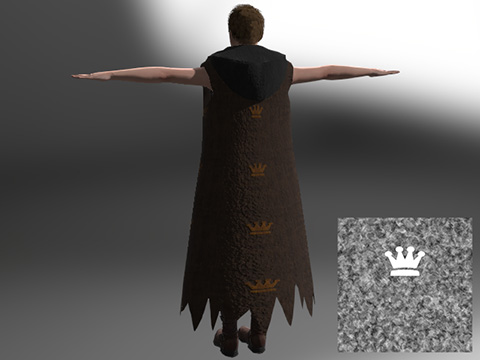
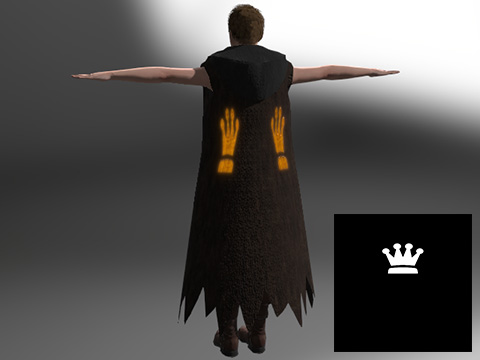
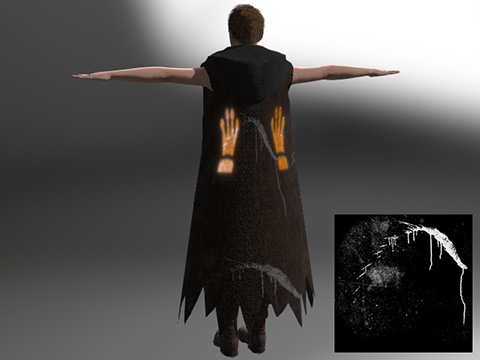
Character Creator provides Texture Channel UV Offset and Tiling
features to adjust texture coordinates, which can be adjusted without changing the
original Global UV Settings. You can use this feature to align a texture map to the target faces as well.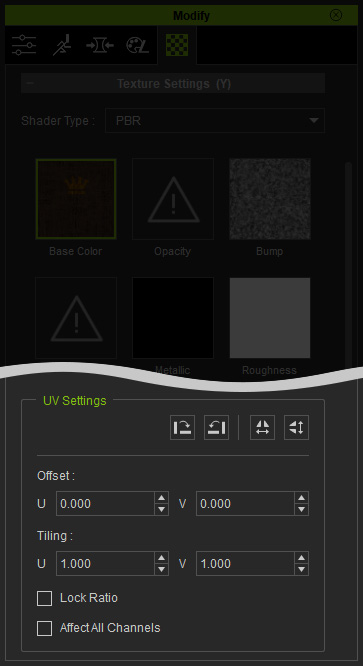
 Note:
Note:
- Hold the up/down controls of the UV Offset, Tiling values to see the texture changes in the 3D viewer immediately.
- Please refer to Synchronizing UV Changes to Channels for more information.
By means of altering the values of Offset and Tiling to different texture channels, we can create all possible multi-texturing effects on SketchUp models.
|
Diffuse / Base Color |
Diffuse / Base Color |
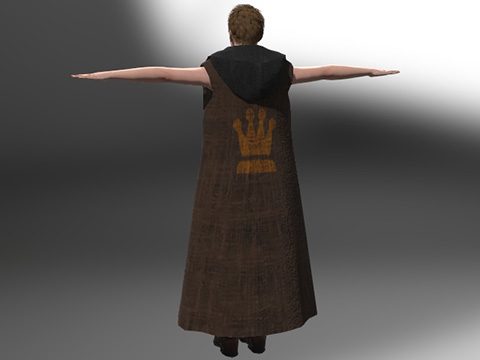
|
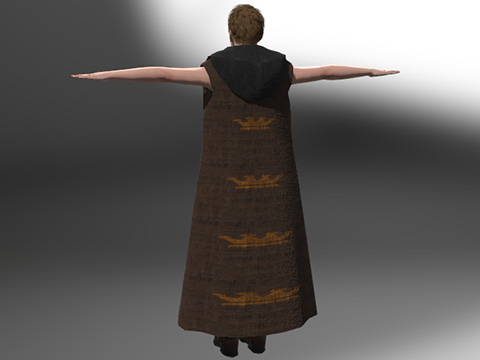
|
|
Tiling U: 1.000 |
Tiling U: 1.000 |
|
Opacity |
Bump (and Diffuse / Base Color) |
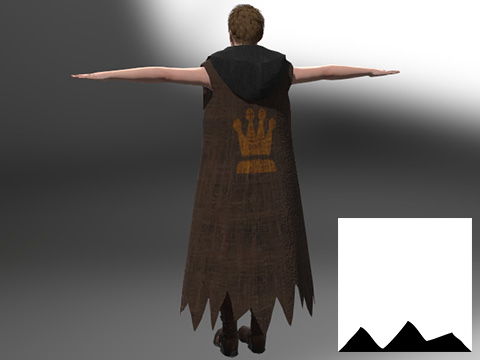
|
|
|
Tiling U: 5.000 |
Tiling U: 3.000 |
|
Glow |
Glow |
|
|
|
Tiling U: 2.000 |
Tiling U: 2.000 |
