Using sRGB (Standard RGB) to Correct Images
Use sRGB can be enabled to evaluate images loaded into the texture channels in sRGB color space.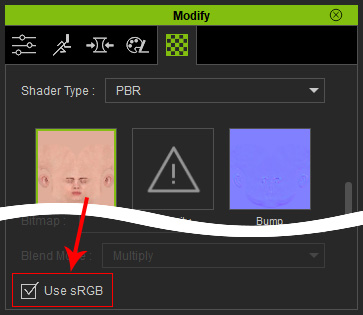
There are two aspects to Use sRGB, depending on the image file you want to load.
- HDR, EXR for the IBL or any image whose Gamma value is set to 1 in any image editor.
Activating the Use sRGB box can cause the image to brighten or darken. Therefore, if the loaded image is of this type, please do not activate this feature (it is deactivated by default).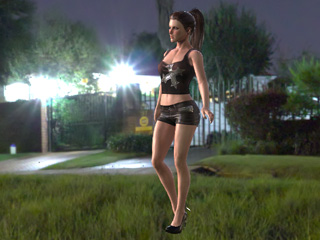
The Use sRBG is OFF.
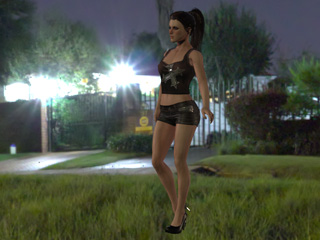
The Use sRBG is ON.
-
The gamma values of the common Jpeg, Jpg, BMP, PNG, TGA, GIF images are mostly non-linear. Therefore,
when the image of this kind is loaded, the Use sRGB checkbox
must be activated, by default). Otherwise, the result
will be brighter than usual.
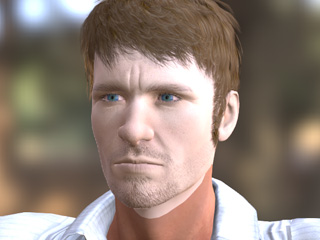

The Use sRBG is OFF.
The Use sRBG is ON.
Theory of Gamma and Images
Basically, the color space of the real world is defined in Linear
terms, and the parameter for defining it is Gamma.
Therefore, the Gamma Value for the color space of the real world is set to 1. Linear gamma curve, illustrated below: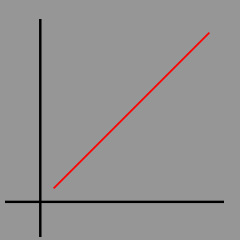
Due to hardware limitation of the monitor and optimization of image
files (defined in sRGB), the Gamma values are to be non-linear
(2.2 and 0.45).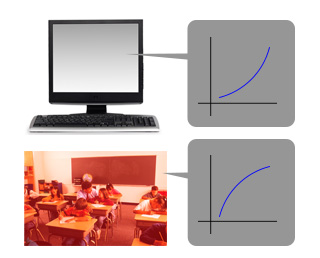
 Note:
Note:
Mostly, the image files with non-linear gamma values are: jpeg, jpg, bmp, gif, png, and tga.
However, the image displayed on the monitor will finally shows a linear
color space because the complemented gamma curves of the
image and the monitor.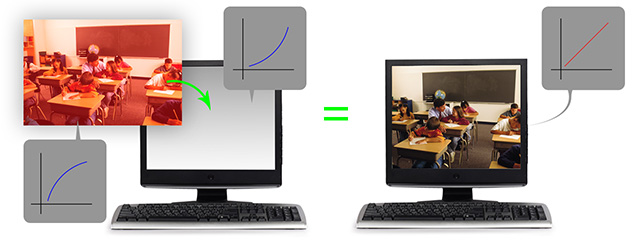
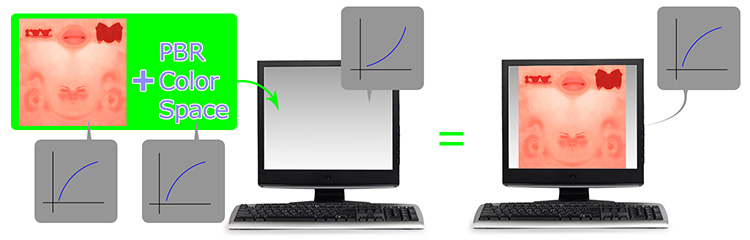
PBR Color Space and sRGB
In PBR Color Space mode, images for the base color or diffuse are demanded to be linear in order to show the most correct result of PBR. It basically assumes that each image loaded into the Base Color or Diffuse channel is of 1 in gamma value.
In order to complement the gamma value of the monitor (2.2), the PBR Color Space
increases the gamma value of the loaded image to create a shader result that
resembles the real-world.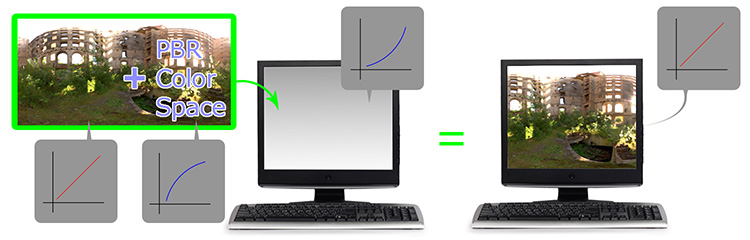
However, if the gamma value of the loaded image file is non-linear, then the PBR result of the texture will be brighter than its suppose to be.