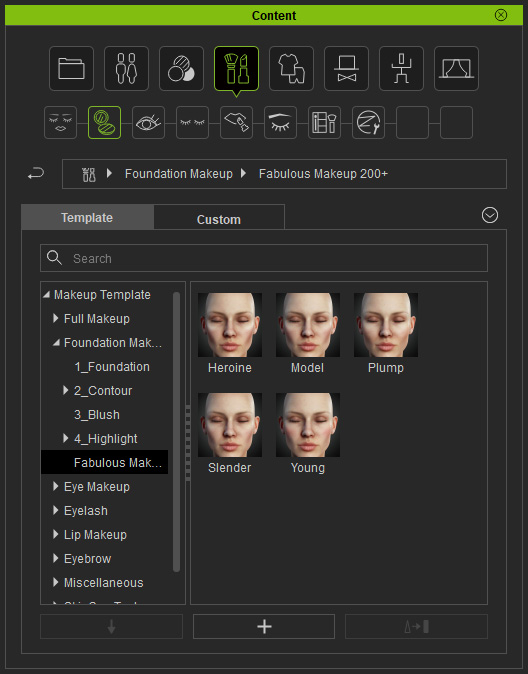
Using Foundation Makeup Templates
There are five sub-libraries in the Acquired library, and they are Foundation, Contour, Blush and Highlight.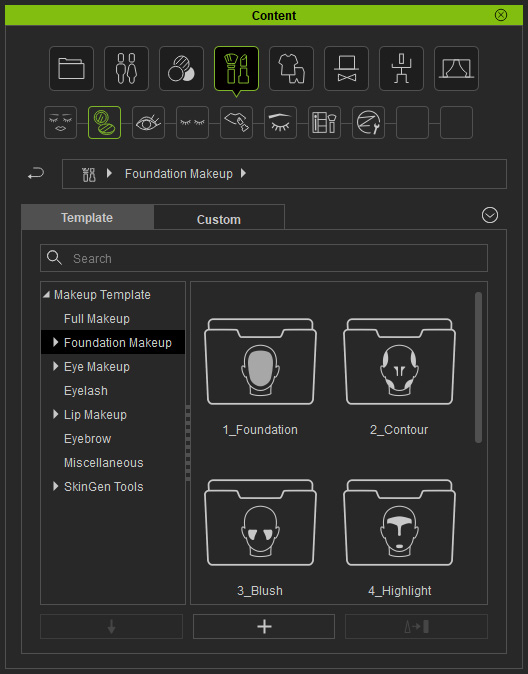
Foundation
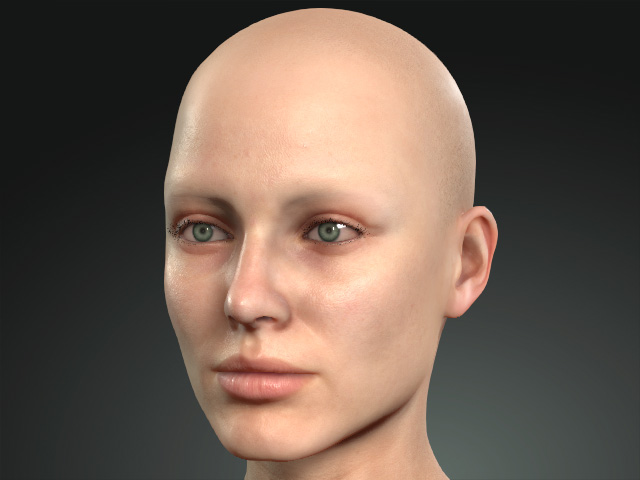
Apply the templates in the library to add basic foundation to the face.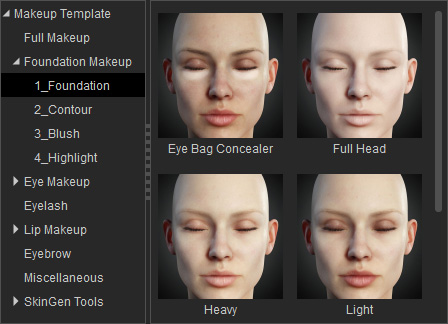
|
|
|
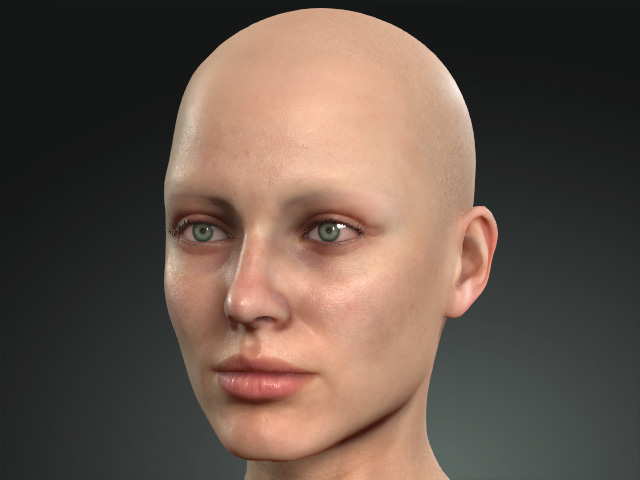
Skin without Foundation Makeup templates applied |
After a Foundation Makeup template is applied |
Contour
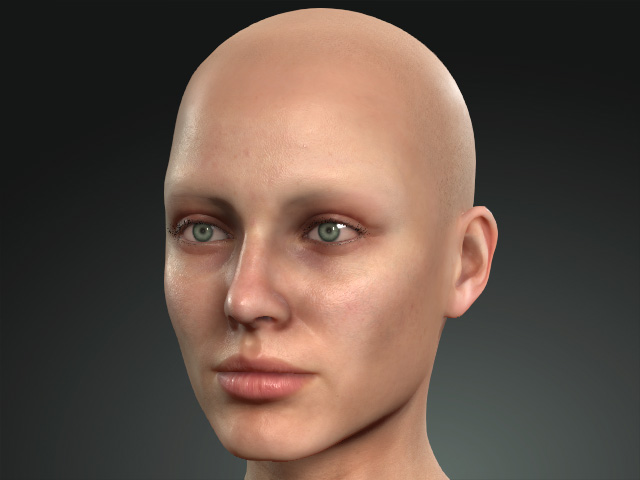
Apply the templates in the library to sculpt the shape of the face.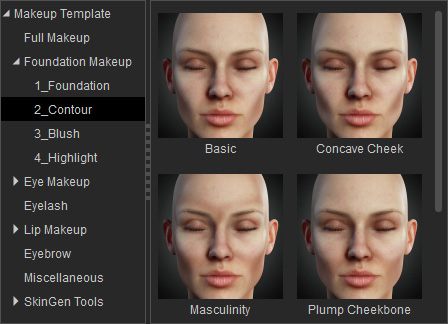
|
|
|
|
Before the Contour template is applied |
After the Contour template is applied |
Blush
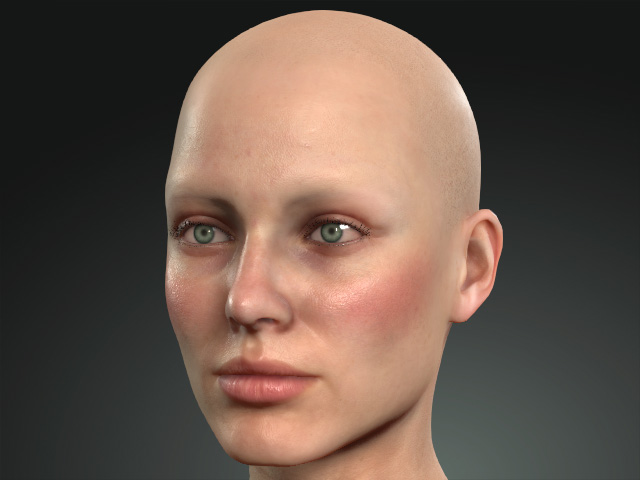
Apply the templates in the library to make the complexion flow, especially on the cheeks.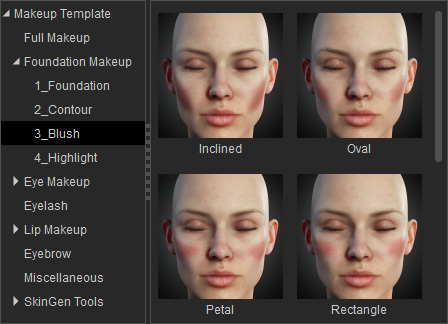
|
|
|
|
Before Blush template is applied. |
After Blush template is patched. |
Highlight
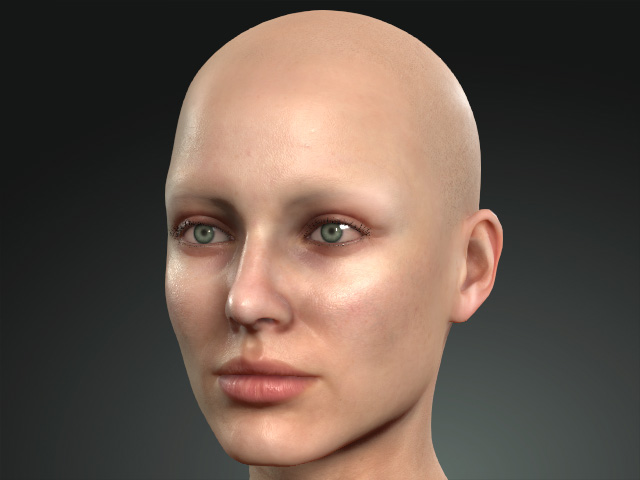
You can blend highlights onto the skin to emphasize the facial structures.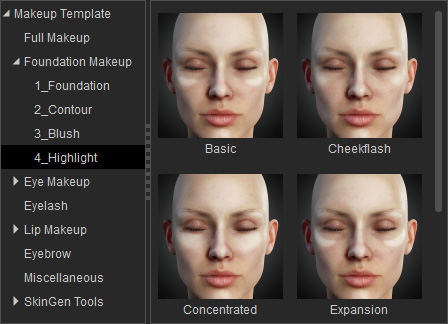
|
|
|
|
Skin without Highlight templates applied |
After the Highlight template is applied |
Makeup & SFX Pack
You must purchase and install the Makeup & SFX content pack to get more makeup templates.