Materials and Layers
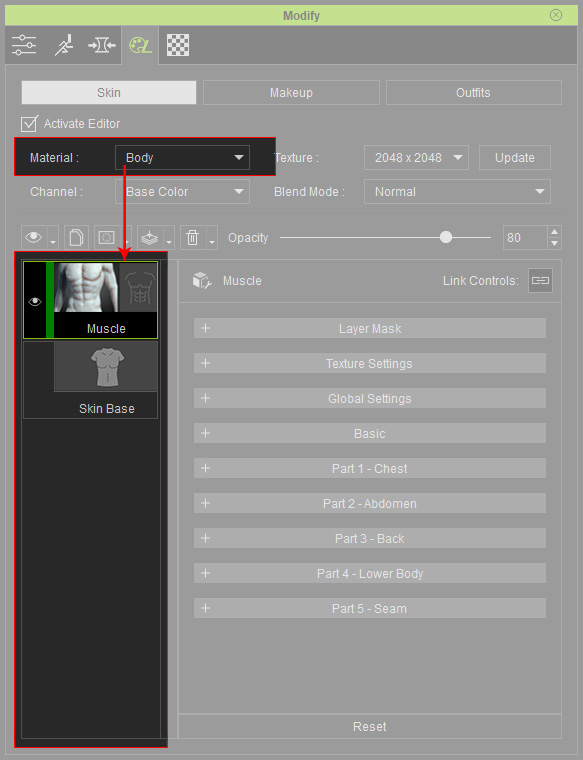
In the Skin or Makeup pages, each material, including the head, body, nail and so on, can have different numbers of layers. You can use the Material drop-down list to show the individual layers of the materials.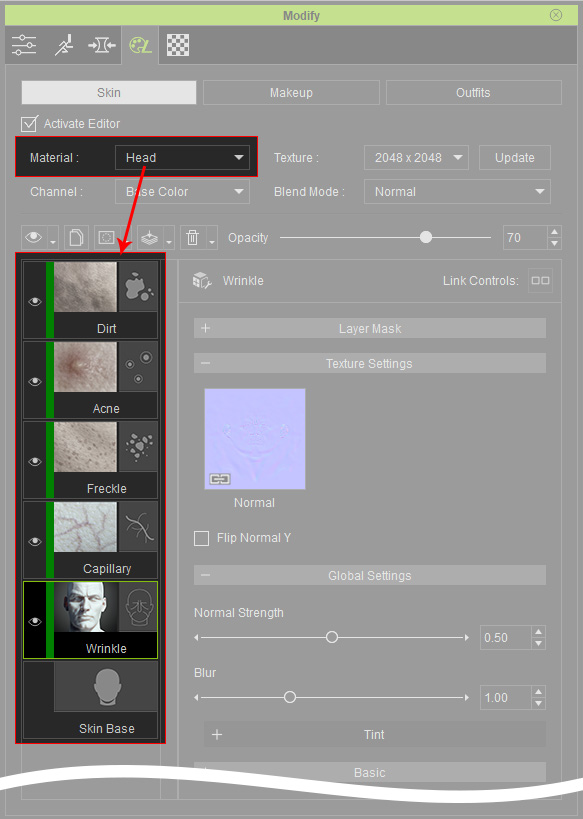
Observing Layers in Materials
- Switch to the Skin or Makeup page.
- Make sure the Activate Editor is checked.
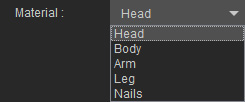
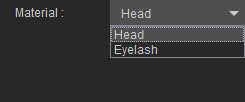
- Click on the Material drop-down list to choose the desired material.
- Skin Page:
- Makeup Page:
- Skin Page:
- You will see the layers that belong to the material as shown in the beginning of this page.
- Skin Page:
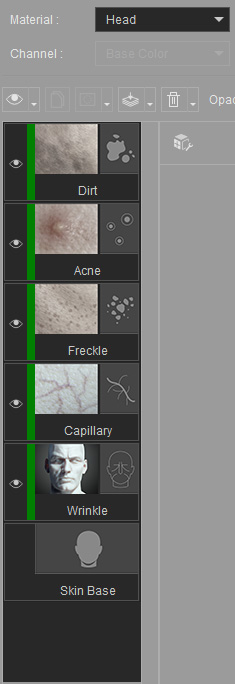
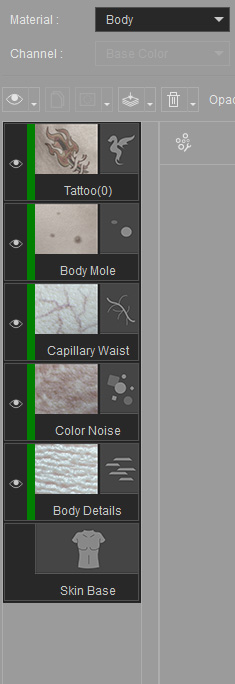
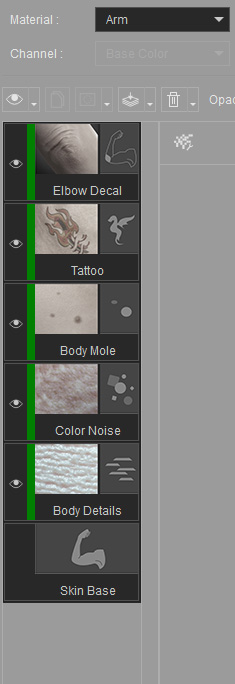
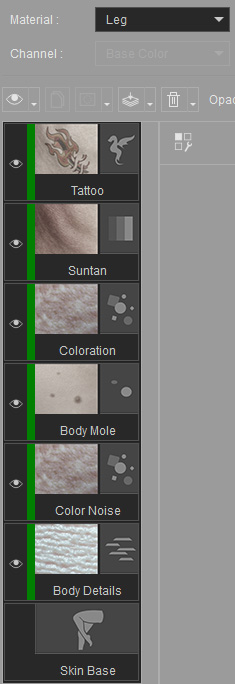
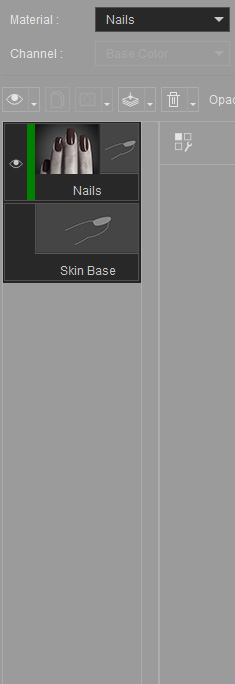
- Makeup Page:
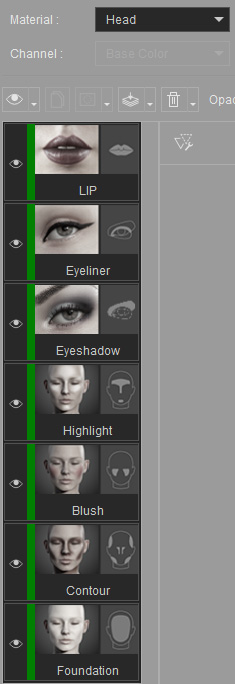
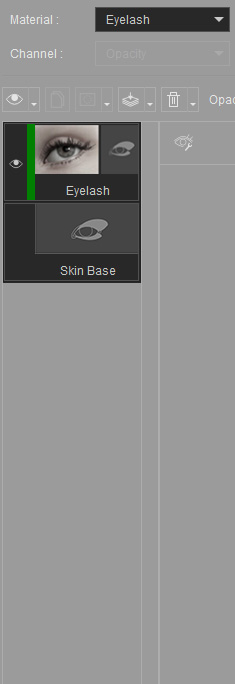
- Notice that the items in the Material drop-down list are the target materials inside the list within the Material tab.
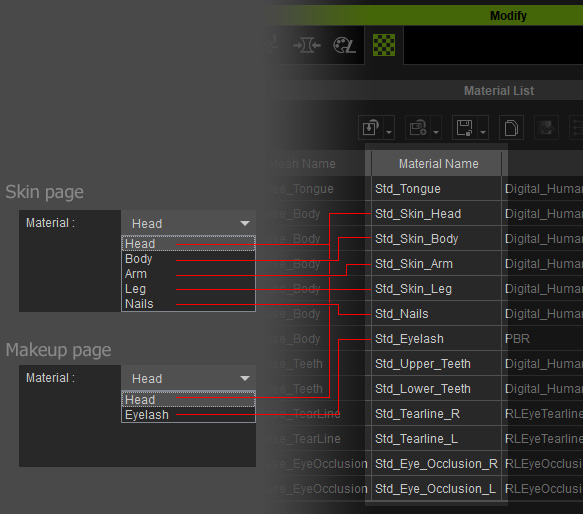
- Skin Page:
- Pick another material to check out the layers included in the material.