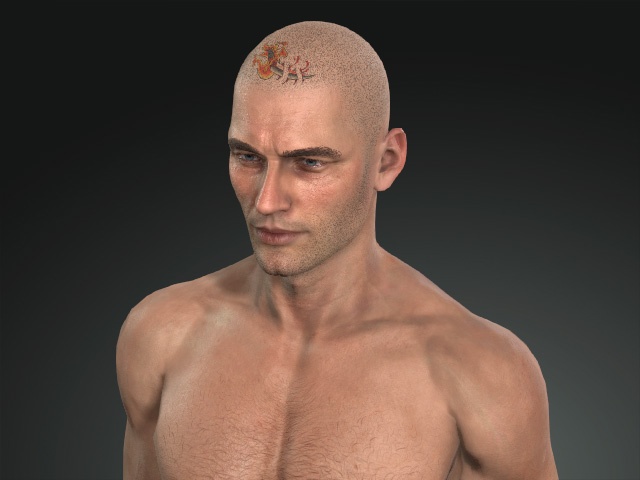
Moving Layers between Materials
The applied layers can be moved among materials to create Skin or Makeup effects on head, body, arm or leg skins.
- Create a new project.
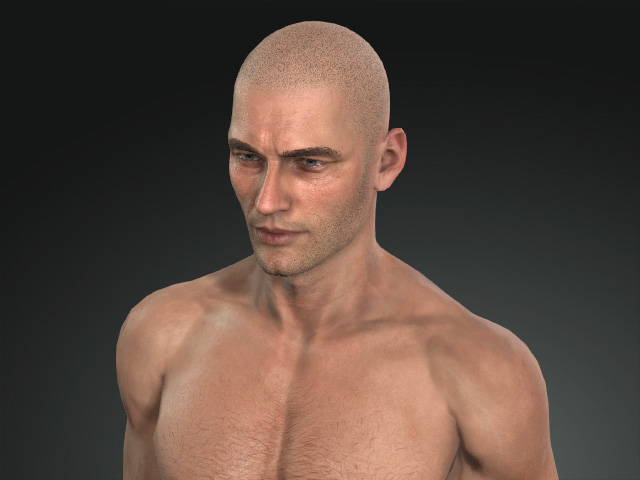
- Apply one of the templates from the Skin or Makeup libraries (in this case, Decal).
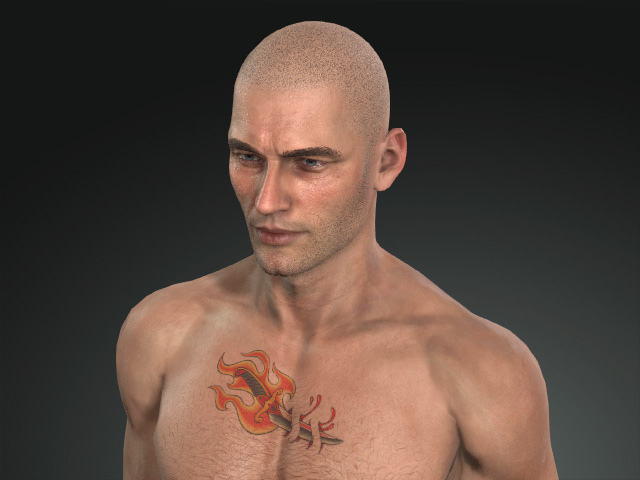
- Find the applied layer of the template in the Modify panel.
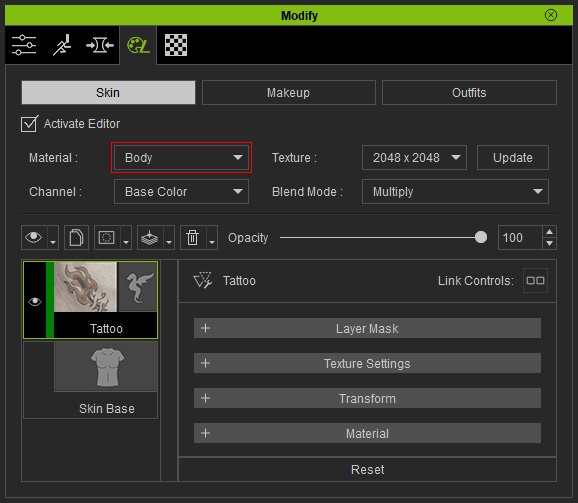
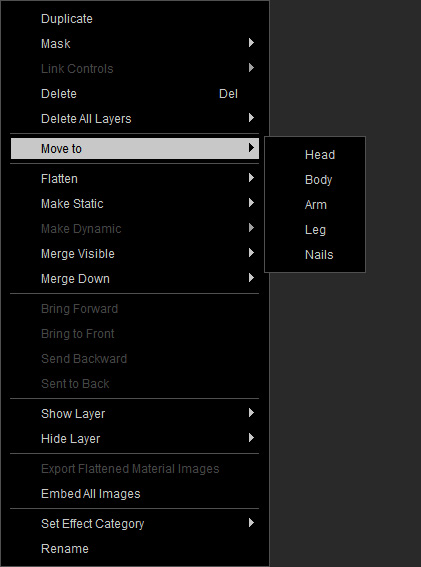
- Right-click on the layer and choose the Move to command; Choose the destination material from the sub-menu for the layer to move to (in this case, the Head).
- As you can see the layer is moved to the target material.
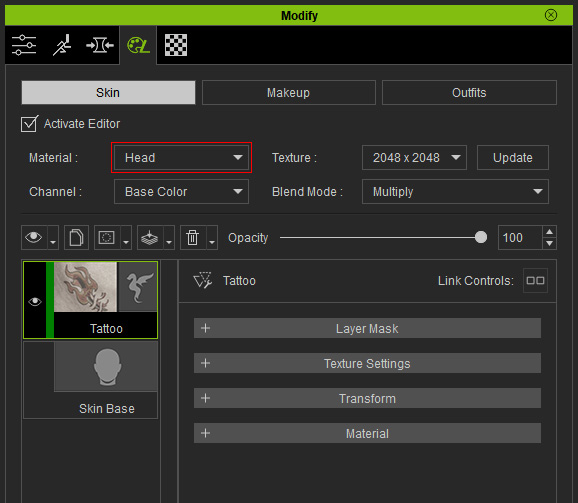
- The effect of the layer will be moved to the character's part corresponding to the material as well.