Re-Ordering Layers
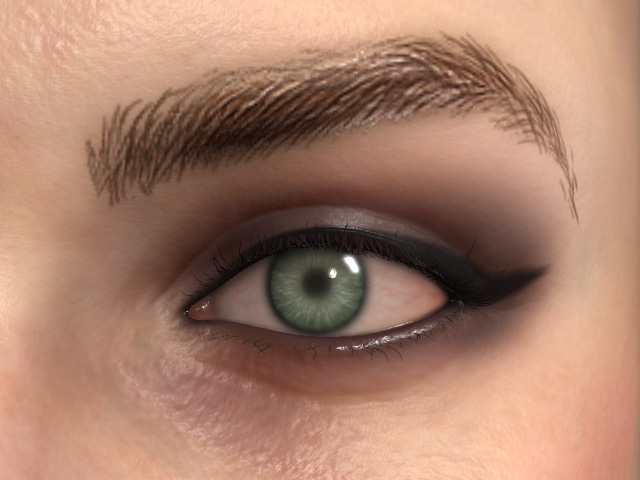
Since the Skin or Makeup effects are created by overlapping different layers from templates, therefore, changing the layer order can also change the overlapping result for the character's look.
- Create a project and apply template from Skin or Makeup categories (in this case, Makeup).
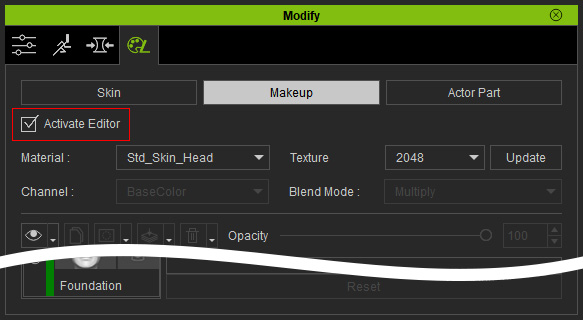
- Check the Activate Editor checkbox in the Makeup page.
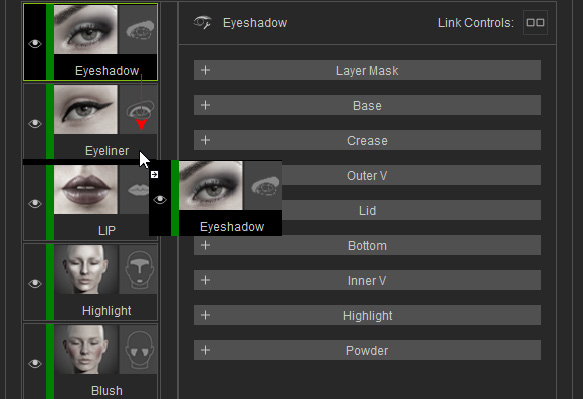
- Drag and drop the layer up or down to change the order.
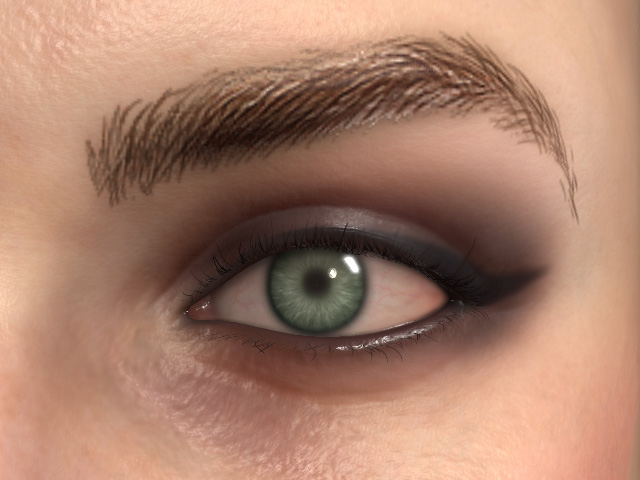
- The effects from these two layers swapped.