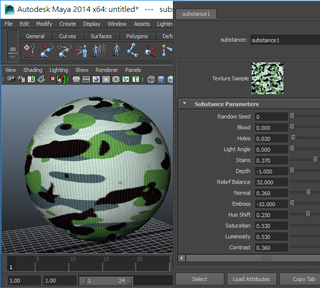
Saving and Loading Substance Settings
If you want to share the adjusted substance results to other 3D tools that supports substance material, such as Cinema4D, 3ds Max or Maya, then you can use the Save feature to export the presets from Character Creator.
-
Create a new character.

-
Load a new substance material to the target object.
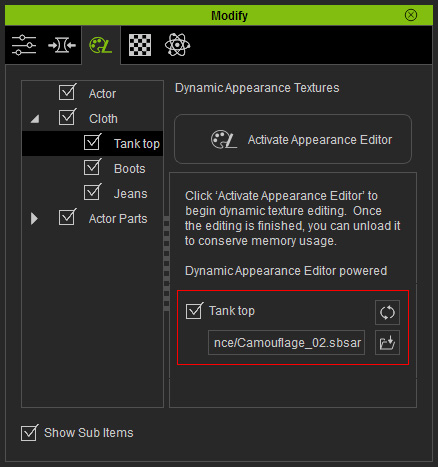
- Click the Activate Appearance Editor button.
-
Click the Clear button to reset all settings.
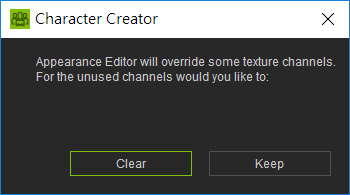
-
The substance file will replace the original substance material.

-
Adjust the settings unpacked from the substance material.
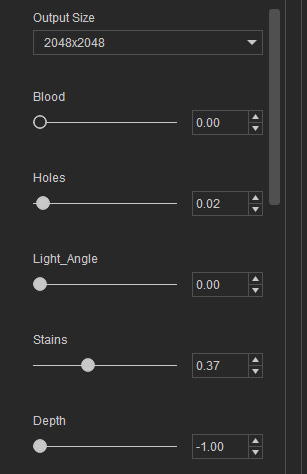
The texture will be changed instantly.
-
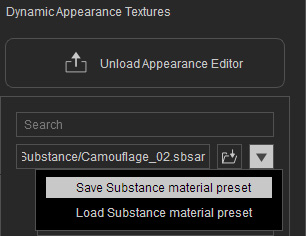
Click the Substance Material Presets button and execute the Save Substance material preset command
to save these settings to a *.sbsprs file.
-
Open the external tools that supports Substance Material; load the substance file and the preset file. The object in the editor
will thus be applied with the substance you have created in Character Creator.