Exporting Objects for iClone
If you want to simply export the hair, clothes or accessories for using in iClone, then please follow the steps below:
-
Create a character.
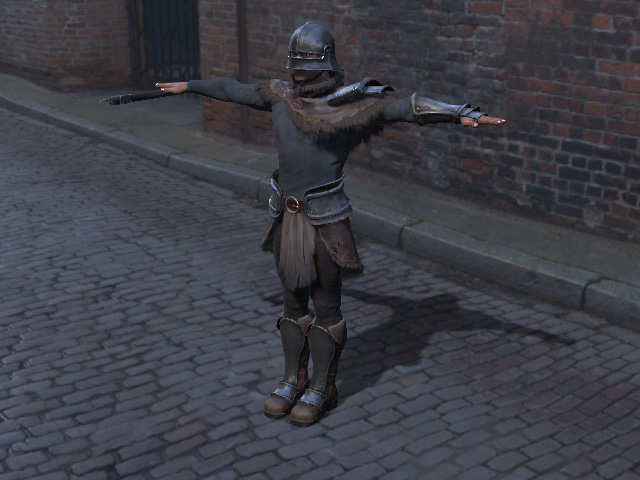
-
Select the object you want to export (in this case, the Tasset).
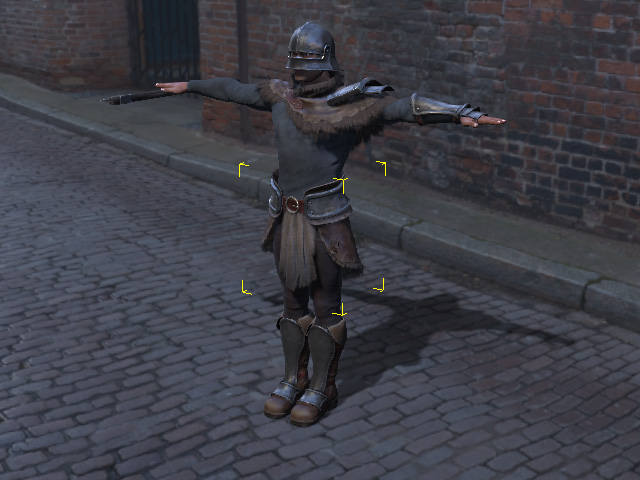
-
Execute the File >> Export >> Selected Content command.
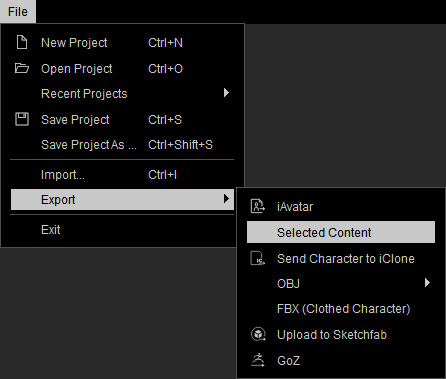
-
You will be asked to set the resolutions of the texture images the
object contains.
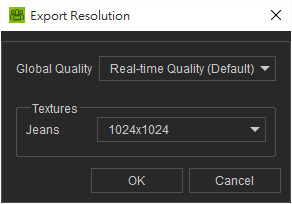
-
Browse and save the object as *.iCloth format to your favorite directory.
 Note:
Note:The object can be Cloth, Hair and Accessory and will be saved in *.iCloth, *.iHair and *.iAcc formats
-
Apply the object to the character in iClone.
 Note:
Note:Please note that these objects are only applicable to G6 characters.
