Smoothing out jagged mesh faces
You can improve the visual quality of low-poly items by editing their normal maps to smooth out the jagged edges of the polygons.
- Open a project or import the items you want to transfer to ZBrush in Character Creator (CC).
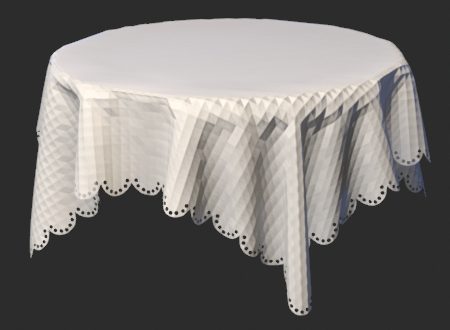
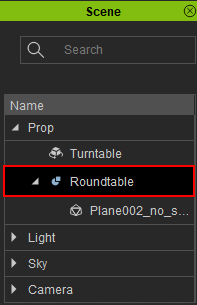
- Select the item by either clicking on it in the viewport or selecting it from the Scene panel.
- Click the GoZ Plus button
 in the top toolbar to open the GoZ Settings modal window.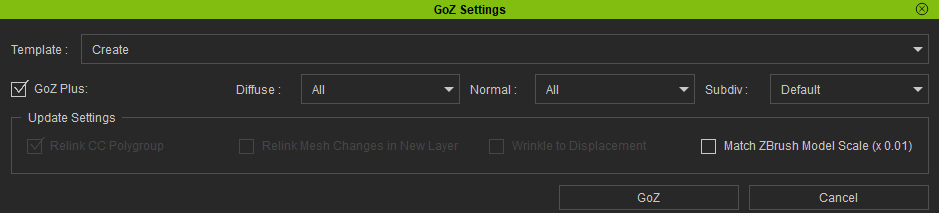
- Ensure the Template is set to Create, as you are sending your model to ZBrush for the first time.

- Enable the Normal option to convert your model's normal map details into mesh details in ZBrush.

- Select the desired subdivision level for the initial model resolution used for polypainting and mesh detailing in ZBrush.

 Note:
Note:The higher the subdivision level, the better the resolution and quality of your model's polypaint and mesh details will be.
- Enable Smooth to apply a smoothing effect on the entire geometry and remove sharp edges. The Smooth feature only takes effect for meshes with subdivisions higher than 1.

- Click the GoZ button to start the transfer process.

- In ZBrush, expand the Subtool section and select the tablecloth.
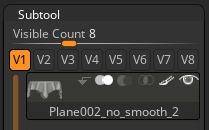
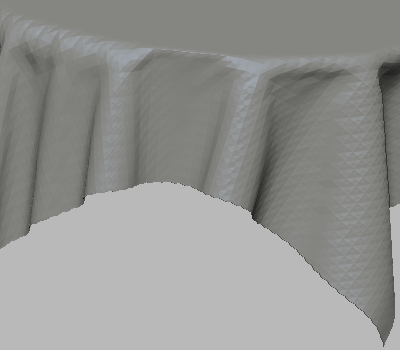
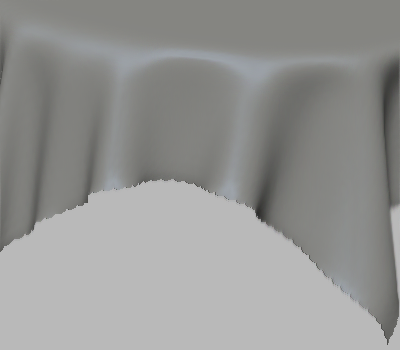
- Use the tools available in ZBrush to smooth out the sharp facets of the tablecloth. The “Smooth” brush (Shift) is a suitable tool for this situation.
- Once your editing is finalized, navigate to Zplugin > CC GoZ Plus.
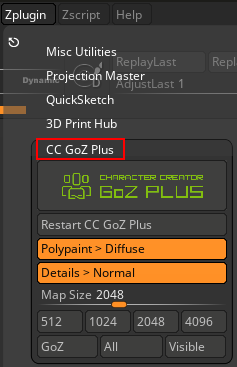
- Enable CC GoZ Plus > Details > Normal to convert the subtool mesh details into normal maps.
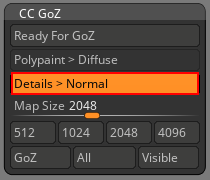
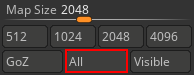
- Select the desired map size for the item’s texture resolution and click All.
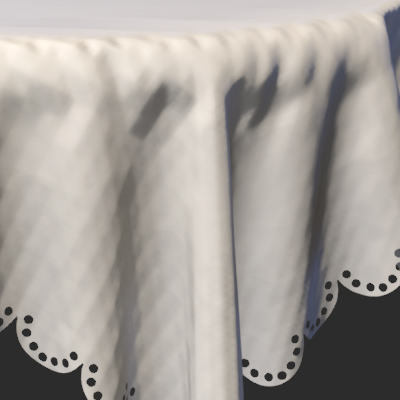
Normal map with the map size of 512p.
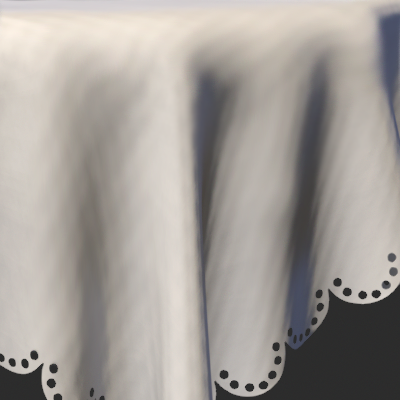
Normal map with the map size of 4K.
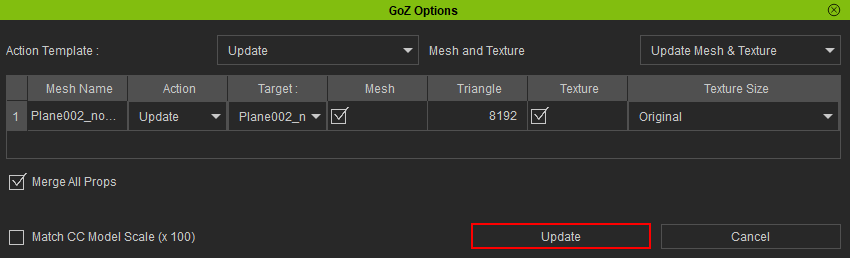
- In Character Creator, the GoZ Options modal window will appear. Keep the default settings and click the Update button.
|
In ZBrush, the mesh will appear less rough with Smooth enabled.
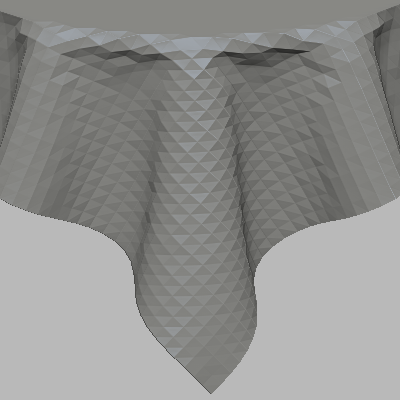 | 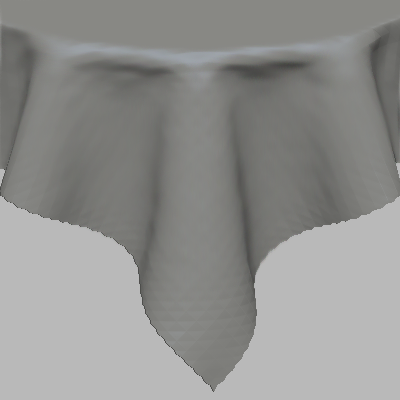 |
Before and after enabling Smooth.
Before and after brushing the entire tablecloth with the “Smooth” brush.
The normal map is now updated.
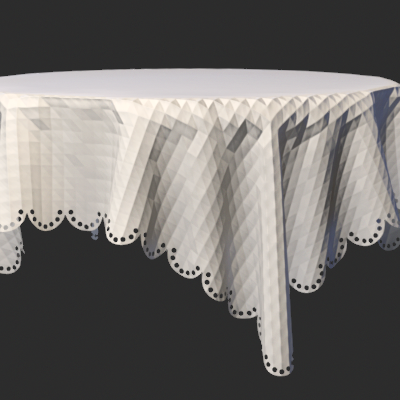 | 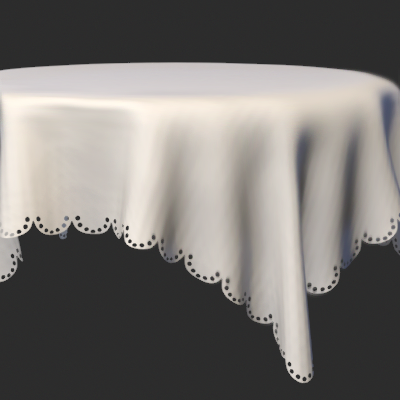 |
| The original tablecloth has many jagged facets on its surface. | After smoothing out the tablecloth in ZBrush, the jagged edges are no longer visible. |
