


Content Section
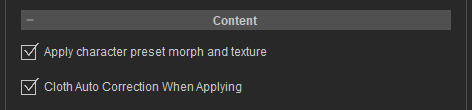
Apply character preset morph and texture
When this box is deactivated, you will be prompted to apply Morph and / or Texture when you apply templates from the Skin & Morph library.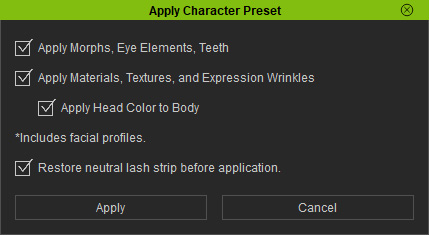
** Note: The Apply Head color to Body option is only available when applying Head Morph & Skin.
However, if you activate the feature, then you will not be warned and the morph along with the texture will be applied.
Cloth Auto Correction When Applying
When this box is activated, whenever a cloth is applied to the character, a minor auto correction is performed for the clothes to fit better to the character’s shape.
