


Item Types
The Item Types in the Scene Manger are presented by the icon before the name of each item, and they have different characteristics.
Items
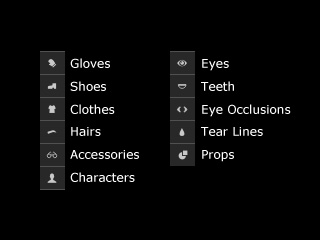
- Pickable in the 3D viewport.
- Isolated objects that can be saved as custom content.
- Sub-items can be detached to create new items.
Nodes
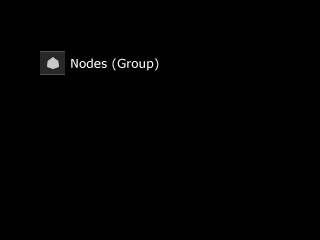
- Non-pickable and invisible in the 3D viewport.
- Simply a node or a group.
- Not isolated objects and can not be saved as custom content.
- Picking the node in Scene Manager is actually picking the objects under this node.
Meshes
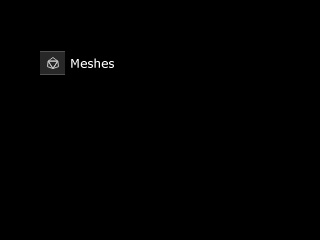
- Can be converted into sub-item.
- Can be edited.
- Non-pickable in the 3D viewport.
- Actual meshes of the object.
- Not isolated objects and can not be saved as custom content.
- The meshes of the following items are NOT shown.
- Clothes
- Shoes
- Gloves
- Hairs
- Beards
- Eyelashes
