


Applying Eyelash Templates
In the Content Manger, is where the Eyelash templates can be found. By applying one of these templates, you can choose to change the eyelash morph and material data.
 Applying Legacy Eyelash Template
- Create a new project.
-
Launch the Content Manager and switch to the Base > Eyelash library, the templates inside contain morph and material data.
- Apply either one of the templates (in this case, the Curved_Large), a dialog window will pop up with options for applying the template. This is because the eyelash templates contains not only material settings, but also the Morphing Eyelashes data.
- Apply Morph: Only the morph data in the template will be applied to the character's eyelashes.
- Apply Textures: Only the material data in the template will be applied to the character's eyelashes.
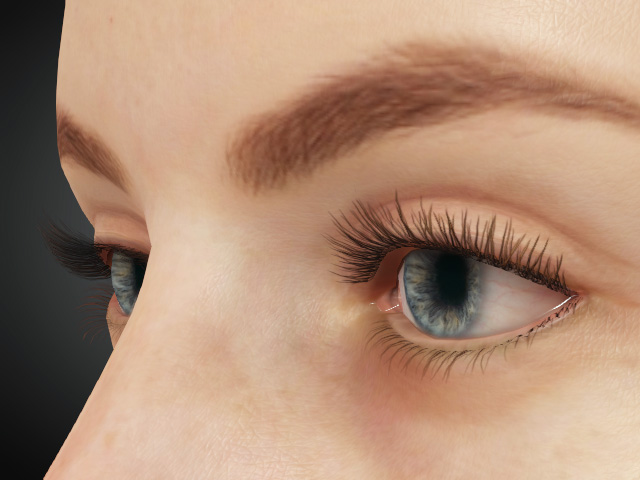
- Apply Morph and Apply Textures: The complete morph and material data in the template will be applied to the character's eyelashes.
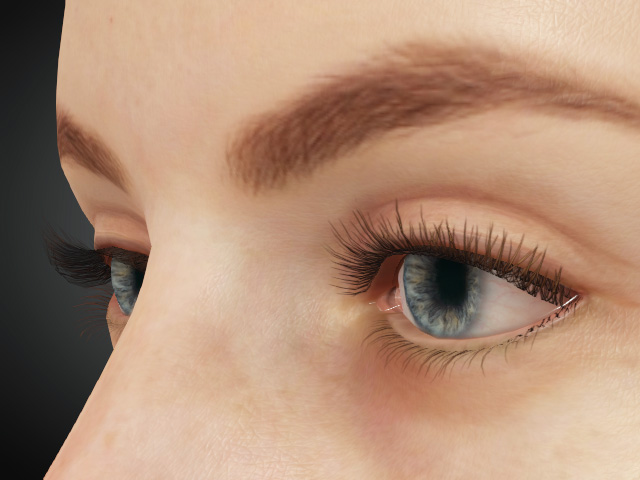
- Restore neutral lash strip before application: Reverts the eyelashes to the Neutral version before applying content results. It is a destructive action, meaning previous modifications will be lost. If the eyelash mesh has been distorted through external editing, applying false eyelashes back in Character Creator may result in a visually broken appearance. In such cases, you can use this function to restore the eyelashes to their original (Neutral) state.
- Apply Morph: Only the morph data in the template will be applied to the character's eyelashes.
Applying HD Eyelash Template
- Create a new project and apply CC3+ or later character.
-
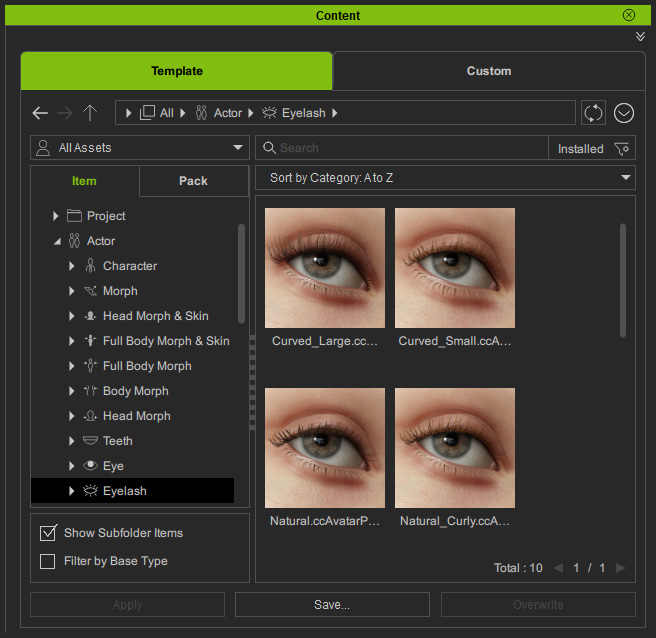
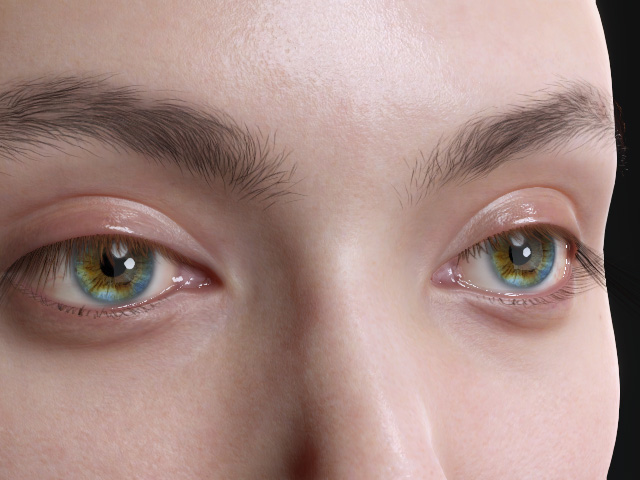
Launch the Content Manager and switch to the Actor > Eyelash > Natural or Makeup library, the templates inside contain both upper and lower eyelashes.
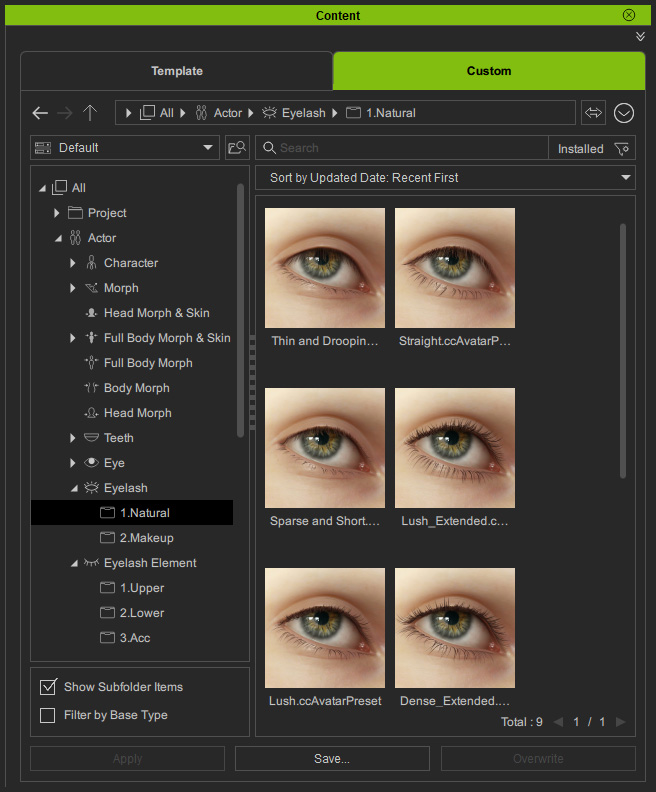
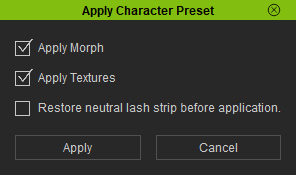
- Apply either one of the templates, a dialog window will pop up with options for applying the template. This is because the eyelash templates contains not only material settings, but also the Morphing Eyelashes data.
- Apply Morph: The morph data in the template will be kept to the character's eyelashes.
- Apply Textures: The material data in the template will be kept to the character's eyelashes.
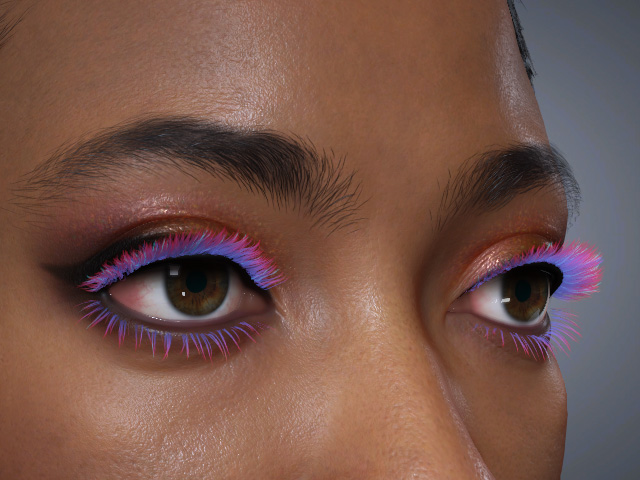
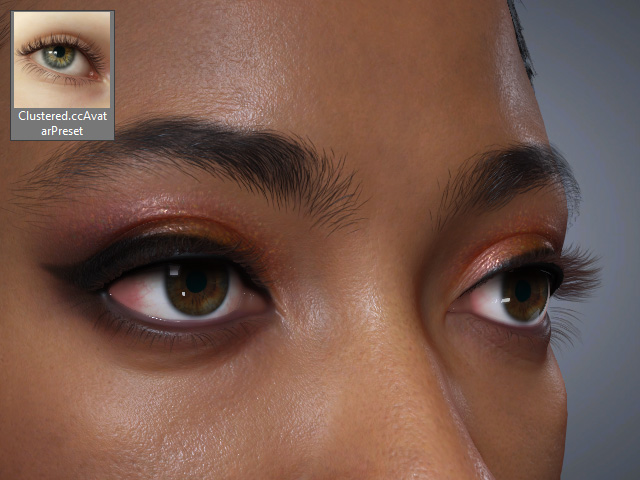
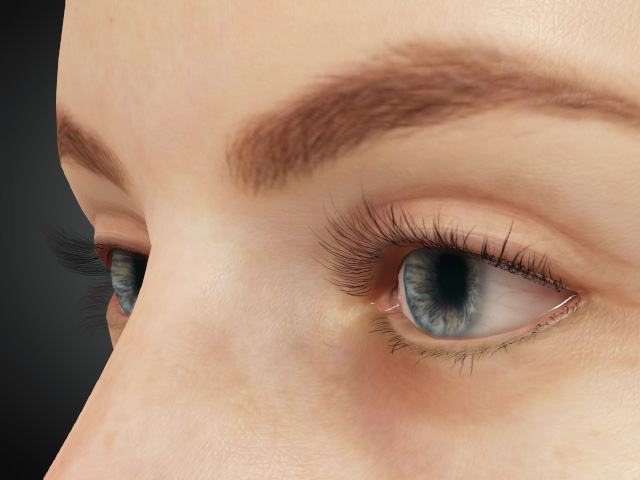
Before
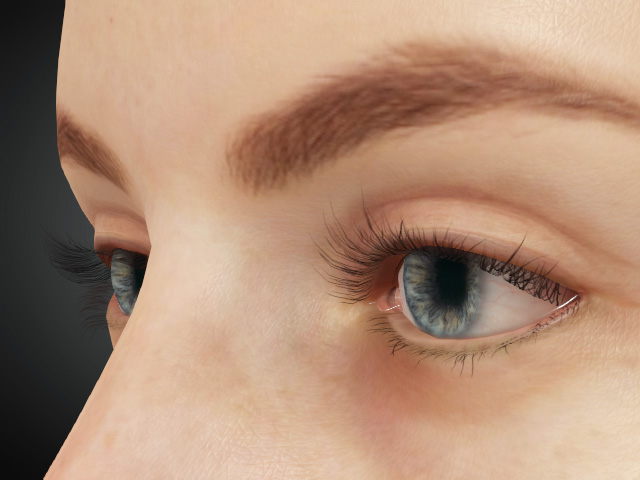
After applied with Apply Textures activated - The texture is replaced
- Restore neutral lash strip before application: Reverts the eyelashes to the Neutral version before applying content results. It is a destructive action, meaning previous modifications will be lost. If the eyelash mesh has been distorted through external editing, applying false eyelashes back in Character Creator may result in a visually broken appearance. In such cases, you can use this function to restore the eyelashes to their original (Neutral) state.
- Apply Morph: The morph data in the template will be kept to the character's eyelashes.
Applying Upper, Lower and Accessory Eyelash Individually
- Create a new project and apply CC3+ or later character. In this example, the character is using legacy single-mesh eyelashes.
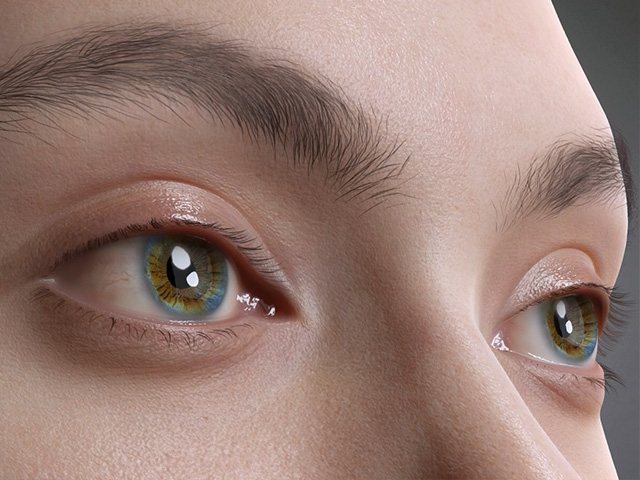
-
Launch the Content Manager and switch to the Actor > Eyelash Element > Upper, Lower or Accessory library.
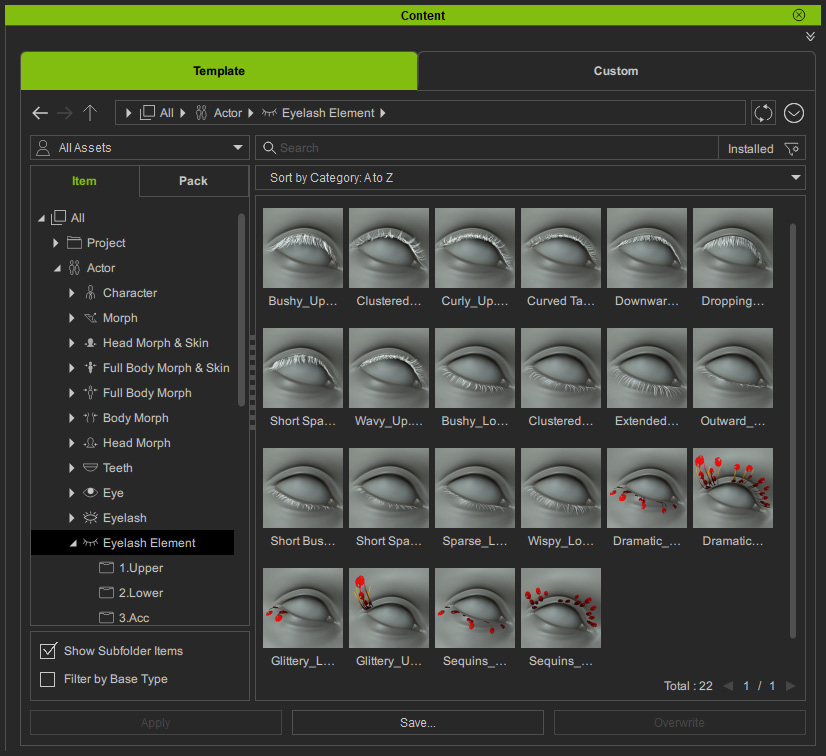
- Apply either one of the templates, a dialog window will pop up with options for applying the template. This is because the eyelash templates contains not only material settings, but also the Morphing Eyelashes data.
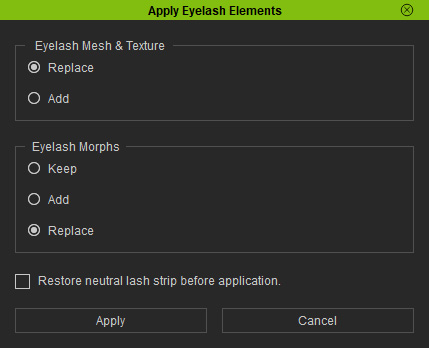
- Eyelash Mesh & Texture - Replace: This option allows you to overwrite the current upper or lower eyelashes. It is only available when applying new eyelashes (CC5 or later) to an existing set of new eyelashes.
- Eyelash Mesh & Texture - Add: Even if the character already has new eyelashes, choosing this option allows an additional set of new eyelash templates to be added to the character's eyelids.
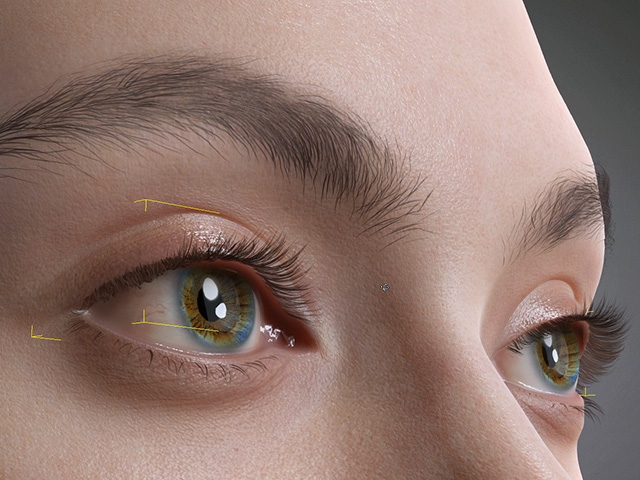
Before
After
- Eyelash Morphs - Keep: Only the morph sliders of the current eyelashes will be retained, while the morph sliders embedded in the applied template eyelashes will be removed..
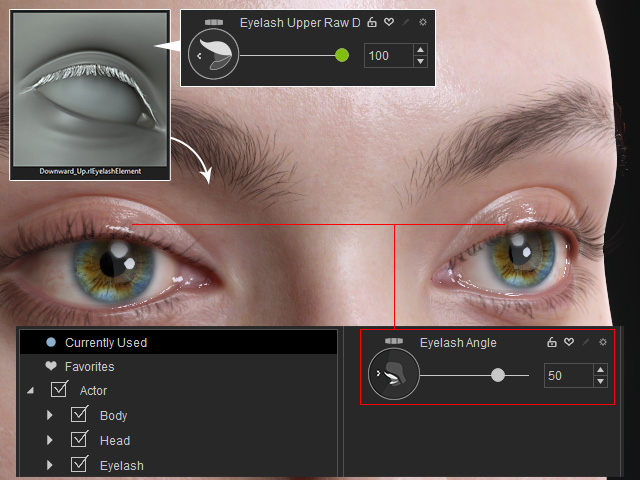
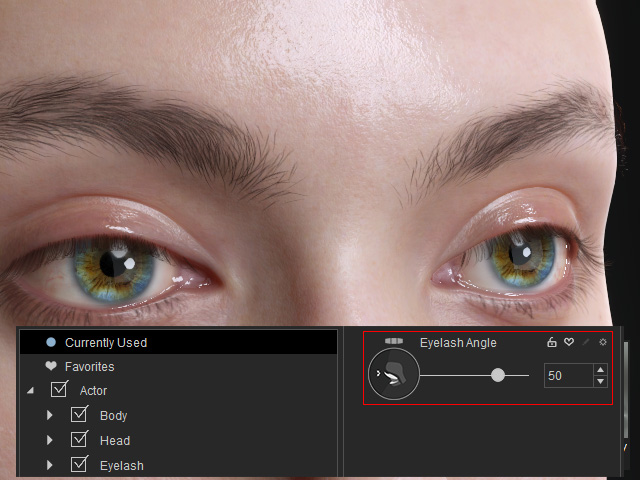
Before apply a new eyelash element with morph data to current eyelashes.
After
- Eyelash Morphs - Add: Current and New morph sliders co-exist and affect all eyelash elements.
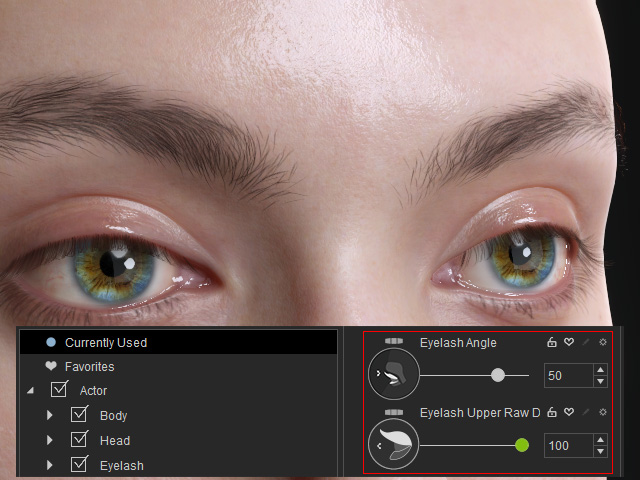
Before apply a new eyelash element with morph data to current eyelashes.
After
- Eyelash Morph - Replace: The morph sliders of the current eyelashes will be removed, while the morph sliders embedded in the applied template eyelashes will be preserved.
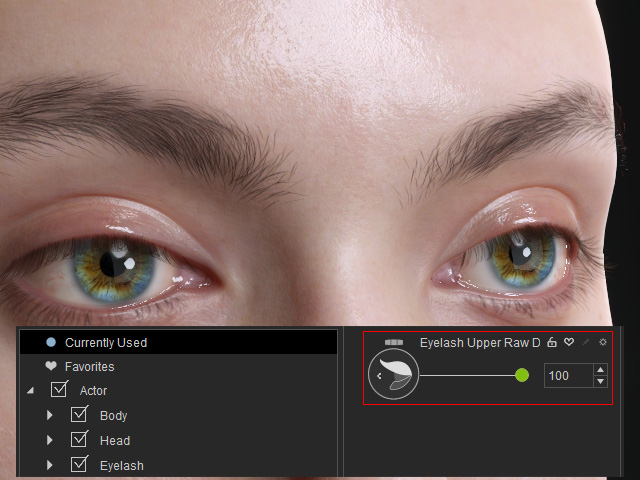
Before apply a new eyelash element with morph data to current eyelashes.
After
- Restore neutral lash strip before application: Reverts the eyelashes to the Neutral version before applying content results. It is a destructive action, meaning previous modifications will be lost. If the eyelash mesh has been distorted through external editing, applying false eyelashes back in Character Creator may result in a visually broken appearance. In such cases, you can use this function to restore the eyelashes to their original (Neutral) state.
- Eyelash Mesh & Texture - Replace: This option allows you to overwrite the current upper or lower eyelashes. It is only available when applying new eyelashes (CC5 or later) to an existing set of new eyelashes.
