Adding Eye Elements for Custom Characters
In order to create realistic human eyes, CC3 Base+ and CC5 HD characters use two dedicated eye elements: Eye Occlusion and Tearline. Embedded standard characters in Character Creator are all equipped with new eye elements However, for characters that are converted from CC3, CC1 or Transformer, the Eye Elements won’t be applied by default.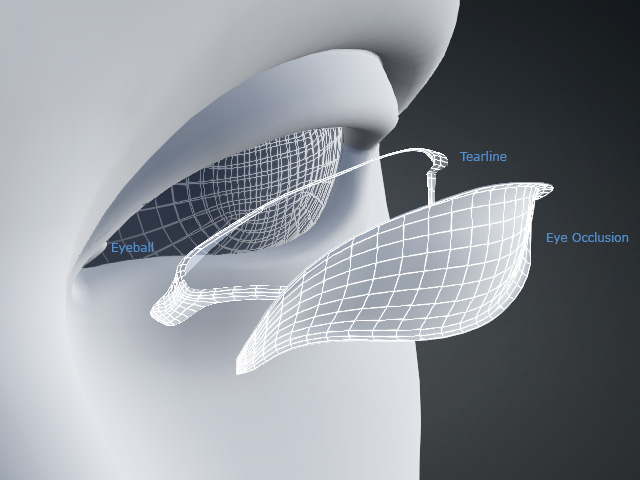
Follow the steps below to manually add the Eye Elements for your character.
- Select the custom character in the viewport.
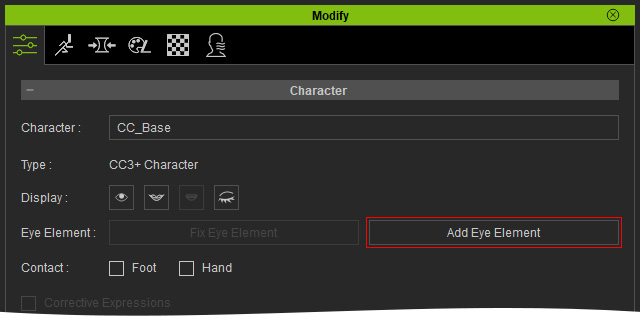
- Go to Modify > Attribute and click Add Eye Element.
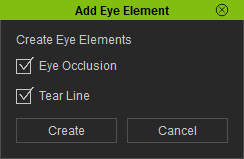
- Both the Eye Occlusion and Tear Line are activated by default, click Create.
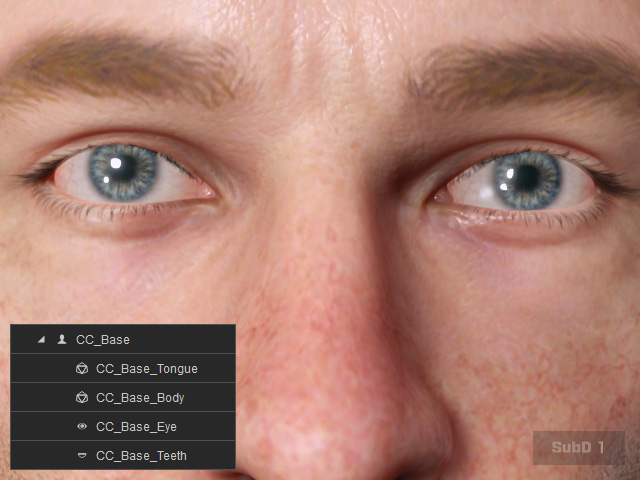
- The Eye Elements are created, and their meshes are added under the character’s node.
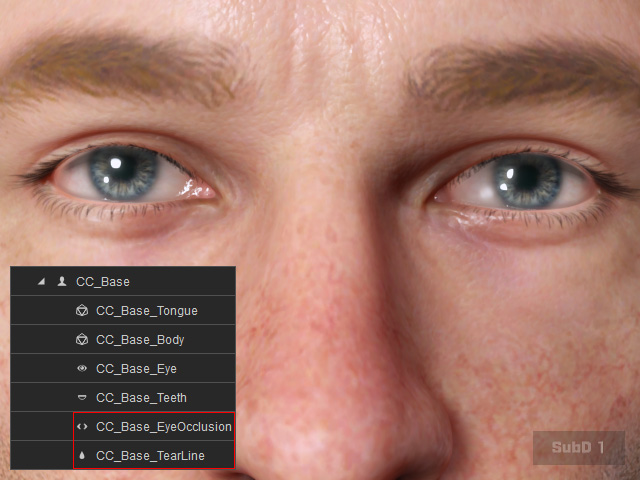
For more information on Eye Elements, Please refer to the page New Eye Elements.
