Baking Wrinkle Normal to Lower Level Model
If you want the wrinkles generated on a high-level model to be reflected on a low-level model, you can use the baking function provided by the Wrinkle System.
- Make sure the character has been subdivided to 2 levels.
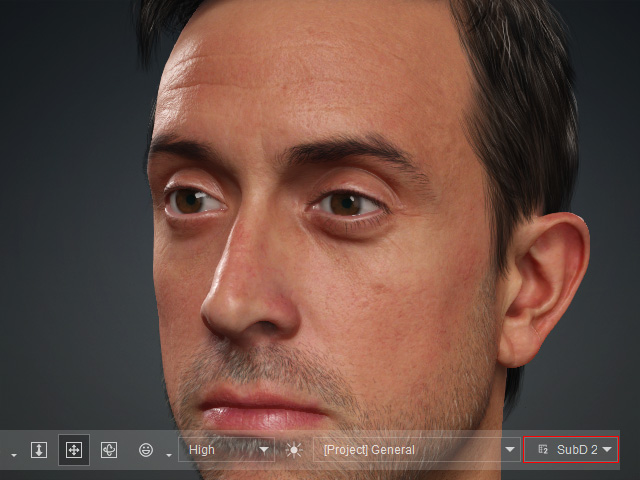
- Switch to the Wrinkle system in the Modify page and click either one of the region to show the wrinkle effect generated by the Normal map.
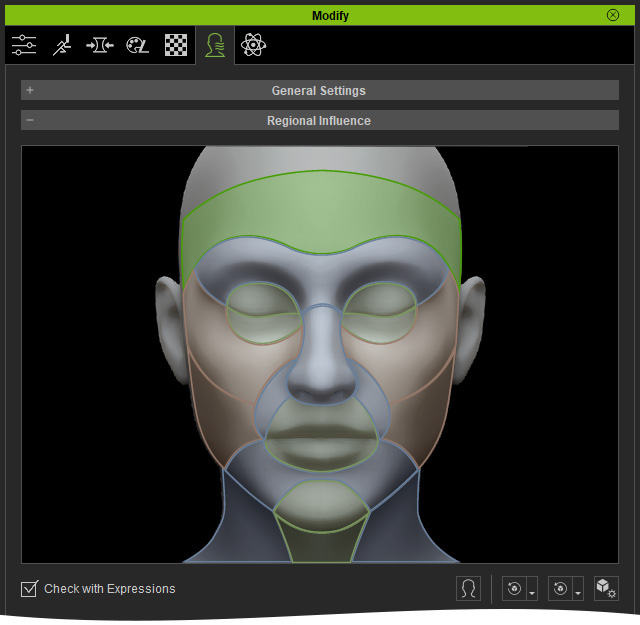
In this case, the Green regions will be processed together.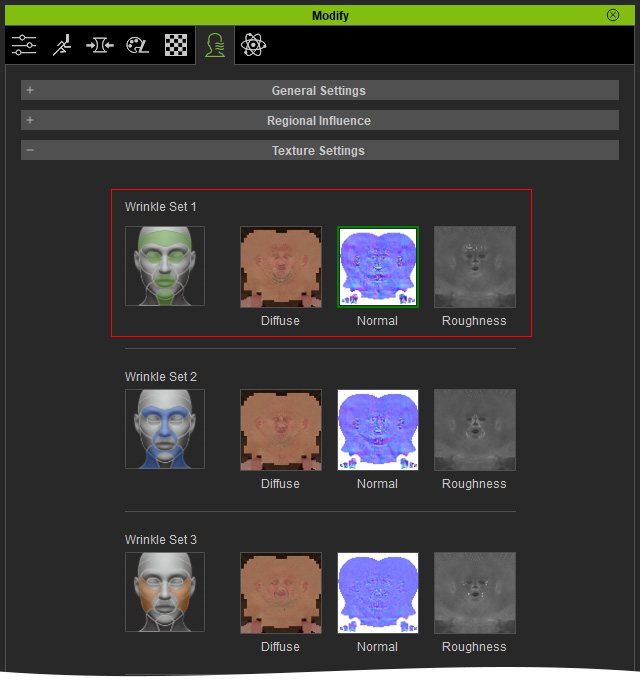
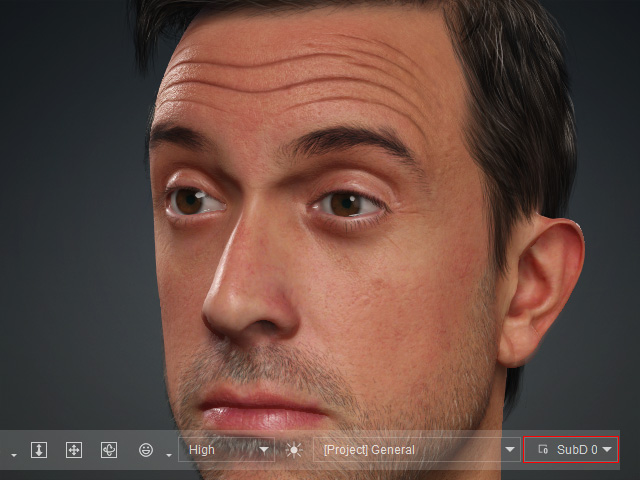
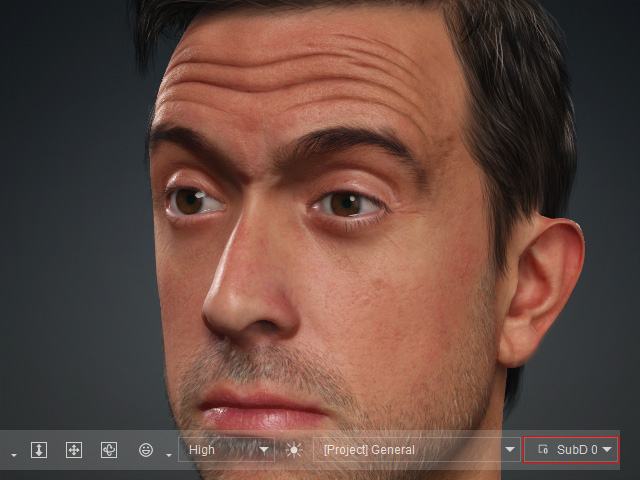
You will see the Wrinkle effect becomes weaken if you switch the character to level 0.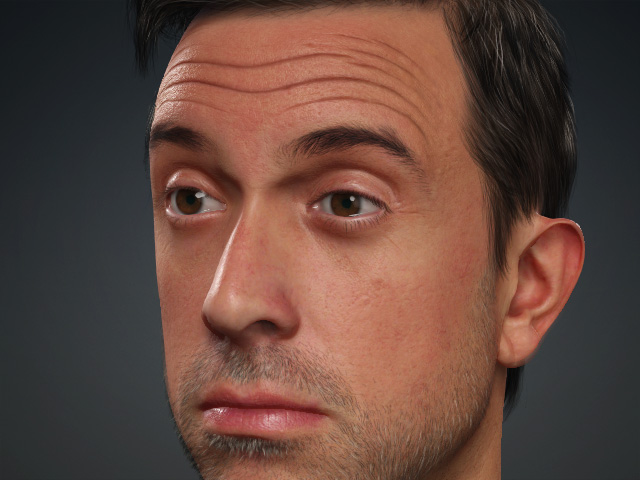
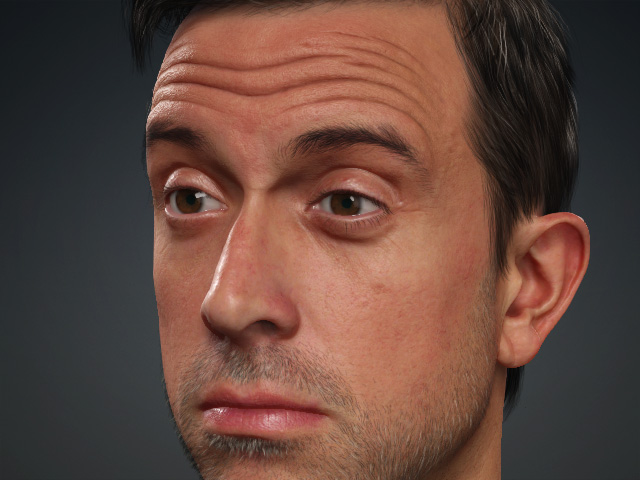
Level 0
Level 2
- Make sure you set the character to Level 0.
- Open the General Settings section in the Wrinkle system page.
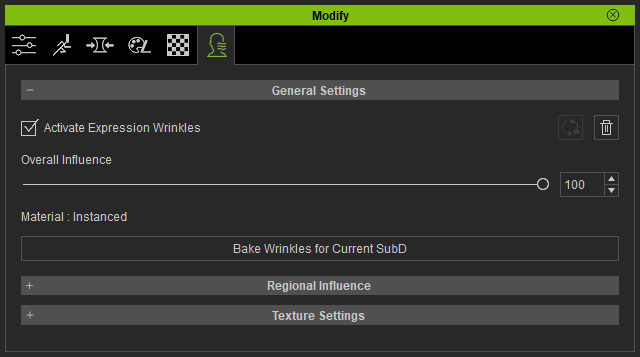
- Click the Bake Wrinkles for Current SubD button. This step will bake the wrinkle effect from the higher level to the lower level.
Please note that the same Bake Wrinkles for Current SubD command can also be found in the Create menu.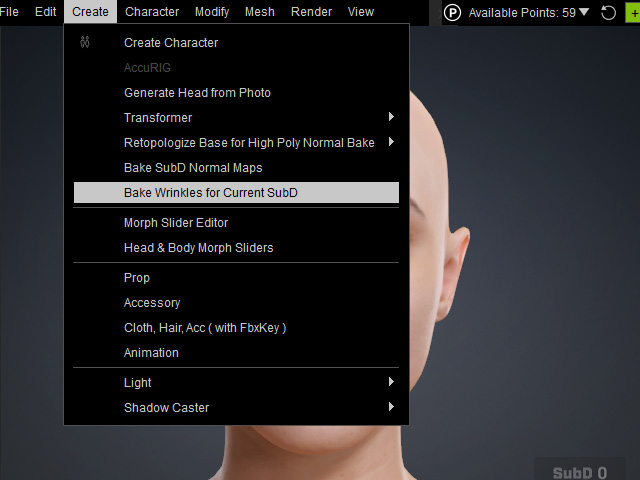
- You will be asked if you want to bakeup the current wrinkle effect.
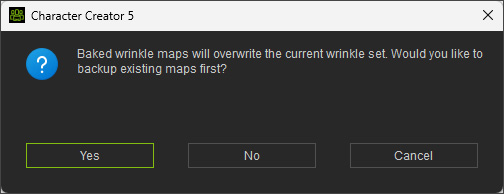
- Once the baking is complete, you’ll see the wrinkle effects enhanced on the low-level model.
- Repeat from step 2 for the other wrinkle sets (Orange and Blue) to bake the high-level wrinkle effects down to the lower-level model.
