Editing Cavity Maps
Cavity Map highlights small surface recesses (cavities) or crevices in dark tones while keeping raised areas bright, simulating localized ambient occlusion effects. It's used to add rich surface detail to low-poly characters or objects. In short, a Cavity Map helps make a model appear more detailed and textured. It can be used to compensate for the lack of Roughness detail and enhance the overall level of surface detail.
In Character Creator, each CC5 embedded character's contains Cavity map in the Shader Settings > Textures sub-section.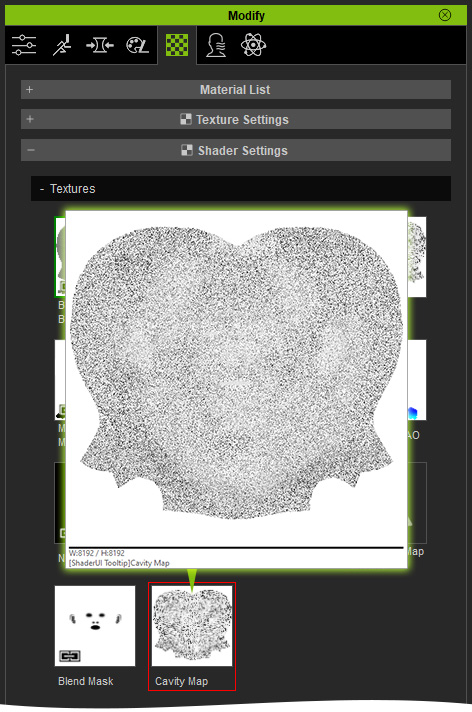
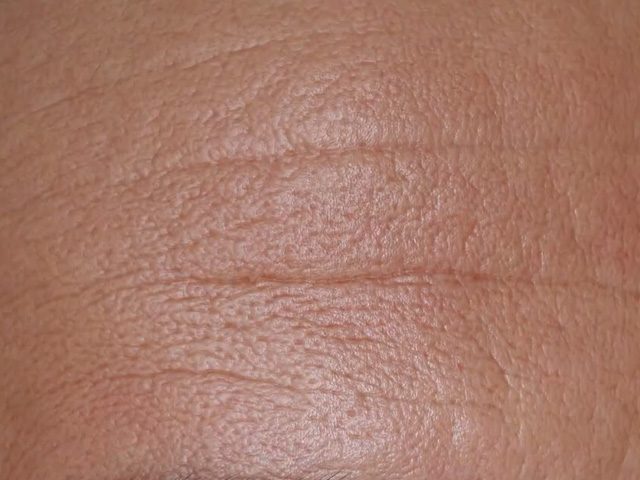
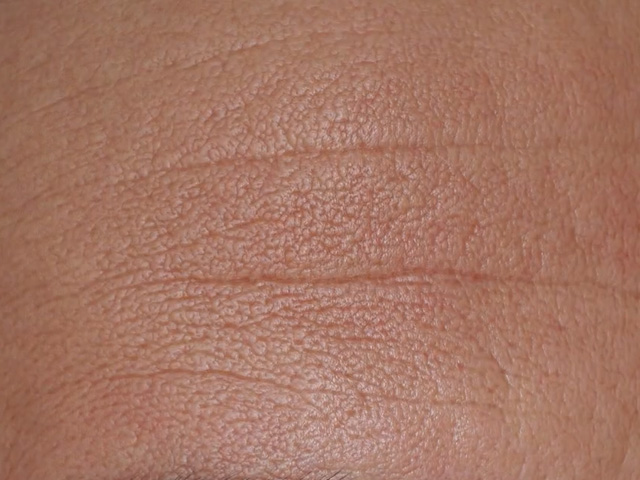
Compare the skin details with and without the Cavity map.
|
|
|
Without cavity map |
With cavity map (achieves better representation of surface bumps and dents) |
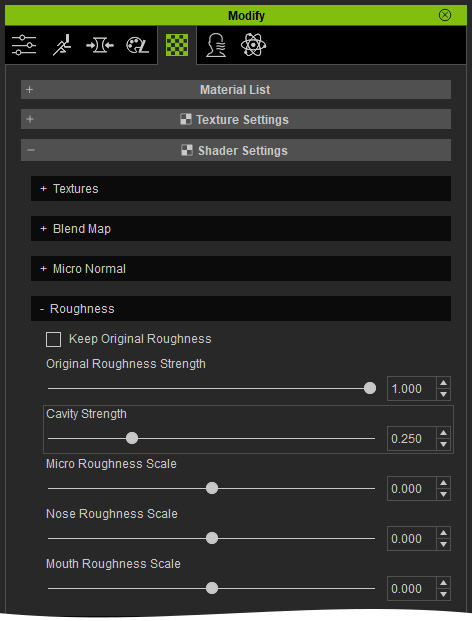
You can then adjust the cavity strength in the Shader Settings > Roughness sub-section.